Webflow vs Framer: Which Should You Choose? (2026)

Let's Build Your Webflow Website!
Partner with experts who understand your vision. Let’s create a converting user experience and build your website for future growth.
Webflow vs Framer: Which Design Platform Should You Choose? (2026)
Both Webflow and Framer are popular website-building tools. One fits perfectly with complex structures that stand the test of time. The other is there to transform the most creative design ideas into a website.
The choice of the platform you are going to use depends on what your business requires the most. In this guide, we will compare the core features of Webflow and Framer.
Webflow vs Framer: The quick answer
Choose Webflow for production websites that need robust CMS, e-commerce, scalability, and enterprise features. Choose Framer for interactive prototypes, animation-heavy designs, and simpler websites where design experimentation is the priority. Webflow is better for most business websites; Framer excels when prototyping and advanced animations are the primary focus.
Abstract
Webflow and Framer are two design-oriented platforms that have different advantages. Webflow is production-oriented, and Framer is a prototyping and design tool.
Once you have a clear direction on your project requirements, you will decide easily. In this guide, we will share honest feature comparisons, use cases, and pricing analysis.
As a Webflow Enterprise Partner, we've worked with both platforms and help teams choose the right tool for their specific needs.
Webflow vs Framer: Quick Comparison Table
Summary Insight
Webflow wins 5 categories, Framer wins 3, and 2 are ties or context-dependent.
- For production websites, Webflow is the stronger choice.
- For design-heavy work and prototyping, Framer has the edge.
Quick Decision Guide: Webflow or Framer?
Choose Webflow if:
- Building a marketing website with CMS
- Need e-commerce functionality
- Enterprise or agency project
- Long-term scalability is important
- SEO is a priority
- Complex team workflows needed
Choose Framer if:
- Creating interactive prototypes
- Animation-heavy experimental design
- Designer wanting quick landing pages
- Rapid design iteration priority
- Simpler content structure
- Coming from Figma workflow
Choose Either if:
- Portfolio or personal website
- Simple landing page
- Design quality is priority
- No CMS needed
The Simple Test:
- "Do I need CMS or e-commerce?" → Yes = Webflow
- "Is this primarily for prototyping?" → Yes = Framer
- "Is this a production business website?" → Yes = Webflow
Introduction to Webflow and Framer
Before we jump into comparing the features of each platform, we will explore what each of them offers. By the end of this section, you will have a clear insight into:
- What are Webflow and Framer
- Who is the ideal audience for each
- What are their key strengths
Overview of Webflow
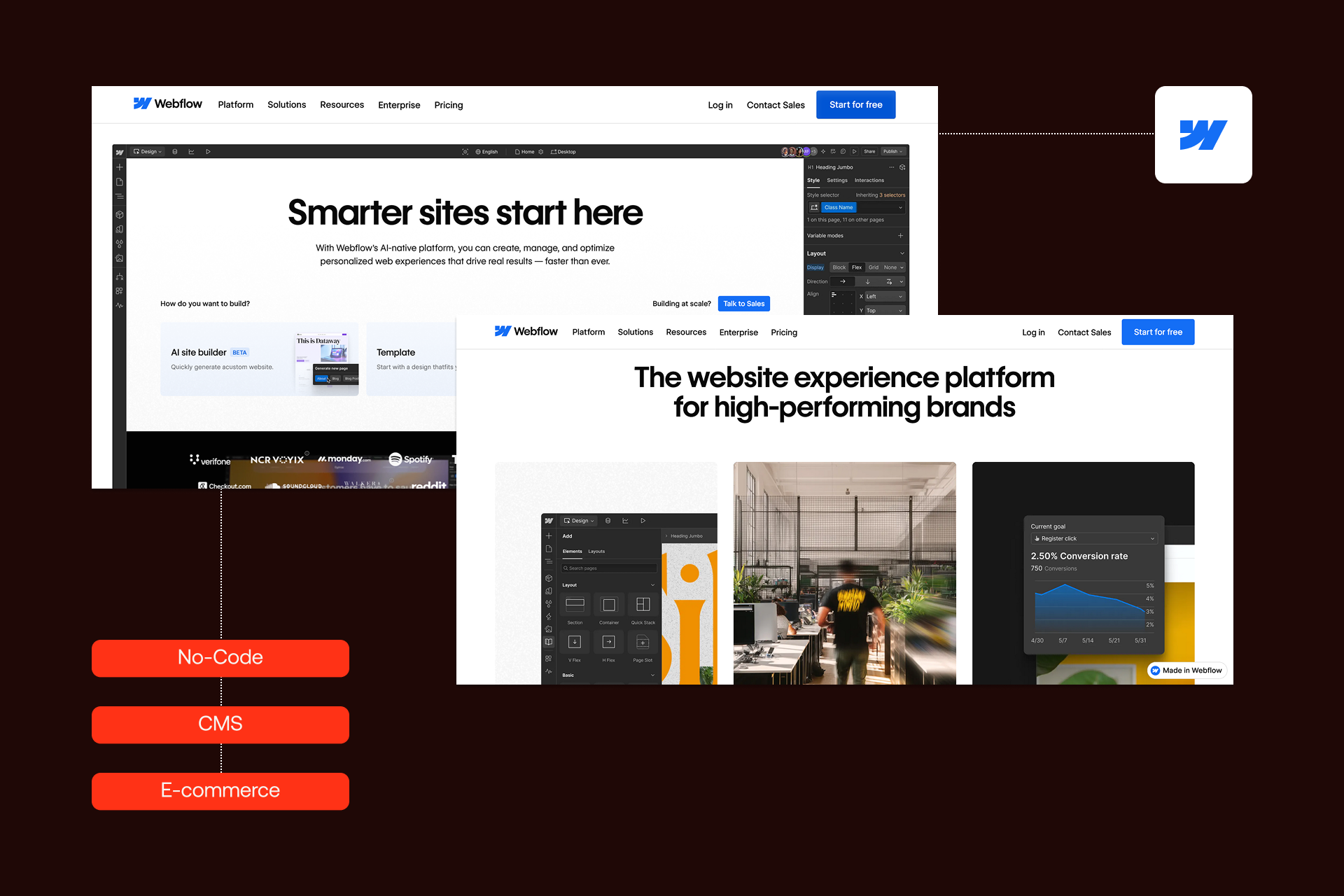
Webflow is a popular visual web design and development platform. The reason why many teams choose Webflow is its no-code approach and professional output.
Webflow offers built-in CMS, e-commerce features, and hosting, serving diverse audiences at the same time. With Webflow, you get design freedom without sacrificing production-ready results.
Webflow is best for:
- Designers who want to build professional websites
- Agencies and freelancers
- Marketing teams
- Enterprises needing scalable solutions
- Businesses looking to leverage expert Webflow development services
Core Webflow strengths are:
- Robust CMS for dynamic content
- Full e-commerce capabilities
- Enterprise-grade hosting and security
- Large ecosystem and Webflow integrations
- Clean exportable code
Overview of Framer
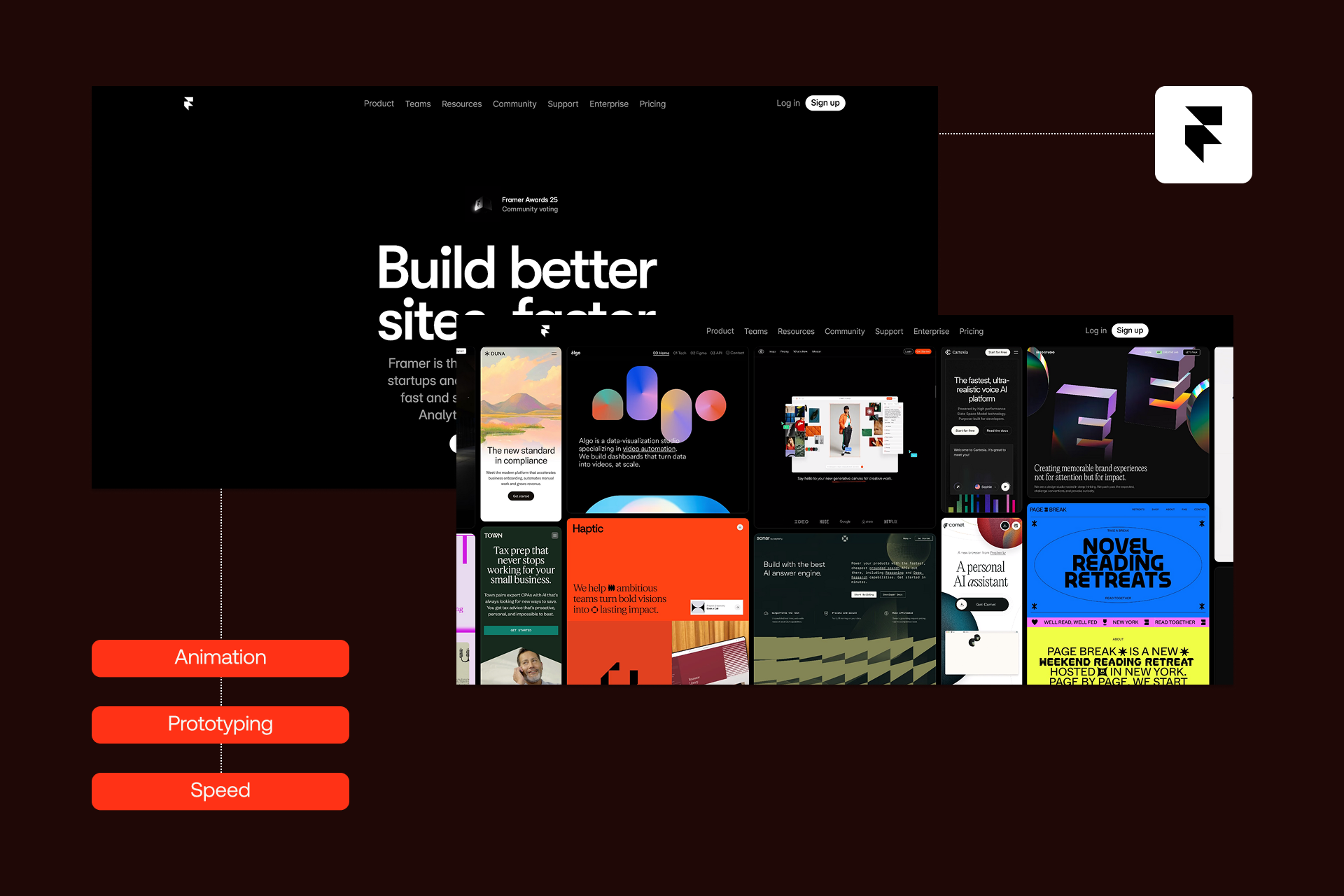
Framer started as a prototyping platform and evolved to a website builder. The sophisticated features, powerful animations, and designer-friendly interface are what made Framer a serious competitor that can compete with the strongest website builders in the market.
Framer is best for:
- Designers (especially from Figma)
- Teams focused on prototyping
- Creators of animation-heavy sites
- Those wanting quick, beautiful landing pages
Core Framer strengths are:
- Advanced animation capabilities
- Intuitive interface for designers
- Rapid prototyping
- Beautiful templates and components
- Real-time collaboration
Purpose of This Comparison
It is best to compare Webflow and Framer before you decide to make your move and select either of them, since:
- Both platforms are targeting conscious design users
- Both provide free website plans
- Both are good for creating landing pages and portfolios
We will assist you in making a final decision by comparing their major differences and core purposes, helping you avoid any confusion along the way.
Before we move on, here are three key questions to consider:
- Do you want to build a production site or a prototype?
- Do you need a CMS and e-commerce or a pure design-focused website?
- What is your long-term scalability goal?
Webflow vs Framer: Features and Capabilities Comparison
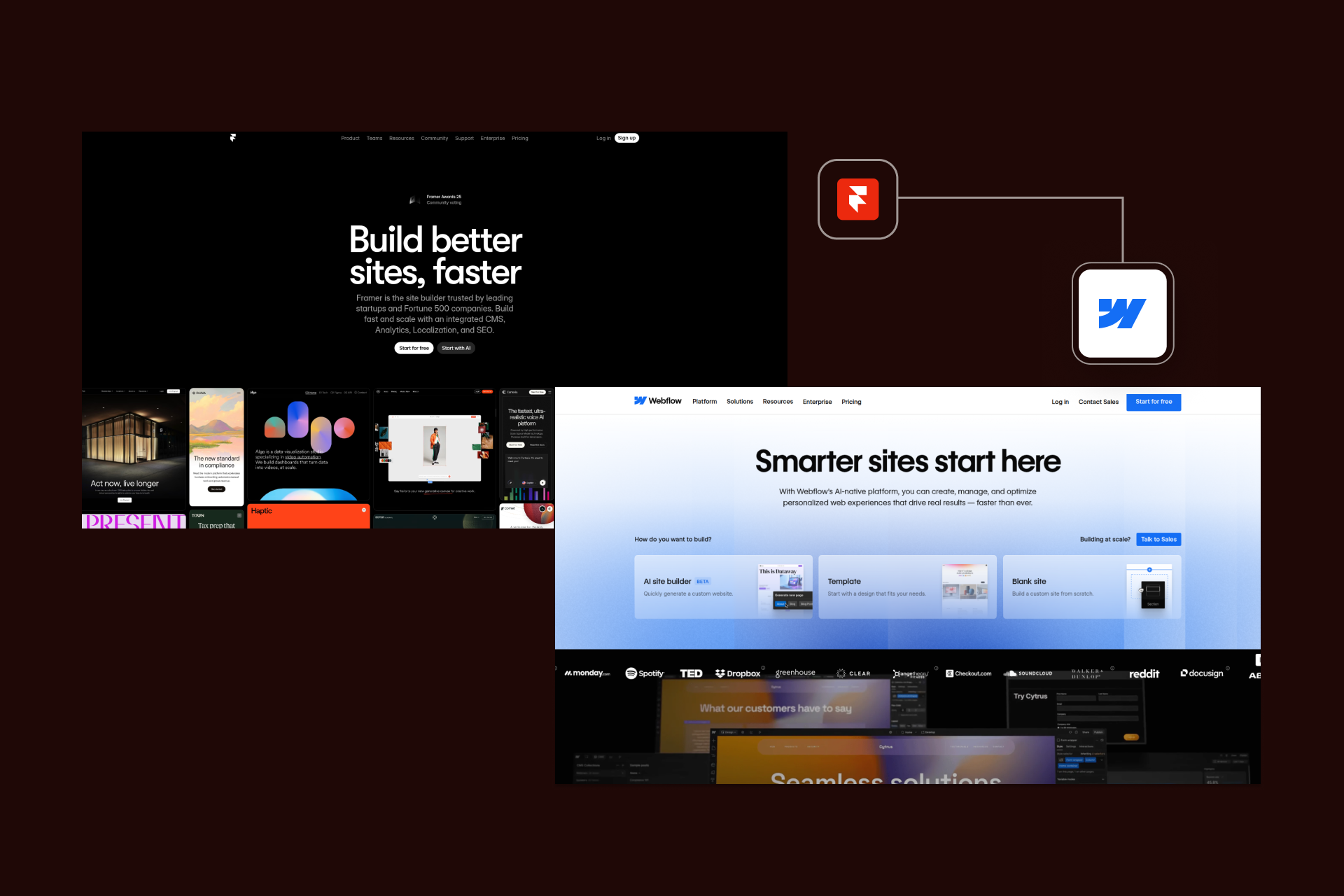
If you want to check which platform is more suitable for your workflow, you should look under the hood. Both Webflow and Framer can launch a website; however, they are very different in:
- How they handle the build
- How they manage complex data
- How much control you get
We will break this down by comparing the design, CMS, animation, prototyping, and e-commerce of both platforms.
Design Capabilities
Webflow
Webflow gives you full CSS control, design systems, and a style guide. The tool excels at responsive design, offering precise control through breakpoints. Webflow offers component-based design, symbols, and reusable elements.
Framer
Framer is design-friendly, with an interface familiar to all Figma users. It offers component variants and auto-layout similar to those found in Figma. The platform allows real-time design collaboration, and it has an extensive template library.
Webflow vs Framer Design Comparison:
- Both platforms offer excellent design freedom
- Webflow offers more control, but a steep learning curve
- Framer is more intuitive for designers
- Both deliver professional-quality output
Winner
Tie, even if they have different approaches, both platforms are excellent design tools.
Content Management System (CMS)
Webflow CMS
Webflow CMS is an extremely powerful platform designed to scale larger sites. You can make several collections, establish relationships among them, and bind dynamic content across all page elements. It works well with large content structures, and you can have up to 10,000 CMS items on regular plans (enterprise is much higher). It also has API access and thus can even be used headless should you require it.
Framer CMS
Framer’s CMS is simpler, and this is okay when you’re dealing with simple content setups. Typically, they are small blogs or static pages in which collections are fewer, and the format is much simpler. It doesn’t scale as well, but it works when you are doing something light. If you start getting more content, Framer’s CMS may not meet your needs..
Webflow vs Framer CMS
- If CMS matters for your project, Webflow is the clear choice.
- Big blogs, portfolios with categories, resource libraries - Webflow
- For simple landing pages or small blog pages, both can work.
Winner:
Webflow (way stronger CMS overall).
CMS Capabilities Comparison
CMS Use Case Fit
Compare Webflow to other platforms!
Interactivity and Animations
Webflow Animations
Webflow provides a good interaction panel with most of the things you would expect: scroll-based animations, hover and click triggers, Lottie integration, and so on. It works well with regular websites, although it can be a little tricky with complex layers and triggers. However, it handles general motion design well in most cases.
Framer Animations
Framer was built around animation. The animation engine is intuitive with real-time previews, simple controls, micro-interactions, and more experimental features. Framer makes complex animations accessible and enjoyable rather than technical, in case you want modern, complex, or physics-type animations.
Webflow vs Framer Animation
- Both tools are capable of creating great animations
- Webflow = technical but competent
- Framer = smoother, more powerful with complex animations
Winner:
Framer (particularly where animation is involved or where the work is experimental).
Important point: Webflow animations are sufficient on most websites, but Framer is superior in complex motion.
Animation & Interaction Capabilities
Webflow Animations
Framer Animations
Animation Verdict
Key Insight
Framer has a stronger animation “DNA” since it started as a prototyping tool. Webflow’s animations are fully capable for most production websites, but Framer excels when animations or micro-interactions are central to the design.
Prototyping and Development
Webflow Development
Webflow produces clean code, such as HTML, CSS, and JS. It has built-in hosting, custom code support, and API integrations for all production-level sites. Webflow is oriented towards building a real website workflow that goes beyond the design side.
Framer Prototyping
As mentioned, Framer began as a prototyping tool. It is a fantastic choice when it comes to interactive mockups, fast design-to-prototype flows, and user testing. Framer is quick to start, test, and experiment with interaction concepts - without worrying about code. While you can publish websites on Framer, its real power is in the idea/prototype stage.
Webflow vs Framer Development/Prototype
- Webflow is more suitable for production websites
- Framer works better when you are at an early stage
- Teams usually prototype in Framer, then build in Webflow
Winner:
Tie (depends on team workflow), but Webflow is better at development, Framer at prototyping.
E-commerce Features
Webflow E-commerce
Webflow includes complete e-commerce features. Product management, carts, checkout, payments, inventory, orders, custom product pages, the whole package. You can build small to mid-size online stores.
Framer E-commerce
Framer has minimal e-commerce capabilities, such as simple product showcases. If you need to manage payments or complete features, you will need to integrate a third-party tool. Framer isn’t a good option for serious e-commerce where you have to handle orders, variations, inventory, or complicated product information.
Webflow vs Framer E-commerce
In case you are selling products - Webflow
If you only require a simple product section - either
Winner:
Webflow (Framer does not actually compete in this).
Webflow vs Framer: Feature Comparison
Design & Development
Content & Commerce
Platform & Infrastracture
Collaboration
Check how we’ve helped brands like yours → Our Webflow work
Usability and Learning Curve
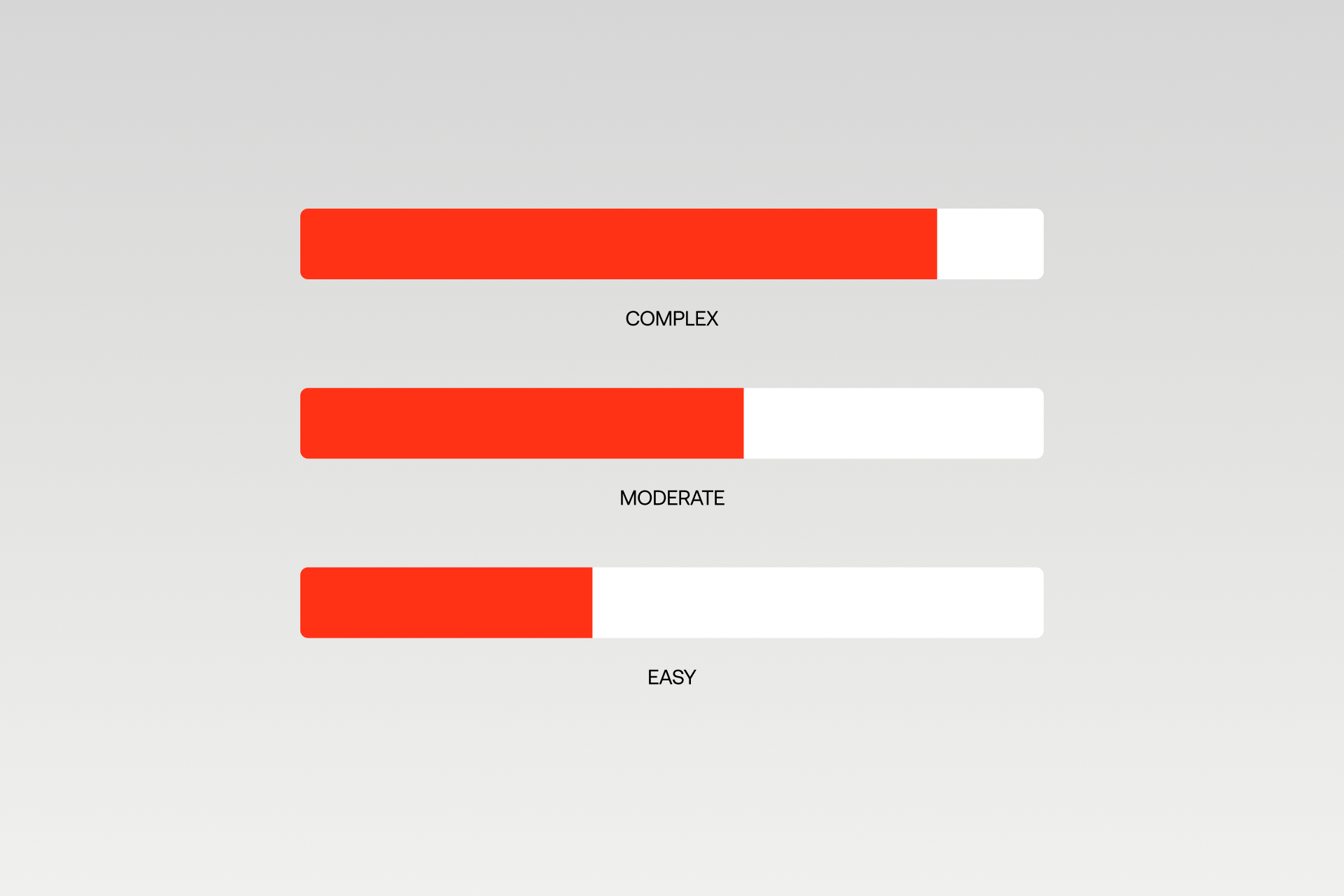
Alt: Comparison graphic showing difficulty levels from easy to moderate and complex for web design platforms.
It is worth considering how both platforms feel in daily use. Based on your technical background, the usability and the learning curve can be decisive factors.
Here we dissect the comparison of Webflow and Framer in terms of learning, resources, and teamwork.
Ease of Use
Webflow Ease of Use
Webflow is more difficult to learn, particularly initially. To use it properly, you have to know web concepts such as the box model, flexbox, and grid. It is incredibly powerful when you get used to it, but initially, the interface may seem overwhelming as everything is so detailed and technical.
It is all-inclusive, which implies that you have more to learn before you can feel completely comfortable. When you get it, though, you will have much more control over the final site.
Framer Ease of Use
Framer is way easier for designers to jump into without going deep into technicalities. If you've used Figma before, the interface feels super familiar and intuitive. You don't need much web-specific knowledge; it's more drag-and-drop, and the logic makes sense visually. You can get your website working very fast, which is great for beginners or anyone who wants to see results right away.
Webflow vs Framer: Ease of Use Comparison
- Framer = faster to start.
- Webflow = more power once mastered
- Designers usually click with Framer
- Developers or technical users often prefer Webflow
Winner:
Tie (depends on background), Framer wins for ease, Webflow wins for long-term capability.
Learning Resources and Community
Webflow Resources
Webflow has a huge amount of learning content, and Webflow University is one of the best free training platforms. Webflow's popularity ensures extensive documentation, countless YouTube videos, active forums, and a large, established community. You also find lots of third-party courses if you want to go deeper. Whatever you need, someone has already made a tutorial for it.
Framer Resources
Framer Academy offers a solid, though new and smaller, platform. The documentation is growing, and the community is active and very enthusiastic. You have good official tutorials, more YouTube content popping up lately, and a supportive vibe overall.
Webflow vs Framer Resources
- Webflow: larger and more established.
- Framer: smaller but growing fast.
- Both have helpful communities.
Winner:
Webflow (more mature ecosystem)
Need help choosing? Let's talk. → Contact Shadow Digital
Collaboration and Team Workflows
Webflow Collaboration
Webflow gives teams a more structured workflow in daily use. You have team workspaces, role-based permissions, and Editor mode so clients can edit content without breaking things. Staging environments make it easier to publish safely, and there are agency/freelancer plans built for professional team setups.
Framer Collaboration
Framer shines in real-time collaboration and moving fast. It feels very design-focused, where multiple people can work together live, add comments, and provide feedback instantly. The team structure is simpler, which works great for design teams who prefer agile, quick iteration without the heavier management layers.
Webflow vs Framer Collaboration
- Large agency or structured workflow - Webflow
- Design team working live together - Framer
- Clients editing content - Webflow Editor
Winner:
Depends on team type: Webflow for structured teams, Framer for fast design collaboration.
Usability Comparison
Learning Resources
Collaboration Features
Bottom Line
- Framer: Easier to start, especially for designers familiar with Figma; excellent for rapid prototyping and creative iteration.
- Webflow: More powerful once mastered; better for structured teams, client workflows, and long-term production sites.
Pricing and Plans
Pricing and plans are showing what you actually get for the money. Both Webflow and Framer have free tiers so you can try things out, but once you start hosting live websites or working with clients, you'll need to jump into their paid plans.
In this section, we break down pricing structures, what freelancers and agencies should expect, and how each platform handles enterprise-level needs. The goal isn't just to compare numbers, but to understand what you're actually paying for.
Pricing Structure
Webflow Site Plans
Webflow Site Plans
Framer Plans
Value Comparison
Pricing Verdict
- Simple landing page? Framer may be cheaper
- CMS-driven site? Webflow offers better value
- E-commerce? Webflow is the only viable option
Enterprise projects? Webflow has true enterprise plans
Note: Pricing may change over time. Always check Webflow and Framer for the latest plans.
Freelancer and Agency Considerations
Webflow for Freelancers & Agencies
Webflow has workspace plans, client billing options, and agency-focused features like staging, permissions, and white-label capabilities. It's a great option for freelancers working on multiple client sites and agencies that need structure.
Framer for Freelancers & Agencies
Framer is great for quick projects, prototypes, and design-focused client work. It's simpler, which helps when you need to ship fast, or you're working with design-first clients.
Webflow vs Framer for Freelancers/Agencies
- Freelancers with many varied clients - Webflow
- Design-focused agencies - Framer works well
- Bigger clients or enterprise - Webflow is stronger
Winner:
Webflow for most professional setups
Enterprise and Scalability
Webflow Enterprise
Webflow offers enterprise plans with SLAs, dedicated support, extra security, and the ability to scale large websites. Enterprise plan handles big sites, lots of pages, and high traffic levels without issues.
Framer Enterprise
Framer is more limited for enterprises. It doesn't have the same level of advanced infrastructure, and while it can host production sites, it's not built for large organizations or massive content structures.
Webflow vs Framer Enterprise
- Need 1000+ pages? - Webflow.
- High traffic or security requirements? - Webflow.
- Simple or mid-size sites? - Both are fine.
Winner:
Webflow (no contest for enterprise needs)
Use Cases and Final Comparison
Before choosing between Webflow and Framer, it helps to look at what each platform is best suited for. Not every project needs a huge CMS, and not every site needs complex animations.
Some tools shine for production websites, others are better for creative experimentation or quick prototyping. So instead of trying to pick a "winner," it's more useful to match the right platform to the right job.
The goal is simple: help you understand which platform fits your project, your team, and the long-term goals of your website.
Best Use Cases for Webflow
Webflow is ideal for projects where the website needs to do more than just look good. It shines for marketing websites with heavy CMS requirements, e-commerce stores, agency sites, and enterprise-level builds.
If you're working on a blog-heavy site or project that needs to scale over time, Webflow handles that significantly better. It's also strong for projects that need integrations, SEO control, and long-term maintainability.
Webflow is at its best when the CMS is essential, when e-commerce is needed, or when the site is expected to grow significantly over the next few years. It supports more complex team collaboration and enterprise requirements, which makes it a safer bet for bigger organizations or companies with structured workflows.
Shadow Digital focus: We specialize in enterprise Webflow builds, CMS-heavy marketing sites, Webflow e-commerce, and connecting Webflow to more complex operational systems. Basically, anything that needs to be built "for real" and not just as a quick demo.
Best Use Cases for Framer
Framer is perfect for interactive and visually creative projects. It's great for prototypes, especially when animation or micro-interaction is part of the concept. Designer portfolios, quick landing pages, and experimental websites fit perfectly within Framer's strengths.
Design teams can collaborate fast, iterate quickly, and push creative boundaries without worrying too much about CMS structure or technical constraints.
Framer stands out when prototyping is the main goal, or when the project requires advanced animations and design experimentation.
If the content structure is simple and you need to ship fast, Framer handles that super well. It's very designer-first, which makes it a go-to for teams focusing more on visuals and motion rather than large content systems.
Webflow vs Framer: Decision Flowchart
START HERE
│
▼
┌───────────────────────────────────┐
│ Is this primarily for prototyping │
│ or a production website? │
└───────────────────────────────────┘
│ │
[Prototyping] [Production]
│ │
▼ ▼
┌─────────────┐ ┌───────────────────────────────────┐
│ FRAMER │ │ Do you need CMS functionality? │
│ likely │ └───────────────────────────────────┘
└─────────────┘ │ │
YES NO
│ │
▼ ▼
┌─────────────┐ ┌───────────────────────────────────┐
│ WEBFLOW │ │ Do you need e-commerce? │
└─────────────┘ └───────────────────────────────────┘
│ │
YES NO
│ │
▼ ▼
┌─────────────┐ ┌───────────────────────────────────┐
│ WEBFLOW │ │ Are advanced animations the │
└─────────────┘ │ primary feature? │
└───────────────────────────────────┘
│ │
YES NO
│ │
▼ ▼
┌─────────────┐ ┌─────────────┐
│ FRAMER │ │ EITHER │
│ maybe │ │ (Webflow │
└─────────────┘ │ for scale) │
└─────────────┘
Quick Reference: Webflow vs Framer
Strengths and Weaknesses Summary
Webflow Strengths:
Robust CMS, full e-commerce, strong SEO tools, a large ecosystem, and solid enterprise scalability. It's built for production websites and long-term growth.
Webflow Weaknesses:
The learning curve is steeper, and it can be overkill for simple one-page sites.
Framer Strengths:
Amazing animations, super intuitive for designers, fast prototyping, and easy interface. Great for visual storytelling and creative work.
Framer Weaknesses:
Limited CMS, weak e-commerce, not as scalable, and a smaller ecosystem overall.
Final Recommendation
Choose Webflow if:
You're building a real production website, need CMS or e-commerce, working on an agency/enterprise project, or need long-term scalability and SEO.
Choose Framer if:
You're prototyping, doing animation-heavy creative work, building simple landing pages, or want a designer-first workflow.
Bottom line:
- Production websites - Webflow
- Design experimentation - Framer
- Both tools are excellent, but they serve different purposes and have different strengths
Webflow: Pros and Cons
Framer: Pros and Cons
Head-to-Head Summary
Final Verdict
- For production websites: Webflow wins
- For prototyping & animations: Framer wins
- Overall versatility & long-term projects: Webflow edges out
Conclusion
Both Webflow and Framer are powerful platforms, but they excel in different areas. Webflow is the stronger option for production-ready websites, CMS-driven projects, and anything involving e-commerce or enterprise requirements. Framer is fantastic for prototyping, animations, and design experimentation where creativity comes first.
The main takeaway is simple: choose based on your project needs, not just which interface looks nicer.
- CMS-heavy site? - Webflow
- E-commerce? - Webflow
- Prototyping or design testing? - Framer
- Advanced animations? - Framer
- Enterprise or high-scale? - Webflow
- Quick landing page? - Either works.
The truth is that for most business websites, Webflow ends up being the better long-term choice. But Framer is excellent at what it does best, and some teams even use both: prototype in Framer, then build in Webflow.
Shadow Digital advantage
As a Webflow Enterprise Partner, we help businesses choose the right platform and deliver Webflow builds that perform at scale.
Not sure whether Webflow or Framer is right for your project? Contact us! Shadow Digital helps you choose the right platform and builds Webflow sites that deliver results. Let's discuss your needs.
FAQ - Frequently Asked Questions
General
What is the main difference between Webflow and Framer?
Webflow is built for real production websites with strong CMS, e-commerce, and scalability. Framer is more design-focused and great for prototypes, animations, and quick visual sites. Webflow = more power. Framer = more creative freedom.
Is Framer better than Webflow for designers?
For many designers, yes. Framer feels more like Figma, highly intuitive and visual. But if the designer needs CMS, SEO, or real production reliability, Webflow becomes the better long-term choice.
Can Framer replace Webflow?
Not fully. Framer is great for simple sites, prototypes, and animations, but it doesn't replace Webflow's CMS depth, e-commerce, or enterprise capabilities. It depends on the project.
Features
Which has better animations, Webflow or Framer?
Framer wins here. It has a more advanced animation engine, real-time previews, and feels way more natural for micro-interactions or creative motion. Webflow is solid, but not as smooth for complex things.
Does Framer have a CMS like Webflow?
Framer has a basic CMS, but it's nowhere near Webflow's. Good for simple content, but not for big blogs, multi-collection sites, or anything that needs relationships and scalability.
Can I build e-commerce with Framer?
Not really. You can hack simple product pages or use third-party checkouts, but Framer isn't built for real e-commerce. Webflow is the clear choice for actual online stores.
Usability
Is Framer easier to learn than Webflow?
Yes, especially for designers. Framer feels very Figma-like and visual. Webflow takes more time because it uses real web concepts like the box model, classes, and layout structure.
Which is better for beginners, Webflow or Framer?
Framer is considerably easier for beginners who want something working fast. Webflow is harder at the start but more capable once you learn it, especially for bigger or long-term sites.
Can I use Framer and Webflow together?
Yes, some teams prototype in Framer and then build the final website in Webflow. They complement each other well, depending on the workflow.
Business
Which is more cost-effective, Webflow or Framer?
Framer is cheaper to start, but Webflow offers more value for production websites. If you need CMS, SEO, e-commerce, or scaling, Webflow justifies the higher price.
Is Webflow or Framer better for agencies?
Agencies doing real client websites usually prefer Webflow because of CMS, hosting, permissions, and scalability. Design-focused studios may choose Framer for its speed and creativity.
Which platform is better for enterprise websites?
Webflow, easily. It has enterprise plans, security features, SLAs, and handles large sites. Framer isn't built for deep enterprise needs yet.