Best Webflow Agencies for WordPress Migration (2026)

Let's Build Your Webflow Website!
Partner with experts who understand your vision. Let’s create a converting user experience and build your website for future growth.
Best Webflow Agencies for WordPress Migration (2026)
Every growing website built on WordPress eventually hits a wall. It happens when the tool that once helped you starts holding you back
The most common issues aren't dramatic, but they're frustrating when you use your website daily. Plugins start to crash, websites slow down, and a small update can lead to breaking things down. When thinking of moving forward, Webflow is the most solid choice.
But migration can feel risky, no matter how good the destination platform. After all, you're not building from scratch.. You’re moving years of hard work, Google rankings, while you’re trying not to lose customer trust during the process.
Featured Snippet: Direct Answer
The best Webflow agencies for WordPress migration combine deep expertise in both platforms with proven SEO preservation methodologies. Top agencies include Shadow Digital (enterprise migrations, SEO-focused), Veza Digital (SEO-first migrations), and specialized migration partners.
Key criteria: SEO migration experience, content transfer capabilities, redirect mapping expertise, and post-migration support. Always verify that agencies have documented WordPress-to-Webflow case studies with preserved rankings.
Abstract
Migrating your website from WordPress to Webflow is a high-stakes decision, and one of the biggest bets for teams. That’s why you need to find a partner who can lead this process with knowledge, experience, and support.
The best partners like Shadow Digital and Veza Digital have a proven, disciplined process to map out each detail of your migration, protecting your brand and traffic.
As an Enterprise Partner, we've seen that the best WordPress to Webflow migration combines a structured plan with deep SEO expertise. We have a single goal in mind: to make migration results stronger, not just surviving the move.
Quick-Reference: Top Migration Agencies (2026)
Migration Reality Check: The Stakes of Transition
Migration Reality Check: Your WordPress site represents years of accumulated SEO equity, with hundreds of indexed pages and established backlinks that search engines trust. A botched migration—often caused by broken redirects or lost metadata, can result in a 50%+ loss of organic traffic overnight, causing months of recovery debt. To mitigate this, ensure your chosen agency follows a documented preservation process for every URL and ranking signal. Always ask to see before-and-after traffic data from their previous migrations to verify their ability to protect your brand's visibility.
Introduction to WordPress to Webflow Migration
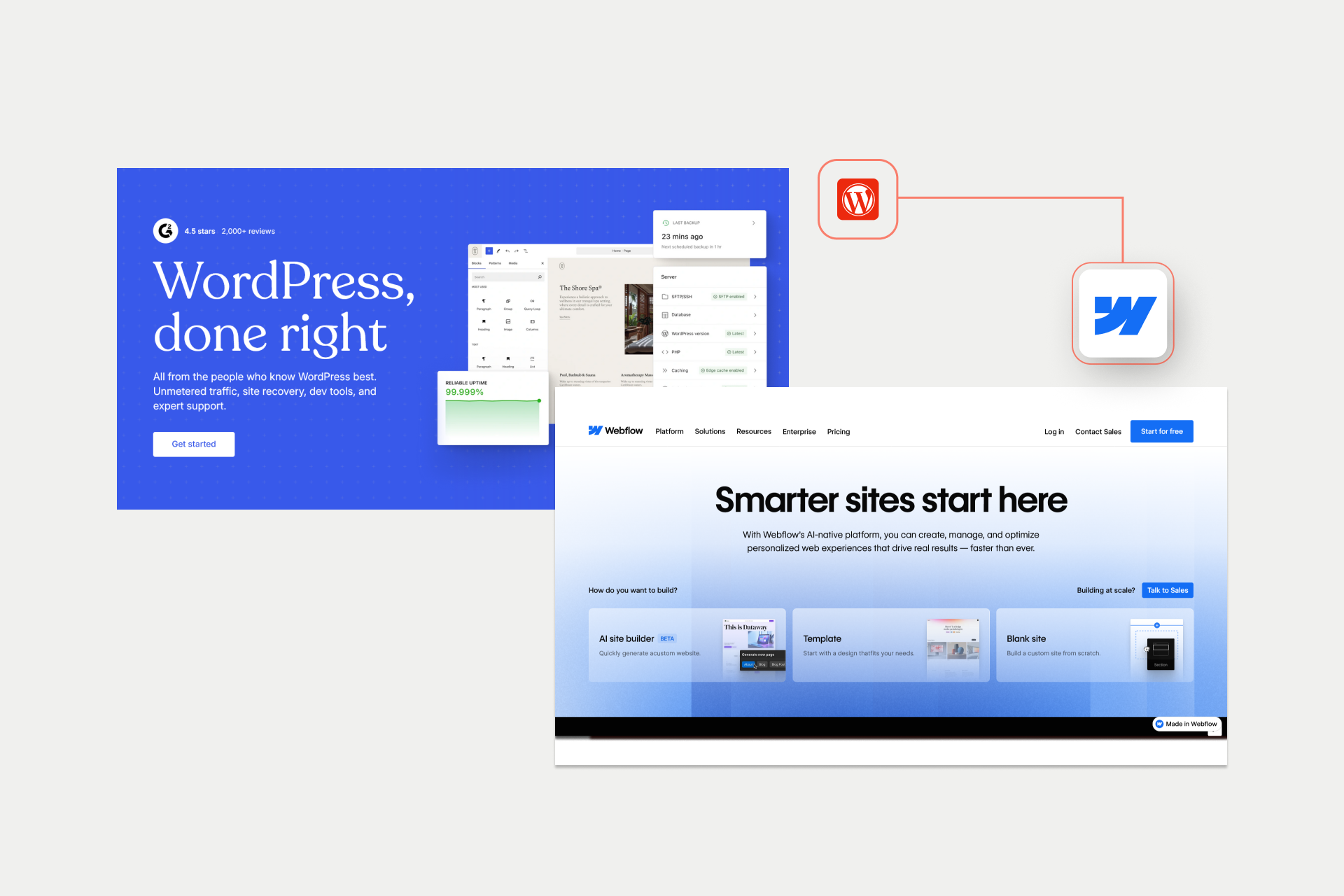
Every year, thousands of businesses decide to walk away from WordPress. As previously mentioned, It's not because of one big crash. It's because of the small setbacks that happen all the time.
Or a security alert popping up at the worst time. Eventually, WordPress websites become too slow and too expensive to run.
That's why Webflow offers a fresh start as a modern platform that removes these setbacks.
Why Businesses Are Migrating from WordPress
The most common reason why businesses are migrating from WordPress is that they are looking for faster, safer, and easier solutions. There’s no growing business out there that wants to spend more time fixing a website that could have been working well in the first place.
These are the most common reasons why teams are making the switch to Webflow:
- Plugin freedom - Webflow takes a different approach. Essential functionality that WordPress requires plugins for is built into the platform.
- Security you don’t have to chase - There’s no worrying about security because Webflow handles the safety system for you.
- Speed by default - Webflow handles cleaning up massive code and slow themes, and it’s designed to be fast from day one.
- Independent marketing - Over time, your marketing team can launch new pages or tweak things without developers' help.
- Simpler hosting - With Webflow, you don’t have to manage complex servers or hidden maintenance costs since it’s all covered in your package.
Get more insights!
Check our Webflow vs WordPress comparison.
The Stakes: What’s at Risk in Migration
Here’s the reality check - the main thing WordPress to Webflow migration puts at risk is the years of work and effort you’ve already put in.
A typical website represents three to five years of building trust with search engines. By default, migration is a complete transformation of every link and piece of content you already have.
The most risky thing is not doing this right and handling SEO incorrectly. Beyond just search rankings, you have to ensure that every page, image, and internal link survives the move without breaking.
Even a small amount of downtime can cost you revenue and damage the trust your customers have in your brand, and if your users notice those problems, search engines will too.
Why Agency Selection Matters
Migration is a one-time event, and there are no second chances for doing things right
DIY migrations and inexperienced agencies often underestimate the SEO and content risks involved. Experienced Webflow migration agencies bring proven processes, validation steps, and rollback plans designed to protect existing performance.
When migrations fail, the cost isn’t just technical debt; it’s lost traffic, lost leads, and months of recovery. In that context, the right agency isn’t an expense. It’s risk insurance.
Shadow Digital team in action → See our migration work
WordPress to Webflow: Migration Risk Assessment
Key Insight: The cost of a failed migration far exceeds the cost of hiring an experienced agency. One significant ranking drop can take 6-12 months to recover, often costing more in lost revenue than the migration itself.
Criteria for Selecting the Best Migration Agency
If redesigning a website is like renovating a house, migration is like lifting the foundation and moving the entire structure without cracking the walls..
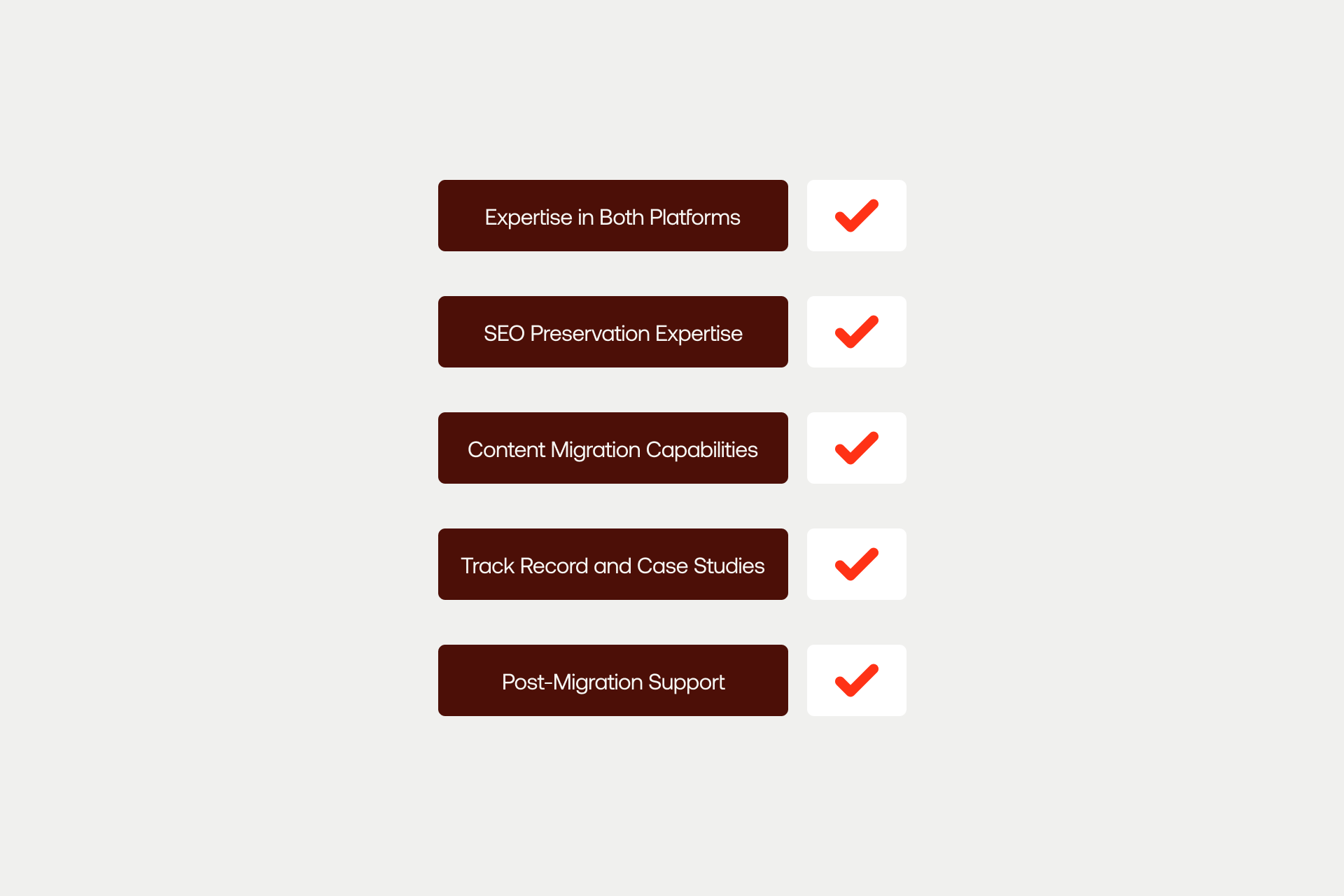
That’s why choosing a WordPress to Webflow migration agency isn’t about aesthetics or hourly rates. It’s about trust, process, and pattern recognition. The best agencies don’t just know how to build in Webflow. They know how things break during migration, and how to prevent that from happening in the first place.
Here’s how to evaluate them.
Expertise in Both Platforms
The most dangerous assumption in migration is that 'a website is a website.' The reality is more complex
A qualified migration agency must deeply understand both WordPress and Webflow, not just at the surface level, but at the architectural level. On the WordPress side, that means familiarity with databases, themes, plugins, and how content is actually stored and rendered. It means experience with complex setups like WooCommerce, multisite networks, and custom post types that don’t map cleanly to another CMS.
On the Webflow side, it means mastery of the CMS, hosting environment, and platform constraints. Knowing what Webflow does exceptionally well, and where workarounds or compromises are required, is critical to avoiding surprises late in the project.
Most importantly, the agency should clearly articulate:
- What transfers cleanly
- What requires restructuring
- What should not be migrated at all
A simple litmus test:
Ask them to show WordPress sites they’ve migrated and explain what was complex about each. If they can’t explain the complexity, they likely haven’t dealt with enough of it.
SEO Preservation Expertise
This is where migrations succeed or fail.
SEO preservation isn’t a checklist at the end of a project. It should shape every decision from day one. Agencies that treat SEO as an add-on often learn too late that search engines don’t forgive structural mistakes.
At a minimum, a serious WordPress to Webflow migration agency should have a documented process for preserving:
- URL structure mapping
- 301 redirect implementation
- Meta titles and descriptions
- Header tag hierarchy
- Image alt text
- Internal linking structure
- XML sitemap generation
- Schema markup
These aren't nice-to-haves. They're the scaffolding that holds search visibility together
There are also clear red flags to watch for:
- No mention of SEO in the migration process
- Vague assurances like “we’ll handle redirects” without specifics
- No before-and-after traffic data from past migrations
The key insight to remember is this:
SEO preservation isn’t something you add to a migration. It’s the foundation that the migration is built on.
Content Migration Capabilities
Content is where complexity hides, and an agency should be able to confidently migrate more than just static pages.
That includes:
- Blog posts and landing pages
- Images and media libraries
- CMS structures and relationships
- Custom post types
- Authors, categories, and tags
- Comments, if they’re business-critical
This requires more than manual copy-paste. It requires a systematic approach to recreating content models in Webflow so that editors can manage the site effectively after launch.
If an agency talks about “rebuilding content later,” that’s often a sign they haven’t planned for scale.
Track Record and Case Studies
In migration, experience is everything.. Strong agencies can show real examples where value was protected through complex transitions, not just attractive redesigns.
What matters is clear evidence that they’ve managed risk before and delivered stable outcomes after launch.
Strong agencies can point to:
- Documented WordPress to Webflow migration case studies
- Before-and-after traffic and ranking data
- Client testimonials that speak specifically to migration outcomes
- A portfolio of live, migrated sites.
- Examples across varying levels of complexity
Generic design case studies aren’t enough. You’re looking for evidence that the agency has navigated risk and protected value before.
Post-Migration Support
The launch isn't the finish line; it's the handoff into real-world use.. What happens in the weeks after migration determines whether the work holds up under traffic, crawlers, and daily operations. Strong post-migration support exists to confirm stability, catch issues early, and ensure nothing quietly degrades after go-live.
Post-migration support should include:
- A monitoring period after launch
- Redirect verification and crawl checks
- Ranking and traffic tracking
- Bug fixes and structural adjustments
- Training for internal teams
- Options for ongoing maintenance or optimization
The best agencies stay close after launch, not because they expect problems, but because they know how important the first few weeks are. Migration success isn’t declared at go-live. It’s proven in what doesn’t break afterward.
WordPress Migration Agency Evaluation Checklist
Platform Expertise
[ ] Deep WordPress knowledge: Understanding of databases, plugins, and custom themes.
[ ] Webflow mastery: Proficiency in the Designer, CMS architecture, and hosting constraints.
[ ] Experience with varied setups: Proven ability to handle complex WordPress environments.
[ ] WooCommerce experience: Capability to migrate or rebuild e-commerce logic (if applicable).
[ ] Custom post types: Clear plan for mapping complex data structures to the Webflow CMS.
SEO Migration Experience
[ ] Documented SEO process: A step-by-step methodology for preserving search equity.
[ ] URL mapping methodology: A rigorous plan to track every existing page to its new destination.
[ ] 301 redirect expertise: Proficiency in implementing permanent redirects without chains or errors.
[ ] Metadata transfer: Process for migrating Title Tags, Descriptions, and Open Graph data.
[ ] Before/After traffic studies: Evidence of ranking stability from previous client projects.
[ ] Schema markup: Capability to preserve structured data for rich search results.
Content Migration
[ ] Full content audit: A pre-migration inventory of every page, post, and asset.
[ ] Blog & Page transfer: Systematic migration of all text-based content.
[ ] Media migration: Moving image libraries and assets while maintaining Alt text and quality.
[ ] CMS structure planning: Designing a scalable content model in Webflow.
[ ] Internal link preservation: Ensuring links within articles don't lead to 404s.
Process & Methodology
[ ] Migration playbook: A clear, written roadmap of how the move will be executed.
[ ] Staged approach: Use of a staging/preview environment before going live.
[ ] Testing & QA: Comprehensive checks for responsiveness, links, and forms.
[ ] Rollback contingency: A safety plan to revert to WordPress if critical issues arise at launch.
[ ] Clear milestones: A transparent timeline with specific delivery dates.
Post-Migration Support
[ ] Monitoring period: Active site observation for at least 30 days post-launch.
[ ] Redirect verification: Auditing the live site to ensure all 301s are firing correctly.
[ ] Ranking tracking: Monitoring organic performance against pre-migration baselines.
[ ] Bug fix support: Rapid response for any structural adjustments needed after go-live.
[ ] Team training: Onboarding your marketing team to the new Webflow Editor.
[ ] Ongoing maintenance: Options for long-term technical support.
Proof & Credentials
[ ] Direct case studies: Specifically showcasing WordPress-to-Webflow moves.
[ ] Migration testimonials: Reviews that mention the migration process, not just design.
[ ] Traffic data transparency: Willingness to show quantitative proof of SEO success.
[ ] Live portfolio: A list of currently active, migrated sites to inspect.
Note: Prioritize agencies that can show before/after organic traffic data from past migrations.
This is the ultimate proof of SEO preservation capability.
Top Webflow Agencies for WordPress Migration
Choosing a migration partner isn’t about picking the most popular agency. It’s about picking the one whose strengths align with the risk profile of your site. Below are standout agencies, presented not as sales blurbs but as decision frameworks.
Shadow Digital ⭐ (Featured)
Overview
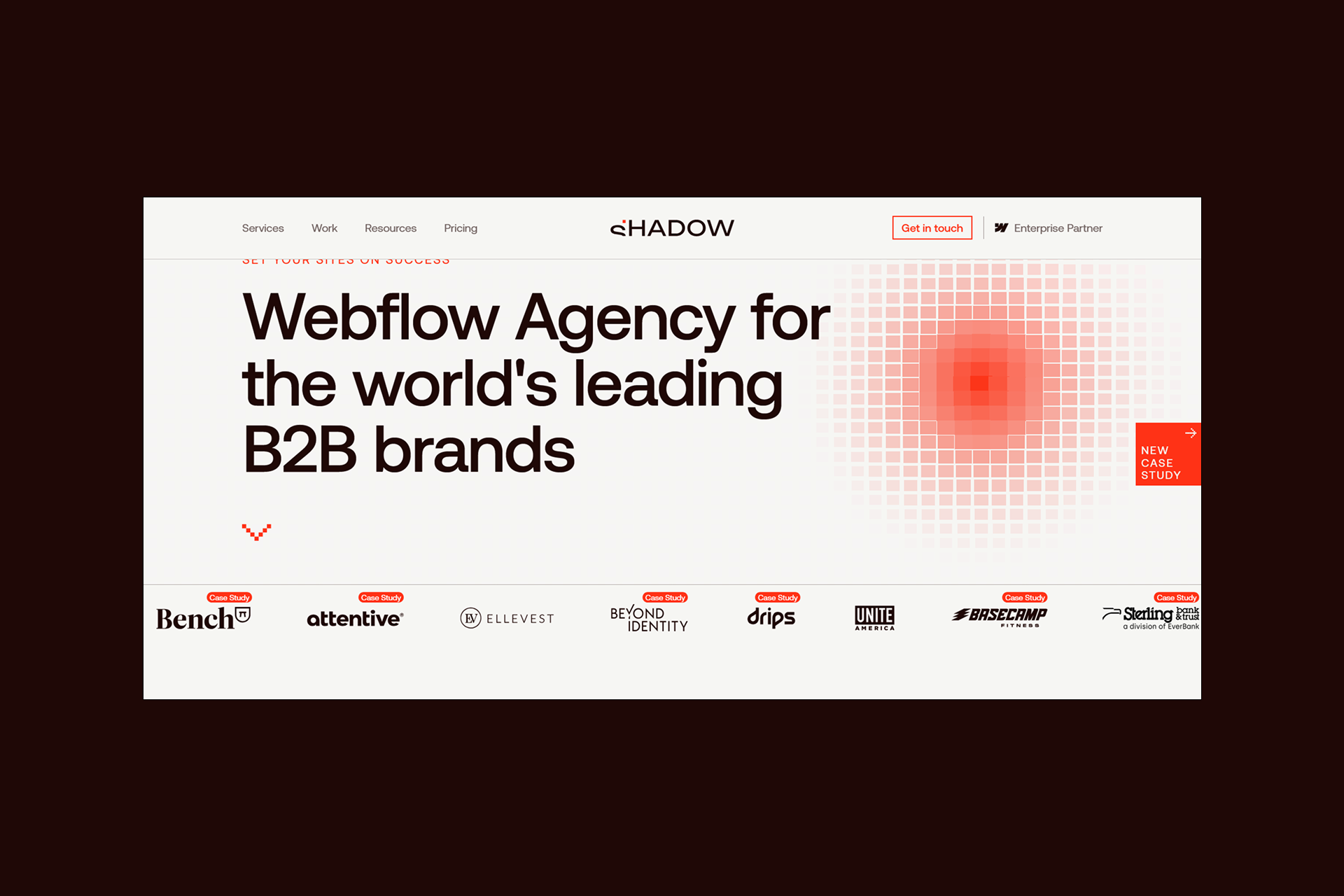
Shadow Digital specializes in what most agencies quietly avoid: high-stakes WordPress to Webflow migrations. As a Webflow Enterprise Partner, their work focuses on sites where SEO equity, uptime, and content integrity are non-negotiable. This is migration as risk management.
Migration Credentials
- Proven SEO preservation methodology
- Enterprise-scale WordPress to Webflow migrations
- Zero-loss content migration processes
- Comprehensive, audited redirect mapping
Key Differentiators
- SEO-first migration approach (not design-first)
- Minimal-downtime launch strategy
- Structured post-migration monitoring
- Expert Webflow development services
- Migration Process (High Level)
- Full forensic site audit before migration
- URL mapping and redirect planning before build
- Staged migration with testing environments
- SEO validation post-launch
- 30-day monitoring and stabilization period
Best For
- High-traffic websites
- SEO-critical businesses
- Enterprise WordPress installations
- Complex CMS and content architectures
Considerations
Enterprise-grade methodology means smaller sites may not require the full process.
Proof Points
- Webflow Enterprise Partner
- Case studies showing traffic preservation
- Veza Agency Network collaboration
Veza Digital (Veza Agency Network)
Overview
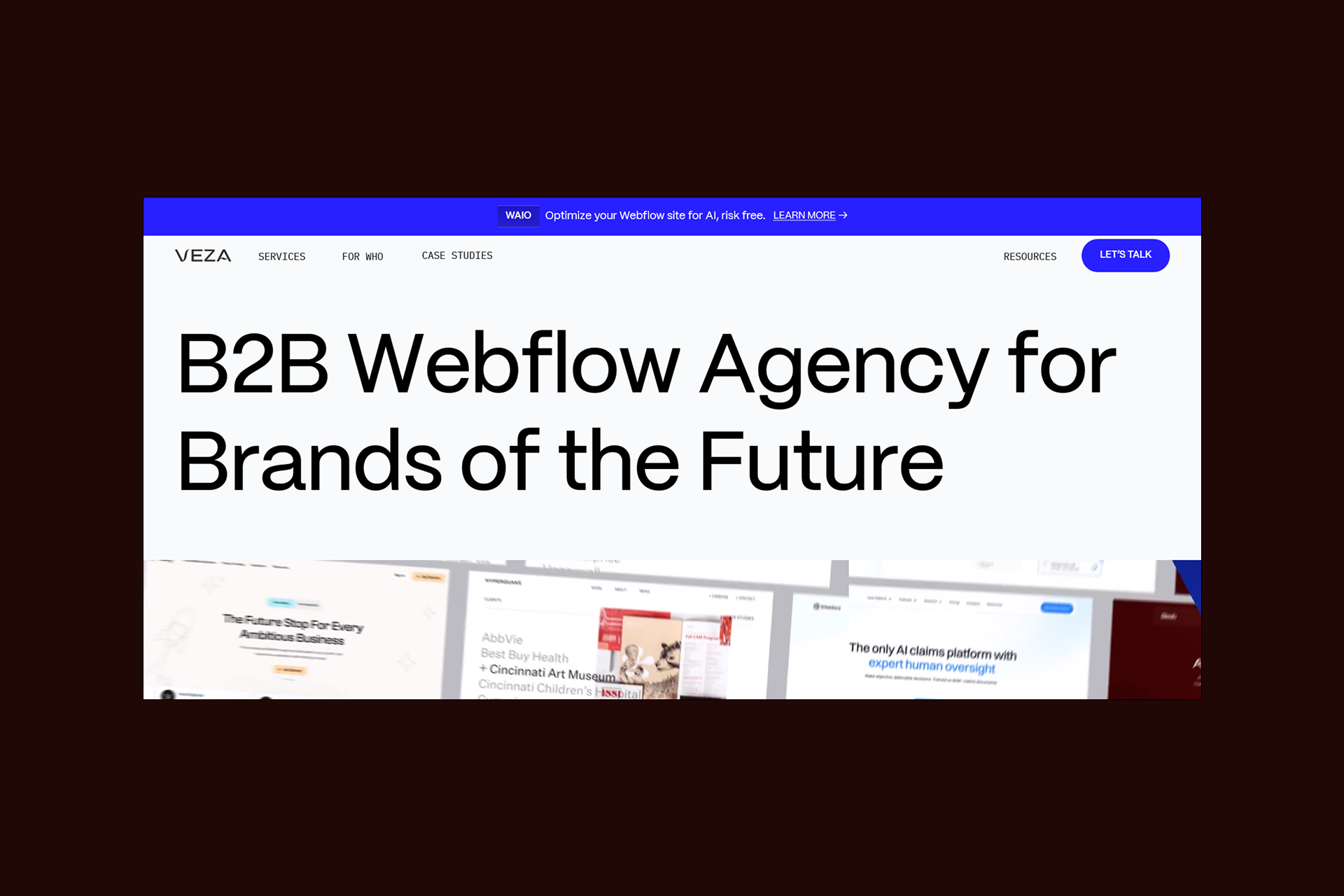
Veza Digital approaches migration through a single lens: organic search continuity. As an SEO-focused Webflow agency, they are often brought in when traffic cannot be treated as a variable.
Migration Credentials
- SEO-first migration strategy
- Deep technical SEO expertise
- Content strategy baked into migration planning
Key Differentiators
- Organic traffic preservation as the primary success metric
- Content optimization during migration, not after
- Long-term SEO partnership mindset
Best For
- Content-heavy websites
- Blogs and editorial platforms
- Businesses where SEO is the primary acquisition channel
Considerations
For highly complex or enterprise technical builds, Veza Digital often collaborates with Shadow Digital inside the Veza Agency Network.
Finsweet
Overview
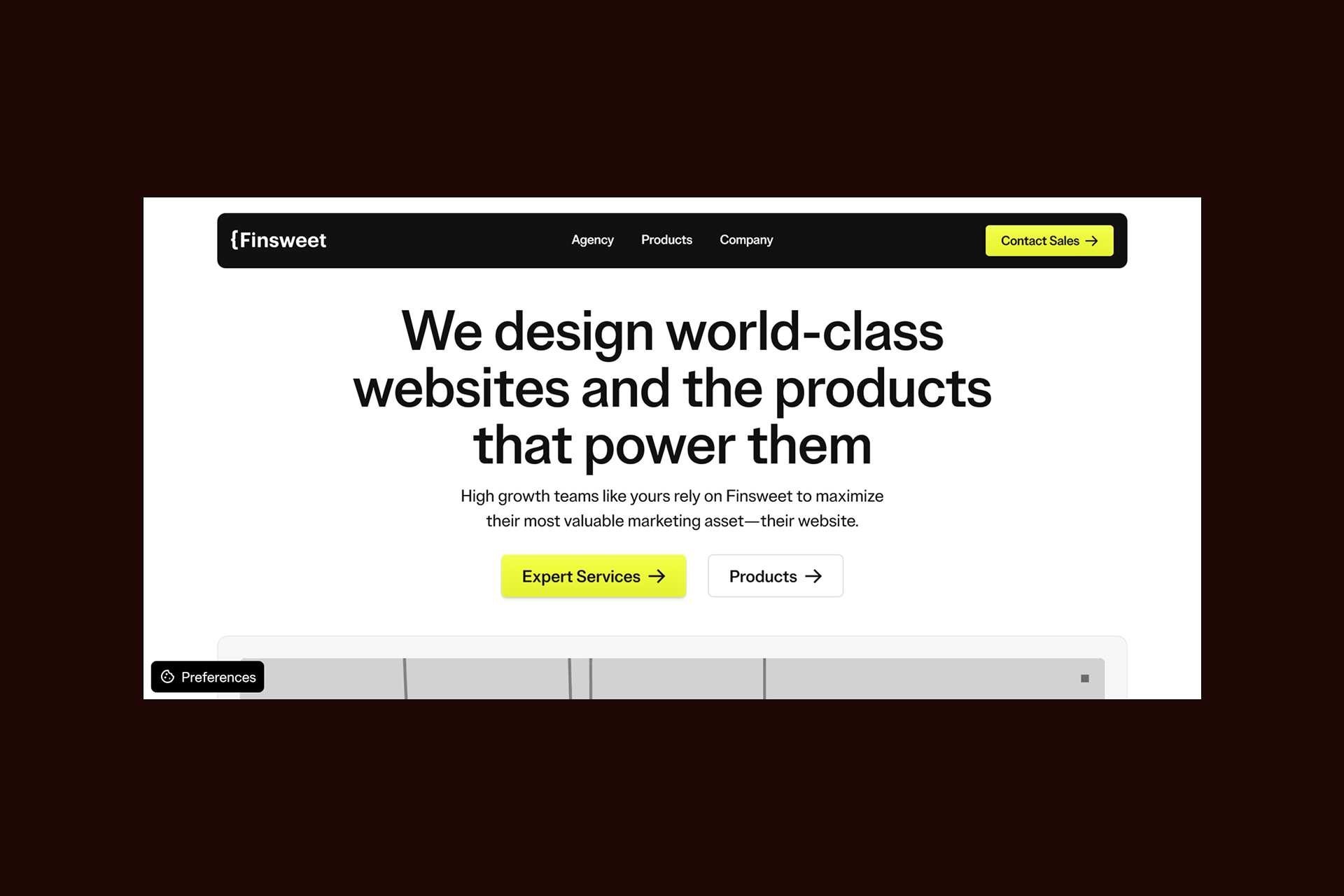
Finsweet is one of the most technically influential names in the Webflow ecosystem. As a Webflow Enterprise Partner and product company, Finsweet brings engineering rigor to migration projects that demand custom functionality and scale.
Migration Credentials
- Enterprise Webflow development experience
- Deep understanding of CMS architecture
- Builders of the Client-First framework and Attributes library
Key Differentiators
- Advanced custom functionality without plugin dependency
- Scalable Webflow architectures
- Strong performance and maintainability focus
Best For
- Enterprise brands
- SaaS and platform-style websites
- Teams needing advanced Webflow functionality post-migration
Considerations
Migration SEO strategy should be explicitly scoped and validated upfront.
Red Shark Digital
Overview
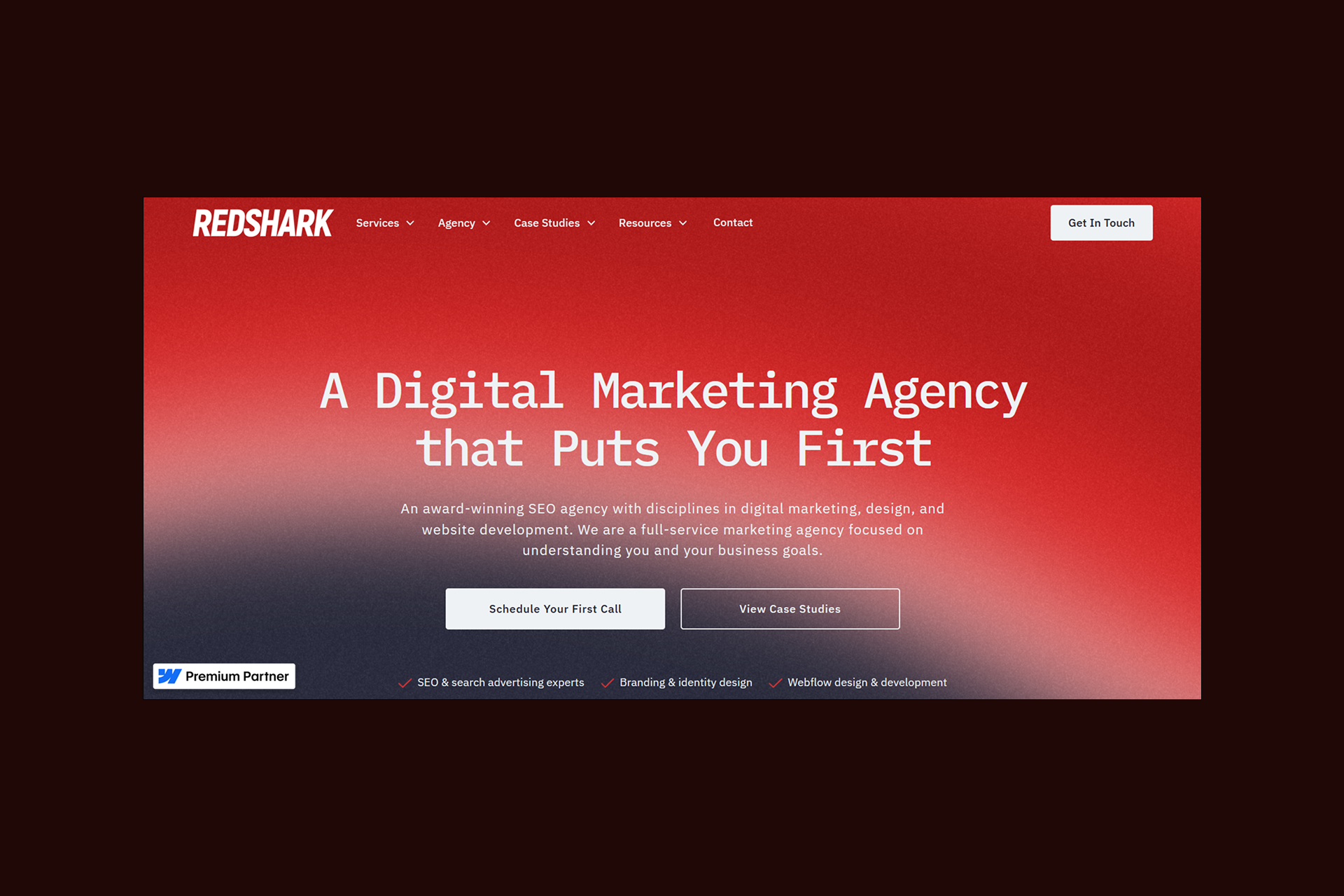
Red Shark Digital is a full-service digital marketing agency with over a decade of experience helping businesses nationwide. While primarily known for SEO, PPC, and branding, the agency also offers Webflow development and WordPress-to-Webflow migration services, focusing on SMBs and mid-market clients.
Migration Credentials
- Dedicated WordPress to Webflow migration service
- Structured project planning and QA process
- Experience across SMB and mid-market sites
Key Differentiators
- Clear project timelines
- End-to-end website delivery
- Webflow-certified team
Best For
- Small to mid-sized businesses
- Marketing-led site rebuilds
- Teams seeking bundled design + migration services
Considerations
SEO migration depth should be clarified for highly competitive industries.
BRIX (Honorable Mention)
Overview
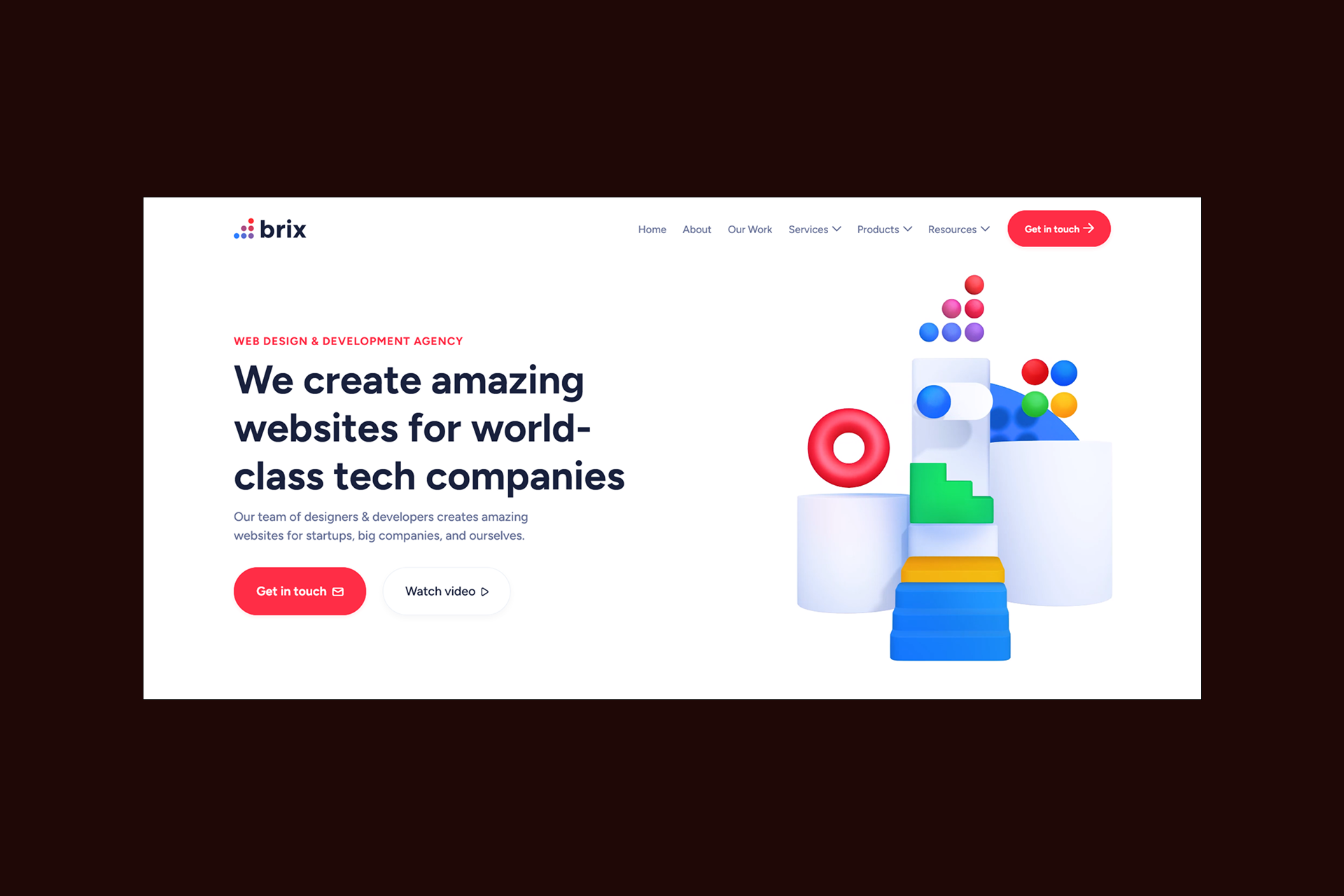
BRIX is a design and development studio with over eight years of experience building high-performance websites for different industries. While not positioned as a pure migration specialist, BRIX frequently supports platform transitions and rebuilds where speed, scalability, and SEO foundations are critical, particularly on Webflow.
Migration Credentials
- Experience restructuring CMS content from WordPress and other platforms
- Strong Webflow development expertise for scalable, performance-focused sites
- Technical SEO implementation embedded into builds (schema, site structure, performance)
- Familiarity with complex, builder-based WordPress setups requiring careful extraction
Key Differentiators
- Programmatic SEO capabilities for large-scale content and landing page creation
- Deep focus on site speed, conversion optimization, and technical performance
- Integrated design, development, and SEO approach (not siloed services)
- Strong fit for SaaS and product-led growth websites
Best For
- SaaS, AI, and tech companies
- Teams planning a redesign alongside a platform transition
- Programmatic SEO and large-scale content strategies
Considerations
SEO preservation processes should be explicitly validated.
Veza Agency Network: Combined Migration Power
Some migrations fail because they treat SEO and development as separate concerns.
The Veza Agency Network removes that gap.
Shadow Digital leads enterprise-grade Webflow development, Webflow integrations, and high-risk migrations. Veza Digital ensures organic search performance is preserved and positioned to grow.
Together, they deliver:
- Technical execution + SEO strategy
- Enterprise-grade migration methodology
- End-to-end accountability
WordPress to Webflow: Expert Agency Comparison (2026)
Note: Shadow Digital and Veza Digital are part of the Veza Agency Network, providing combined SEO + development expertise for comprehensive WordPress to Webflow migrations.
Don't risk your SEO. Talk to migration experts. → Contact our team
Migration Process and Best Practices
Most migration failures happen not because Webflow can't handle the site, but because the process wasn't designed to protect what already worked
A good WordPress to Webflow migration is quiet - no ranking cliffs, no broken pages, and no sudden post-launch fixes. When done well, the business barely notices the transition except that the site feels faster, easier to manage, and more stable.
Here’s what that kind of migration actually looks like.
Pre-Migration Planning
Migration success is decided before a single page is rebuilt. The first step is a full site audit, not a design review, but a forensic one.
Every piece of value needs to be identified and documented, including:
- A complete content inventory
- Existing URL structures
- Backlink profiles and high-value pages
- Current keyword rankings as a baseline
- Plugins and custom functionality
- Performance benchmarks
This audit answers a critical question: what cannot be lost?
From there, a migration strategy is defined. That includes a realistic timeline, a staging environment in Webflow, and clear ownership across teams, SEO, development, content, and stakeholders. Communication matters more than tools here. Everyone should know when the content freeze begins, when testing happens, and when launch decisions are made.
Finally, there’s a rollback plan. Not because failure is expected but because professional migrations assume contingencies. The presence of a rollback plan is often the clearest sign that an agency understands the stakes.
SEO Migration Framework
This is the backbone of the entire process.
At the center is URL mapping. Every existing WordPress URL must be documented, even the ones no one remembers creating. This includes blog posts, category pages, paginated archives, and parameter-based URLs. The future Webflow structure is planned deliberately, not opportunistically, and every old URL is mapped to its new destination in a redirect spreadsheet.
Redirect implementation follows strict rules:
- 301 redirects for every changed URL
- Consistent handling of trailing slashes
- Clear decisions on www vs non-www
- No redirect chains
- No “temporary” redirects left behind
Metadata is transferred with equal care. Title tags, meta descriptions, Open Graph data, and schema markup are preserved so search engines see continuity, not chaos.
The key insight to remember is simple:
Every URL that changes without a redirect is a potential ranking loss. Zero exceptions.
If you want to learn more, check our WordPress to Webflow migration guide.
Content Migration Process
Content migration is where technical plans meet reality. WordPress content is exported systematically, not selectively.
Posts, pages, images, and media assets are mapped to a Webflow CMS structure designed to mirror or improve the original hierarchy. This ensures editors can manage content after launch without workarounds.
During transfer:
- Internal links are preserved or updated.
- Image paths and alt text are retained.
- Content hierarchy remains intact.
- Custom post types are handled intentionally, not flattened.
The goal isn’t just to “get content into Webflow.” It’s to make sure it functions the same or better once it’s there.
Launch and Post-Migration
Launch day should feel uneventful. That’s the goal.
The process typically includes:
- DNS transition
- Redirect activation
- SSL verification
- Full functionality testing
Once live, monitoring begins immediately. Google Search Console is checked for crawl errors. Rankings and traffic are tracked against pre-migration baselines. User feedback is monitored for broken paths or unexpected behavior.
The first 30 days matter most. A disciplined checklist includes:
- Verifying all redirects are firing correctly
- Eliminating 404 errors
- Monitoring organic traffic trends
- Investigating any ranking fluctuations
- Fine-tuning performance where needed
A strong migration doesn’t end at launch. It proves itself in the weeks that follow, when traffic holds, rankings stabilize, and the business realizes nothing valuable was left behind.
WordPress to Webflow Migration Process
┌─────────────────────────────────────────────────────────────┐
│ PHASE 1: PRE-MIGRATION AUDIT (Week 1-2) │
│ ┌─────────────────┐ ┌─────────────────┐ │
│ │ Content Audit │ │ SEO Baseline │ │
│ │ • Page inventory│ │ • Rankings │ │
│ │ • Media catalog │ │ • Traffic data │ │
│ │ • Plugin list │ │ • Backlinks │ │
│ └─────────────────┘ └─────────────────┘ │
│ ┌─────────────────┐ ┌─────────────────┐ │
│ │ URL Mapping │ │ Functionality │ │
│ │ • All URLs │ │ • Forms, features│ │
│ │ • Redirect plan │ │ • Integrations │ │
│ └─────────────────┘ └─────────────────┘ │
└─────────────────────────────────────────────────────────────┘
│
▼
┌─────────────────────────────────────────────────────────────┐
│ PHASE 2: BUILD & MIGRATE (Week 3-6) │
│ • Webflow site development │
│ • CMS structure creation │
│ • Content migration │
│ • Media transfer │
│ • Functionality recreation │
└─────────────────────────────────────────────────────────────┘
│
▼
┌─────────────────────────────────────────────────────────────┐
│ PHASE 3: TEST & VERIFY (Week 7-8) │
│ • Staging environment testing │
│ • Redirect verification │
│ • Content accuracy check │
│ • Functionality testing │
│ • Performance optimization │
└─────────────────────────────────────────────────────────────┘
│
▼
┌─────────────────────────────────────────────────────────────┐
│ PHASE 4: LAUNCH (Week 9) │
│ • DNS transition │
│ • Redirect activation │
│ • SSL verification │
│ • Live testing │
└─────────────────────────────────────────────────────────────┘
│
▼
┌─────────────────────────────────────────────────────────────┐
│ PHASE 5: POST-LAUNCH MONITORING (Week 9-12) │
│ • Google Search Console monitoring │
│ • Crawl error checking │
│ • Ranking tracking │
│ • Traffic comparison │
│ • Issue resolution │
└─────────────────────────────────────────────────────────────┘
Timeline Note: Actual timeline varies by site complexity. Enterprise migrations may take 12-20 weeks.
Evaluating Migration Agencies
By the time most teams start talking to agencies, they already know what they want: a safer platform, fewer headaches, more control.
What they don’t always know is how to tell who can actually deliver that without putting everything they’ve built at risk.
Evaluating a WordPress to Webflow migration agency isn’t about who has the nicest portfolio. It’s about who asks the right questions, gives precise answers, and treats migration like the high-stakes event it is. The right partner will make the risks visible and explain exactly how they’re managed.
Essential Questions to Ask
Good agencies welcome hard questions. Great agencies have rehearsed answers.
Start with SEO. Not because it’s the only thing that matters, but because it’s the easiest place for inexperience to show.
- “How do you preserve SEO during migration?”
- “Can you show before-and-after traffic from past WordPress to Webflow migrations?”
- “How do you handle URL mapping and redirects?”
- “What’s your process for transferring metadata and schema?”
Then move to process and risk management:
- “What does your migration timeline look like?”
- “How do you handle rollback if something goes wrong?”
- “What post-migration support is included?”
- “How do you handle complex WordPress setups like custom post types or WooCommerce?”
Pay attention not just to what they answer, but how. Specificity is a signal of experience.
Red Flags to Avoid
Some warning signs are subtle, while others are easy to spot once you know what to look for. When choosing an agency, certain gaps signal more than simple oversight, they point to a lack of real migration experience.
These issues often mean the agency is learning as they go, using your site as the test case.
Be cautious if an agency:
- Has no proven SEO migration experience
- Can’t show before-and-after traffic data
- Lacks a documented migration process
- Treats redirects as an “add-on.”
- Offers no post-migration monitoring
- Promises unrealistically fast timelines
- Has limited hands-on WordPress expertise
These aren’t minor gaps. They’re indicators that the agency may be learning on your site.
Success Metrics to Request
Migration success should be measurable, not assumed. Before committing, you should understand exactly which metrics the agency tracks and how they define a successful outcome. Strong agencies set these benchmarks upfront and report on them transparently after launch.
Before you sign, ask what metrics they track and report on, including:
- Organic traffic before and after migration
- Percentage of rankings preserved
- Redirect implementation accuracy
- Page speed improvements
- Total time to complete the migration
- Number of post-launch issues and resolution time
The best agencies don’t just promise success. They define it clearly, quantitatively, and in advance.
WordPress Migration Agency Evaluation Scorecard
Scoring Guide:
5 = Excellent, proven track record with case studies
4 = Strong, clear experience and methodology
3 = Adequate, some relevant experience
2 = Limited, mostly generalist
1 = None, no migration-specific expertise
Instructions:
- Score each agency 1-5 for each criterion.
- Multiply each score by the weight and sum to get the Weighted Total.
- SEO migration experience is weighted highest because it is the most common failure point.
- Agencies scoring below 4 on SEO experience should be eliminated regardless of other scores.
Migration Benefits and ROI
A well-executed migration doesn’t just remove pain. It creates leverage.
Most teams initially migrate from WordPress to Webflow to escape friction, security alerts, plugin conflicts, and slow pages.
However, the real return is realized after launch, when the site becomes faster to iterate on, easier to trust, and cheaper to maintain. This is where migration shifts from a defensive move to a growth investment.
Performance and Security Gains
Performance is no longer something teams constantly tune and fix; it’s something built into the platform. With managed infrastructure, speed and stability come standard rather than being layered on through plugins and workarounds.
Security improves the same way, shifting teams from reactive Webflow maintenance to preventative, low-noise operations.
Webflow’s managed hosting delivers immediate gains:
- Faster page loads through optimized infrastructure.
- Improved Core Web Vitals scores
- Global CDN by default
- No plugin bloat weighs pages down.
These improvements compound. Faster sites convert better. They’re crawled more efficiently. They frustrate users less.
Security follows the same pattern. Instead of constantly reacting, teams move into a preventative posture:
- No plugin vulnerabilities to patch
- Automatic SSL certificates
- Managed hosting security
- No exposed databases to exploit
The result is quieter operations. Fewer emergencies. And far less time spent maintaining the site instead of improving it.
Long-Term SEO Benefits
When migration is done properly, SEO doesn’t just survive, it often improves.
Webflow’s cleaner codebase makes it easier for search engines to crawl and understand pages. Faster loading times support rankings directly. Mobile experiences improve by default, strengthening Core Web Vitals across the site.
There’s also an operational SEO benefit that’s easy to overlook: speed of iteration. When marketing teams can update content, launch pages, and test ideas without developer bottlenecks, SEO momentum accelerates.
The key insight is this:
Proper migration doesn’t just preserve SEO. It often improves it through better performance and cleaner architecture.
Budget and Timeline Expectations
Migration anxiety often comes from uncertainty about cost, time, and what’s “normal.” Clear expectations remove that anxiety.
Migration Pricing
Budgets vary widely depending on scale and complexity, but most WordPress to Webflow migrations fall into predictable ranges.
WordPress to Webflow Migration Budget Table
Cost Factors
Insight:
The cost of professional migration is typically 10-20% of the cost of recovering from a failed DIY migration. SEO recovery alone can take 6-12 months.
ROI Considerations
ROI comes from reduction as much as from growth. Teams often see returns by removing unnecessary costs, simplifying infrastructure, and reducing ongoing maintenance risk. Migration delivers value when it replaces fragile systems with reliable, scalable foundations.
Teams typically see returns through:
- Eliminated plugin licensing costs
- Lower and simpler hosting expenses
- Reduced maintenance and developer overhead
- Faster marketing execution
- Avoided security incidents
- Performance-driven conversion gains
Migration pays off when it replaces fragility with reliability.
Conclusion
WordPress to Webflow migration is not a redesign project. It’s a transfer of accumulated value.
Years of SEO equity, content investment, and user trust are on the line. That’s why preservation, not reinvention, is the true measure of success. The right agency understands this. They bring expertise in both platforms, a documented SEO-first methodology, proven case studies with traffic data, and post-migration support that extends beyond launch day.
When evaluating partners, the criteria are clear:
- Deep WordPress and Webflow expertise
- Proven SEO migration experience
- A disciplined, documented process
- Ongoing post-migration support
- Case studies that show rankings held or improved
Within the Veza Agency Network, these capabilities come together. Shadow Digital leads high-stakes, enterprise migrations with an emphasis on risk management and SEO preservation. Veza Digital brings deep SEO expertise to ensure visibility isn’t just protected, but positioned to grow.
Your WordPress site represents years of investment. Don’t risk it with an inexperienced migration. Shadow Digital has the expertise to preserve your rankings while delivering a modern, maintainable Webflow site.
Contact Shadow Digital to get started.
FAQ – Frequently Asked Questions
How long does a WordPress to Webflow migration take?
Most migrations take between 4 and 16 weeks, depending on site size and complexity. Small sites can move quickly, while large or enterprise sites require longer planning, testing, and validation cycles.
The timeline is driven less by design and more by SEO mapping, content migration, and quality assurance. Rushed migrations increase risk, especially around redirects and content integrity, so experienced agencies prioritize accuracy over speed.
Will I lose my SEO rankings during migration?
As per Google’s migration guidelines, a properly executed migration should not cause significant ranking loss. Temporary fluctuations can happen, but sustained drops usually indicate missed redirects, broken links, or metadata issues.
Agencies with SEO-first migration processes aim to preserve 95-100% of rankings by mapping every URL, transferring metadata, and closely monitoring performance post-launch. SEO loss is not inevitable; it's usually procedural.
Can all WordPress functionality be replicated in Webflow?
Not all functionality translates one-to-one. Many plugin-based features are unnecessary in Webflow due to native capabilities. Others may require custom development or alternative workflows.
A good agency will assess which features should be replicated, rethought, or retired. The goal isn’t to copy WordPress exactly; it's to preserve business outcomes while simplifying the system.
How do you handle WordPress plugins in Webflow?
Plugins aren’t migrated directly. Instead, agencies identify what each plugin does: SEO, forms, caching, security, and replicate that functionality using Webflow’s native features or custom solutions.
This often reduces complexity rather than increasing it. Plugin audits during pre-migration planning are critical to avoid losing hidden but important functionality.
What happens to my WordPress blog posts?
Blog posts are exported from WordPress and mapped into Webflow’s CMS, preserving URLs, metadata, images, authors, and categories. Internal links are updated, and redirects are put in place if URLs change.
When done correctly, posts retain their rankings and remain fully editable within Webflow after launch.
Can you migrate WooCommerce to Webflow?
WooCommerce migrations are more complex. In some cases, products and content are migrated while checkout is rebuilt using Webflow-compatible commerce tools. In others, a hybrid or phased approach is recommended.
The feasibility depends on product complexity, integrations, and business requirements, which should be evaluated early.
What’s involved in the migration process?
A full migration includes auditing the existing site, planning URL and content mapping, rebuilding structures in Webflow, transferring content and metadata, implementing redirects, testing extensively, and monitoring performance post-launch.
The process is methodical by design, and each step reduces risk.
How do 301 redirects work in migration?
301 redirects permanently point old WordPress URLs to their new Webflow equivalents. This preserves SEO equity by telling search engines where content has moved. Every changed URL should have a corresponding redirect.
Missing redirects are one of the most common causes of ranking loss.
What post-migration support should I expect?
Post-migration support typically includes 30 days of monitoring, redirect verification, crawl error checks, ranking and traffic tracking, bug fixes, and performance tuning. Some agencies also offer training and ongoing optimization. Support after launch is essential to catch issues early.
How much does a WordPress to Webflow migration cost?
Costs range from $5K for small sites to $150K+ for complex enterprise migrations. Pricing depends on page count, content complexity, custom functionality, SEO requirements, and timeline. Cheaper options often skip critical preservation steps, increasing long-term risk.
Is it worth paying for professional migration?
Yes, especially if the site generates meaningful traffic or revenue. The cost of lost rankings, leads, or trust often exceeds professional fees. Migration is a one-time event with long-term consequences.
What’s the ROI of migrating to Webflow?
ROI comes from reduced maintenance costs, fewer security incidents, faster performance, higher conversion rates, and marketing efficiency. When SEO is preserved, these gains compound. Migration ROI is strongest when the transition is quiet, and growth follows naturally.