Webflow vs Contentful: Complete Comparison (2026)

Let's Build Your Webflow Website!
Partner with experts who understand your vision. Let’s create a converting user experience and build your website for future growth.
Webflow vs. Contentful: Complete Comparison Guide (2026)
Choosing between Webflow and Contentful isn’t merely a feature comparison, but it’s an architectural decision instead. One is a complete website platform, while the other is viewed as content infrastructure. Being able to understand this distinction is essential for making the right architectural decision.
Webflow vs Contentful both solve different problems. Webflow is an all-in-one website platform with visual design tools, built-in CMS, and hosting included. This is integral for marketing websites where designers and marketers need to have control. Contentful is a headless CMS that provides content infrastructure via API, and this is ideal for multi-channel content delivery where developers are looking to build custom frontends. Webflow is ideal for complete marketing websites, while Contentful is perfect for content infrastructure powering multiple platforms.
Abstract
Comparing Webflow and Contentful might be tempting, but it can also be misleading because both operate in different architectural categories. Webflow is a complete website platform that combines visual design tools, CMS functionality, and managed hosting in one system.
On the other hand, Contentful is a headless CMS which focuses exclusively on structured content delivered via API, with no built-in frontend or hosting.
This is a guide for CTOs, engineering leads, and technical marketers evaluating CMS architecture decisions: whether to adopt an all-in-one visual platform or invest in composable content infrastructure.
As a Webflow Enterprise Partner, Shadow Digital helps companies understand when Webflow is the leading choice, and when alternatives like Contentful might better serve long-term content strategy.
Quick Reference: Platform Comparison
Quick Decision Guide:
- Choose Webflow if: Your primary output is a marketing website, design matters, non-developers need to make changes, you want an all-in-one solution
- Choose Contentful if: You need to deliver content to multiple channels (web, app, IoT), developers will build custom frontends, complex content modeling is required, you're building content infrastructure
- Consider both if: Marketing website (Webflow) + product content needs (Contentful) — hybrid approaches are common
Overview of Webflow and Contentful
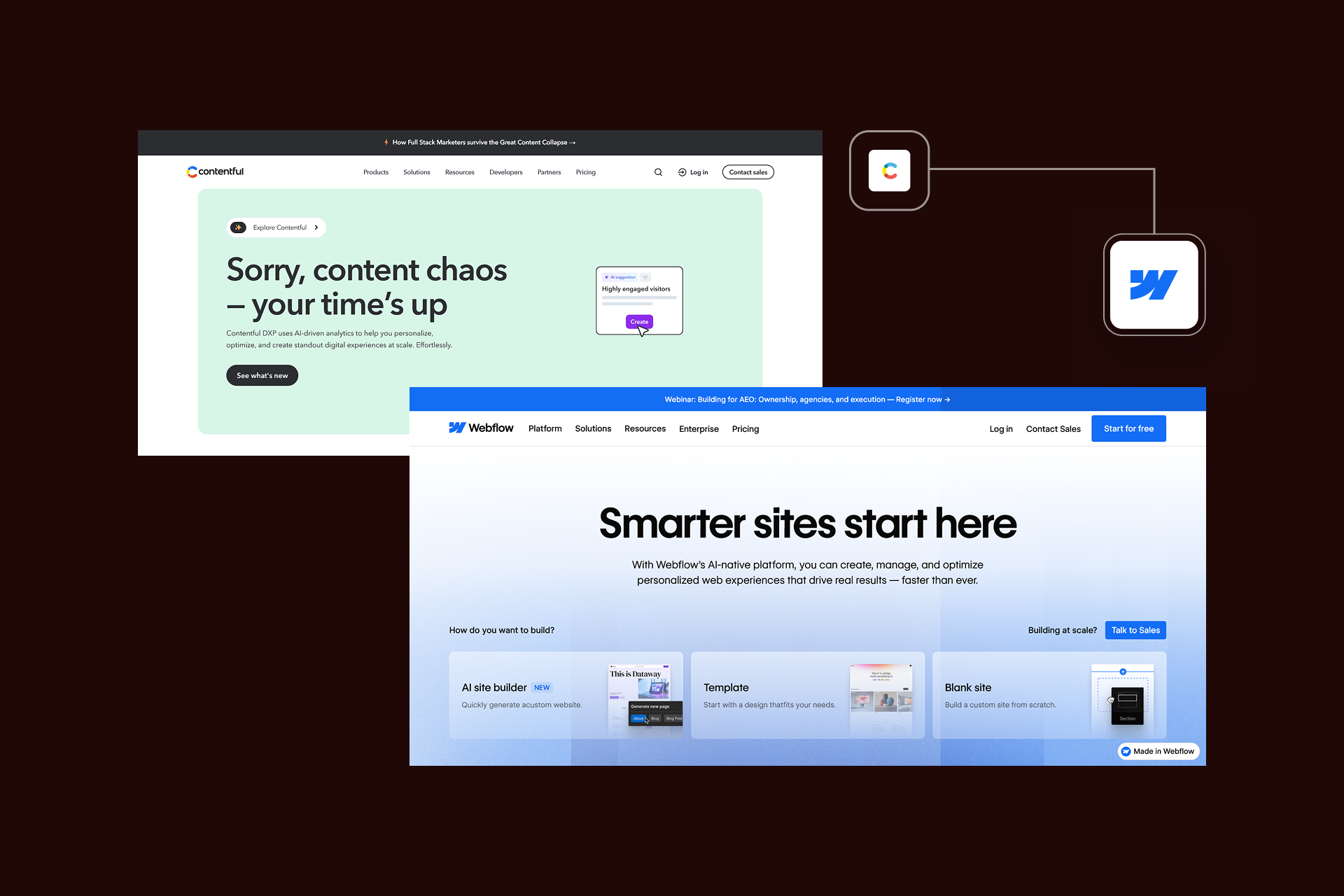
Before comparing features or pricing, it’s essential to define what each platform actually is. Webflow and Contentful operate in different architectural categories. One is a complete website platform, while the other is content infrastructure.
Introduction to Webflow
Webflow is a visual website development platform that helps you combine design tools, CMS functionality, and hosting into a single system. It enables teams to build production-ready websites using a no-code/low-code interface while generating clean code under the hood.
Key capabilities, including a CSS-based visual design canvas, and built-in CMS for dynamic content, managed hosting with a global CDN, advanced interactions, animations, and basic e-commerce functionality. Everything required to design, build, and launch a marketing site exists inside one environment.
Webflow is widely used by designers who want full creative control, marketing teams seeking autonomy, agencies building client websites, and organizations ranging from SMBs to enterprise teams. Its philosophy is design-first and visual-first, which empowers non-developers while maintaining the best possible output.
Introduction to Contentful
Contentful is a headless CMS that manages structured content and delivers it via APIs, but this doesn’t include a frontend builder or hosting layer.
Contentful’s strengths lie in flexible content modeling, REST and GraphQL APIs, deep reference systems, localization, workflow management, and version control. It’s designed for multi-channel content delivery.
Its primary users tend to be developers who build custom applications, enterprise content teams managing structured data that require scalable infrastructure. The philosophy is API-first while Contentful behaves like a centralized content engine designed for enterprise scalability.
Key Differences Between Webflow and Contentful
The fundamental differences between Webflow and Contentful are:
- Webflow = Monolithic (integrated platform)
- Contentful = Composable (headless architecture)
Platform Overview Table
Webflow gives you a complete website, while Contentful gives you API.
They aren’t direct competitors in the traditional sense, unlike more direct comparisons, such as Webflow vs WordPress. Both can power marketing websites and offer enterprise features, but the decision depends on whether you want an integrated system or a composable stack that’s built around developer-led architecture.
Features and Capabilities Comparison
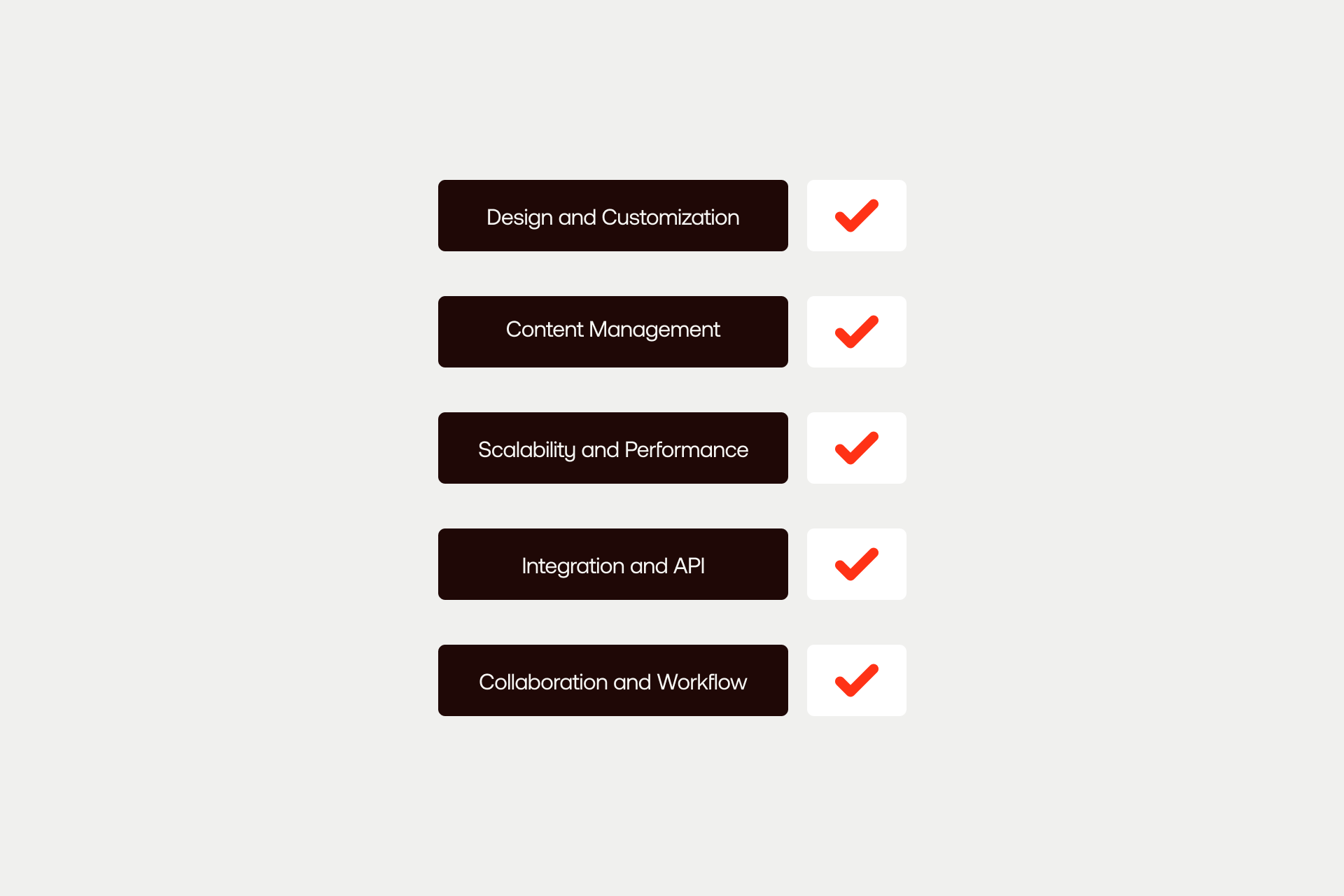
Once the architectural differences become clear the issue becomes a practical one focused on what each platform can actually do, and how these capabilities impact real-world teams.
Webflow and Contentful both manage content, but they approach things like design, structure, scalability, and collaboration from different angles and foundations.
Design and Customization Options
Webflow includes a full visual design environment. Its CSS-based editor provides granular layout control, responsive breakpoints, reusable components, animations, and interaction tools, and all without requiring code. Designers can build production-ready websites directly in the browser, and teams can accelerate development using a template marketplace.
Contentful, by contrast, intentionally provides no design tools. Design is handled entirely in the frontend framework chosen by the development team. This helps ensure unlimited visual flexibility, but only via custom development.
Key insight: Webflow makes design fast and visual. Content separates design from content, offering unlimited flexibility, but it requires developers to implement it.
Content Management and Content Modeling
Webflow’s CMS is visual and collection-based. Content types are defined by fields, with support for references, images, rich text, and relational data. This works wonderfully well for marketing-driven content, including blogs, case studies, landing pages, and structured resource libraries.
Contentful’s content modeling is significantly more powerful. It supports deeply structured content types, advanced field validation, nested references, localization, workflows, and enterprise governance. Content is treated like structured data, not page-based content.
Key insight: Webflow prioritizes simplicity and marketing agility. Contentful prioritizes structured modeling and enterprise-scale governance.
Scalability and Performance
Webflow provides enterprise-grade hosting through a managed global CDN, with a 99.99% uptime SLA on Enterprise plans. Performance is optimized out of the box, which makes it perfectly suited to high-traffic marketing websites, and multi-site portfolios. Organizations leveraging our enterprise work, especially those comparing platforms like Webflow vs Adobe Experience Manager, will typically choose Webflow.
Contentful, on the other hand, scales as content infrastructure. On Enterprise plans, API usage scales dramatically, and it’s used by global brands managing massive content libraries across platforms. Hosting and performance depend a lot on the frontend and infrastructure chosen.
Both can scale to enterprise, but differences are presented when it comes to control, with Webflow managing performance, whilst Contentful gives control and responsibility.
Integration and API Capabilities
Webflow’s integration ecosystem is rapidly growing, and it supports webhooks, public API for content access, and compatibility with Zapier and Make. This is typically sufficient for most marketing stacks, while more advanced connections tend to be implemented via Webflow integrations.
Contentful is built around APIs. It offers mature REST and GraphQL APIs, extensibility via apps and extensions, and deep integration capabilities across composable ecosystems.
Collaboration and Workflow Tools
Webflow is essential for providing Designer and Editor roles, as well as basic publishing controls, and expanding collaboration features. It works well for small to mid-level marketing teams.
Contentful is instead designed for large enterprise content operations. It supports advanced role management, structured approval workflows, content scheduling, and enterprise-grade governance.
CTA: See how Webflow performs at enterprise scale. Explore our enterprise Webflow work to understand how design-led teams can deploy Webflow.
Ease of Use and Learning Curve
Ease of use is one of the key factors that showcases the architectural difference between the two. Webflow is definitely designed with visual creators, while Contentful is built for structured content and developer-focused environments.
Webflow’s User Experience
Webflow gives a visual, intuitive interface that mirrors professional design tools. The drag-and-drop feature, CSS-based layout controls, and WYSIWYG editing allows teams to design and publish directly in the browser. What’s more, Webflow University also lowers the barrier to entry with structured training and documentation.
Designers are the principal users, but marketers and non-developers will also be able to manage content with ease. Agencies frequently use Webflow to deliver client sites without engineering dependencies.
The learning curve varies depending on the kind of website you’re looking to build. For instance, basic marketing sites can be completed in merely days, intermediate sites can take weeks, while advanced animations and CMS architecture are detailed enough that they can take months.
Content editors benefit from a simple, visual editing experience that doesn’t require technical knowledge. For companies that wish for autonomy from engineering teams, this is crucial usability, and one of the key reasons clients engage Shadow Digital for Webflow development services.
Contentful’s User Experience
On the other hand, Contentful takes a different approach, with its interface structured and focused on content rather than visuals. The system is clean and well-documented, but it’s intentionally developer-oriented.
Developers take charge of implementation, modeling, and frontend integration. Content editors and strategists manage structured entries once the system is correctly configured. Designers are limited when it comes to building experiences directly within Contentful as it lacks built-in design tools.
The learning curve here is similar to that of Webflow, with basic content editing taking just days, content modeling taking a few weeks, while frontend implementation can take months.
Contentful is essential for structured, multi-channel publishing teams, but less suited to organizations looking for simplified drag-and-drop site building.
Coding Knowledge Requirements
Webflow requires zero code to design and launch a production website. Custom code can be added for functionality, and CSS knowledge improves efficiency, but it’s not a prerequisite.
Contentful is different because it requires frontend development. Teams need to build using frameworks like React or Next.js and integrate via API. Developers are necessary for this implementation.
Key insight:
- Webflow: Accessible to non-developers
- Contentful: Requires development team
CTA: Evaluating other CMS platforms? Make Webflow vs WordPress or Webflow vs Adobe Experience Manager comparisons to understand where each architecture fits.
Pricing and Business Stability
Pricing is the place where impact is truly felt, and the differences between Webflow and Contentful are clear to see. Webflow combines design, CMS and hosting all in one place, while Contentful separates content infrastructure from frontend development, significantly impacting ownership costs.
Pricing Models
Webflow offers tiered site plans starting around $14-$39 per month for basic CMS sites, whilst Business plans come at a higher tier. Enterprise plans are custom, and they can typically range from $40k-$100k annually, but this depends a lot on scale. Hosting is, of course, included across all plans, and pricing is done per site.
Contentful provides a limited free tier, with their Team plan beginning at around $300 per month, and Enterprise plans ranging from $75k to around $300k per annum. However, it is important to keep in mind that Contentful’s pricing only covers content infrastructure.
Pricing Comparison Table
Use Cases and Business Needs
Webflow is generally a stronger fit for marketing websites, landing pages, campaign microsites, and agency-led projects. Design-driven teams seeking autonomy will gain the most benefit from this, and our Webflow development services are allowing many enterprises to consolidate fragmented stacks into a single platform.
Contentful is better suited for multi-channel delivery, including things like websites, mobile apps, and IoT. It is particularly pertinent where structured content model and developer controls are necessary. This supports enterprise content infrastructure beyond the marketing process.
The choice here comes down to whether the website is the primary product, or if it is one channel existing within a larger content ecosystem.
Hosting and Maintenance Costs
Webflow includes managed hosting, global CDN delivery, SSL, and automatic optimization. DevOps overhead is minimal, which has a significant impact on reducing long-term operational costs. Marketing teams thrive on this kind of simplicity.
Contentful does not include hosting, and companies need to deploy using providers like Vercel, Netlify, or AWS, which can add considerable costs to the project; sometimes as much as $500-$5000 per month.
For enterprises evaluating long-term architecture, this is one of the key areas in which strategy is important. If you don’t know which model aligns with your growth plans, make sure you contact us to evaluate the right option for your company.
CTA: If you’re assessing CMS architecture at scale, contact us to discuss requirement and choose the leading platform to help your business thrive.
Pros, Cons, and Final Recommendations
At this stage, the comparison becomes much less about individual features and a lot more about what is the right fit. Both of these platforms are strong within their sectors, and the right choice will depend on what you are looking to build.
Pros and Cons of Webflow
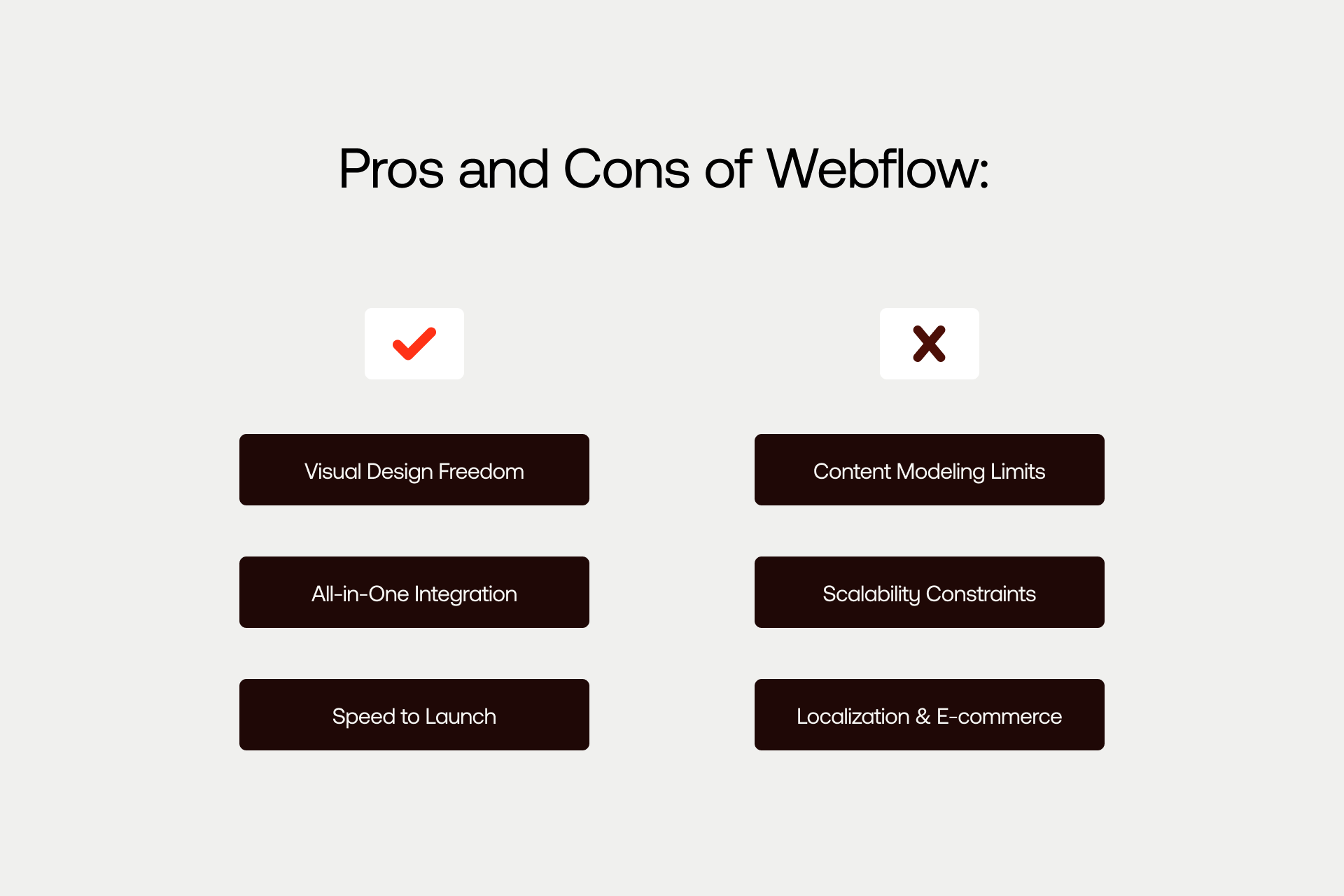
Webflow is perfect as an all-in-one website building platform with no reliance on coding. It has integrated design tools, CMS, and hosting that all make the delivery process much simpler, while also reducing operational complexity.
Teams are able to move quickly from concept to launch, while avoiding engineering bottleneck.
Here are the pros:
- All-in-one platform
- Visual design freedom
- Drag-and-drop feature
- Non-developers can build and manage content
- Hosting and CDN is included
- Strong performance out of the box
- Growing enterprise capabilities via Webflow Enterprise (see our enterprise work)
- Active ecosystem
These are the cons:
- Less flexible content modeling
- Limited native localization
- Not fully headless
- E-commerce limitations in some areas
- Highly complex, multi-channel needs can outgrow its use
Ultimately, for many organizations, Webflow’s simplicity and autonomy dwarfs its limitations, making it the optimal choice for growth.
Pros and Cons of Contentful
pro-and-cons-of-contentful
Alt: Top 3 pros and cons of the Contentful website builder.
Contentful is designed for structured, API-driven content infrastructure. It functions by separating content from presentation entirely, and allows development teams to have control over frontend implementation.
Here are some of the key advantages of Contentful:
- Advanced content modeling
- True headless architecture
- Multi-channel content delivery
- Enterprise-grade workflows and governance
- Powerful REST and GraphQL APIs
- Architectural flexibility (unlimited)
These are the drawbacks that come with Contentful:
- No design tools
- Steeper learning curve
- Higher overall cost of ownership
- External hosting required
- Needs frontend developers
- Excessive for more simply sites
Contentful is at its strongest when content powers multiple digital products beyond a single website.
Choosing the Right Platform
Webflow is the ultimate choice if your primary output is a marketing website, brand execution is a priority, and non-developers need to have control. Speed to market is essential for enterprise-level companies, and this is something that Webflow facilitates via an integrated platform and budget predictability.
On the other hand, Contentful is the ideal choice if you are looking to deliver content across web, app, and other channels. Developers own the frontend, while complex content modeling is required. It’s ideal if you are looking to build enterprise content infrastructure, and headless architecture is non-negotiable.
CTA: Shadow Digital helps companies find the platform that best fits their business website needs. Whether Webflow is the choice or not, we provide guidance and enterprise-level implementation.
FAQs
General
- What is the main difference between Webflow and Contentful?
Webflow is an all-in-one web design platform that allows for no-code, drag-and-drop, built-in design, CMS, and hosting. Contentful differs because it’s a headless CMS that provides content infrastructure by way of API without a frontend.
- Is Webflow a headless CMS like Contentful?
No. Webflow is not a true headless CMS like Contentful, and this is because it includes a built-in visual frontend and hosting layer.
- Can Webflow and Contentful be used together?
Certainly. Lots of enterprises utilise both Webflow for marketing websites, and Contentful for multi-channel content.
Features
- Which has better content management: Webflow or Contentful?
Contentful is definitely the optimal choice for advanced structured content, while Webflow is the right decision for those seeking simpler content management that is more marketing-oriented.
- Does Contentful have design tools like Webflow?
No. In fact, Contentful requires a separate frontend framework, which is one of its drawbacks.
- Which platform is better for multi-language websites?
Contentful definitely stands out as a multi-language website because of its structured content capabilities and native localization.
Technical
- Do I need developers to use Contentful?
If you want to use Contentful it is important to realise that you need a developer in order to implement and maintain a frontend.
- Can I use Webflow without coding?
Yes. One of the biggest advantages of Webflow is that it is a no-code platform that allows you to create your website without needing to produce a single line of code.
- Which platform has better API capabilities?
Contentful is definitely in the lead when it comes to stronger and more central API capabilities, and this is largely due to its architecture.
Business
- Which is more cost-effective: Webflow or Contentful?
Webflow is the most cost effective option usually because both frontend and hosting are included in the package.
- Is Contentful overkill for a marketing website?
Yes. Contentful is too much for a simple marketing website, but it might be a good option for multi-channel content delivery.
- Which platform is better for enterprise companies?
Webflow is often better for enterprise marketing websites, while Contentful is best for enterprise content across a lot of digital products.