Webflow vs Drupal: Enterprise CMS Comparison (2026)

Let's Build Your Webflow Website!
Partner with experts who understand your vision. Let’s create a converting user experience and build your website for future growth.
Webflow vs Drupal: The Complete Enterprise Comparison (2026)
Choosing between Webflow and Drupal is a strategic enterprise decision. Your CMS directly impacts marketing agility, development velocity, security posture, infrastructure overhead, and long-term scalability.
At first glance, both platforms appear enterprise-ready. In practice, they represent fundamentally different philosophies. Webflow prioritizes marketing empowerment and visual development, while Drupal prioritizes deep customization through code and developer control.
For enterprises modernizing their digital infrastructure, understanding this distinction is crucial for long-term success.
Webflow vs Drupal (Mandate)
Webflow is a visual website development platform ideal for marketing websites, offering faster development cycles, lower total cost of ownership, and marketing team autonomy. Drupal, by contrast, is an open-source CMS perfect for complex content architectures, government/education compliance requirements, or enterprises with pre-existing Drupal expertise.
For most enterprise marketing websites, Webflow delivers stronger outcomes in less time.
Drupal remains the stronger choice in specific scenarios, including massive multi-site deployments, complex content relationships, or strict compliance requirements that favor open-source infrastructure.
Abstract
Webflow and Drupal represent two different generations of enterprise web development platforms. Webflow is a modern visual development platform that combines design, CMS, and managed hosting in a single environment. Drupal is a developer-centric, open-source CMS well-known for its flexibility and complex content modeling.
This comparison is more relevant than ever. With Drupal 7 end-of-life driving the reassessment, combined with developer scarcity and rising maintenance costs, many organizations are reevaluating their web infrastructure strategy.
This guide evaluates features, usability, design flexibility, performance, costs, and use cases. It is written for enterprise IT leaders, marketing directors, and decision-makers evaluating CMS modernization.
As an Enterprise Webflow Partner, Shadow Digital has helped organizations migrate from Drupal to Webflow. We understand both platforms deeply and provide objective guidance on which option best fits your specific needs.
Quick Reference: Platform Comparison
Quick Decision Guide
Choose Webflow if:
- Marketing website is primary focus
- Design quality matters
- Marketing team needs content autonomy
- Speed to market is important
- You want predictable, lower costs
Choose Drupal if:
- Highly complex content architecture required
- Government/education compliance needs
- Existing Drupal expertise and investment
- 100+ site multi-site deployment
- Custom application functionality needed
Migrating from Drupal? Most marketing-focused Drupal sites are excellent candidates for Webflow migration.
H2: Overview of Webflow and Drupal
Both Webflow and Drupal share a lot of similarities, but they are built on fundamentally different architectural philosophies. Gaining an understanding of how each platform approaches infrastructure, flexibility, and collaboration is crucial before evaluating cost and long-term scalability.
H2: 1 Introduction to Webflow
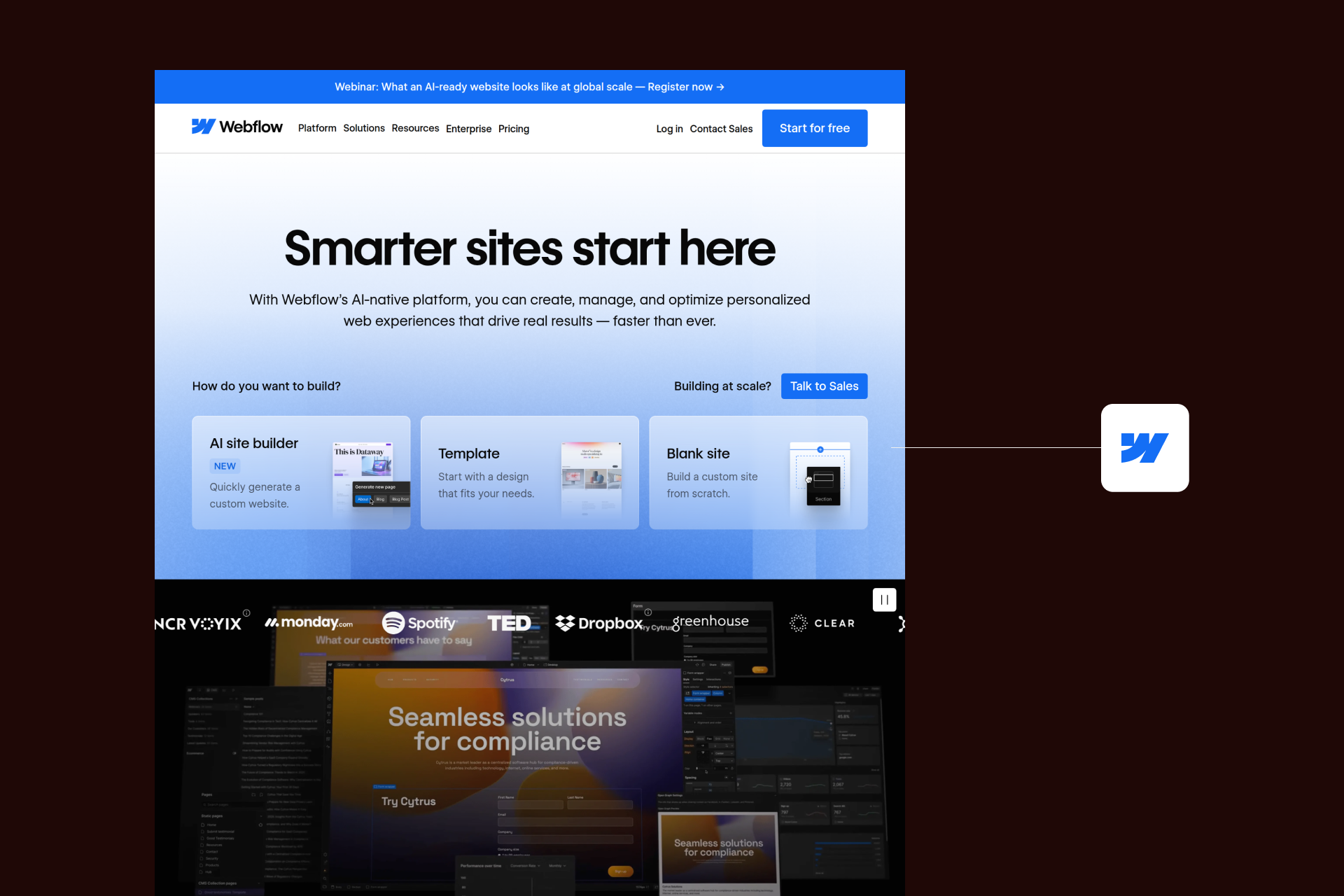
Webflow is a leading visual website development platform that combines design, CMS functionality, and managed hosting into a single environment. It enables teams to ship and maintain production-ready websites without the need for coding, and while still maintaining full control over HTML and CSS.
Webflow is adopted by marketing teams, designers, and growing enterprises seeking greater autonomy over content. Webflow’s visual design capabilities provide pixel-level layout control without the need for backend engineering for everyday updates. The platform includes a built-in CMS, global CDN hosting, native SEO controls, enterprise-grade security, including SOC 2 compliance, and SSO.
Webflow’s principal strength lies in its design freedom and lack of development overhead. This allows marketing teams to iterate quickly, publish more independently, and reduce reliance on developer queues. Enterprises requiring agile and predictable infrastructure costs will find Webflow well aligned with their marketing operations, especially when supported by Webflow development services.
H3: 1.2 Introduction to Drupal
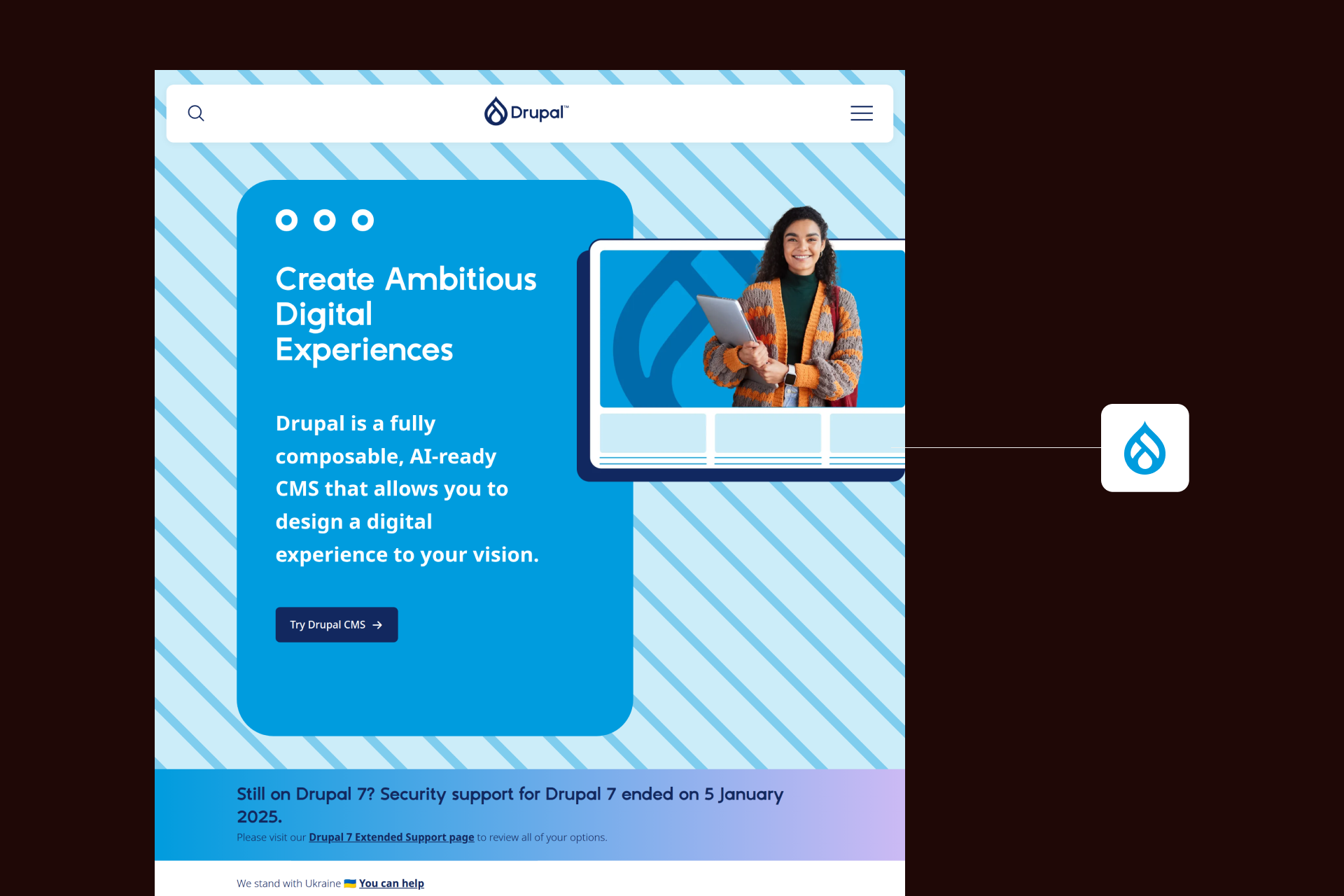
Drupal functions as an open-source CMS built in PHP, with over 20 years of development history. It powers around 2% of global websites, and is widely utilised in government, higher education, media, and large enterprise environments.
Drupal is widely known for its highly flexible content architecture and extensive module ecosystem. It supports complex content relationships, granular permissions structures, API-first implementations, and large-scale multi-site developments. Because it’s open-source, organizations retain full control over their hosting, infrastructure, and customization.
The appeal lies in Drupal’s flexibility and extensibility. But that flexibility still requires ongoing development expertise, as well as infrastructure management. For enterprises with dedicated Drupal teams or complex content needs, the platform is the most effective and viable option.
H3: 1.3 Core Differences Between Webflow and Drupal
The core differences between Webflow and Drupal are structural as opposed to being cosmetic.
Fundamental differences:
Intended users:
Platform Overview Table
H2: 2 Ease of Use and Learning Curve
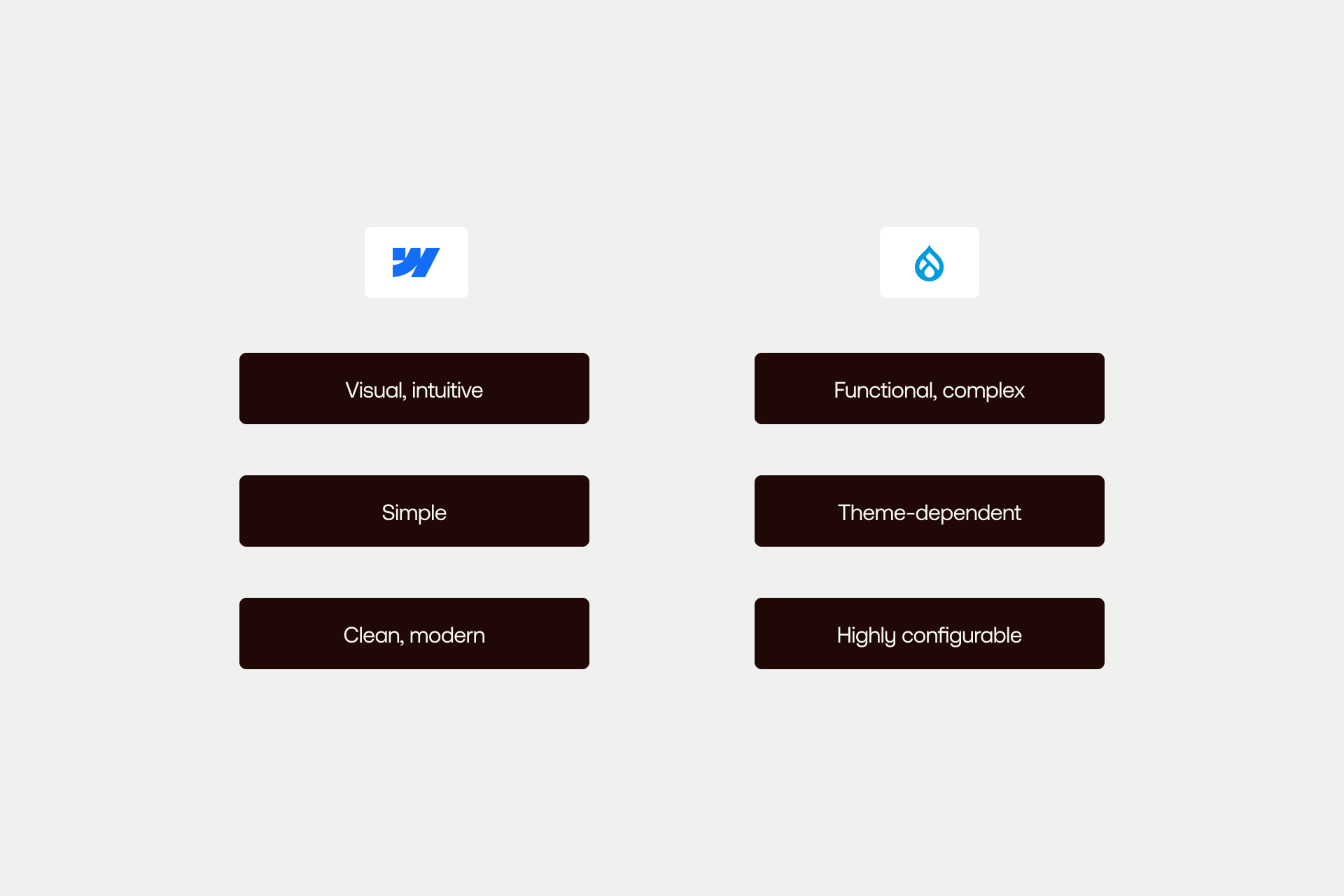
Ease of use is a core part of internal velocity and operational efficiency. This is why comparing Webflow and Drupal through the lens of designers, marketers, developers, and IT teams can show how each platform influences workflow and organizational dependency.
H3: 2.1 Webflow’s Usability and Learning Curve
Webflow is designed as a visual development platform with full design control exposed through a WYSIWYG interface. Designers can manipulate elements including layout, spacing, typography, and responsive behavior visually while maintaining full access to underlying HTML and CSS principles. Responsive breakpoints are built in, and changes render in real-time.
Non-technical users can use Webflow to reduce dependency on backend development. Designers are able to build production-ready interfaces without server configuration. Marketing teams can edit content directly in the CMS without touching code. Hosting, SSL, and performance optimization are managed by the platform, eliminating infrastructure overhead.
Learning resources are structured and accessible. Webflow University provides comprehensive free training, supported by detailed documentation, templates, and an active community ecosystem.
Typical learning curve:
- Designers: 2-4 weeks to proficiency
- Marketers: hours to days
- Developers: 1-2 weeks to adapt
The primary usability advantage lies in enabling marketing teams to operate independently while maintaining design integrity.
H3: 2.2 Drupal’s Usability and Learning Curve
Drupal’s usability profile is very different from Webflow’s because it’s an open-source CMS that requires configuration before value can be achieved. Initial setup involves server provisioning, PHP/MySQL environment configuration, module selection, and theme development. Unlike Webflow, infrastructure and security patching are ongoing responsibilities.
Technical requirements include:
- PHP development knowledge
- Familiarity with Drupal’s architecture
- Database management
- Server administration
- Security update management
Drupal provides extensive documentation and platform benefits from a large global developer community. However, resources can be fragmented, and advanced training often involves paid courses or agency partnerships.
Typical learning curve:
- Developers: 3-6 months to proficiency
- Content editors: several weeks
- Administrators: months
Drupal has unique structural concepts which are often referred to as Drupalisms, and they require time and experience to master.
H3: 2.3 Comparison of User Experience
The usability distinction reflects each platform’s philosophy. Webflow focuses on visual accessibility, while Drupal emphasizes configurability.
Interface comparison:
User type suitability
Webflow enables faster design and content changes, while Drupal provides greater flexibility for complex content operations, but with increased configuration overhead.
Ease of Use Comparison Table
CTA: Explore our enterprise work to help you understand how Shadow Digital has helped organizations modernize complex CMS environments.
H2: 3 Design Flexibility and Customization
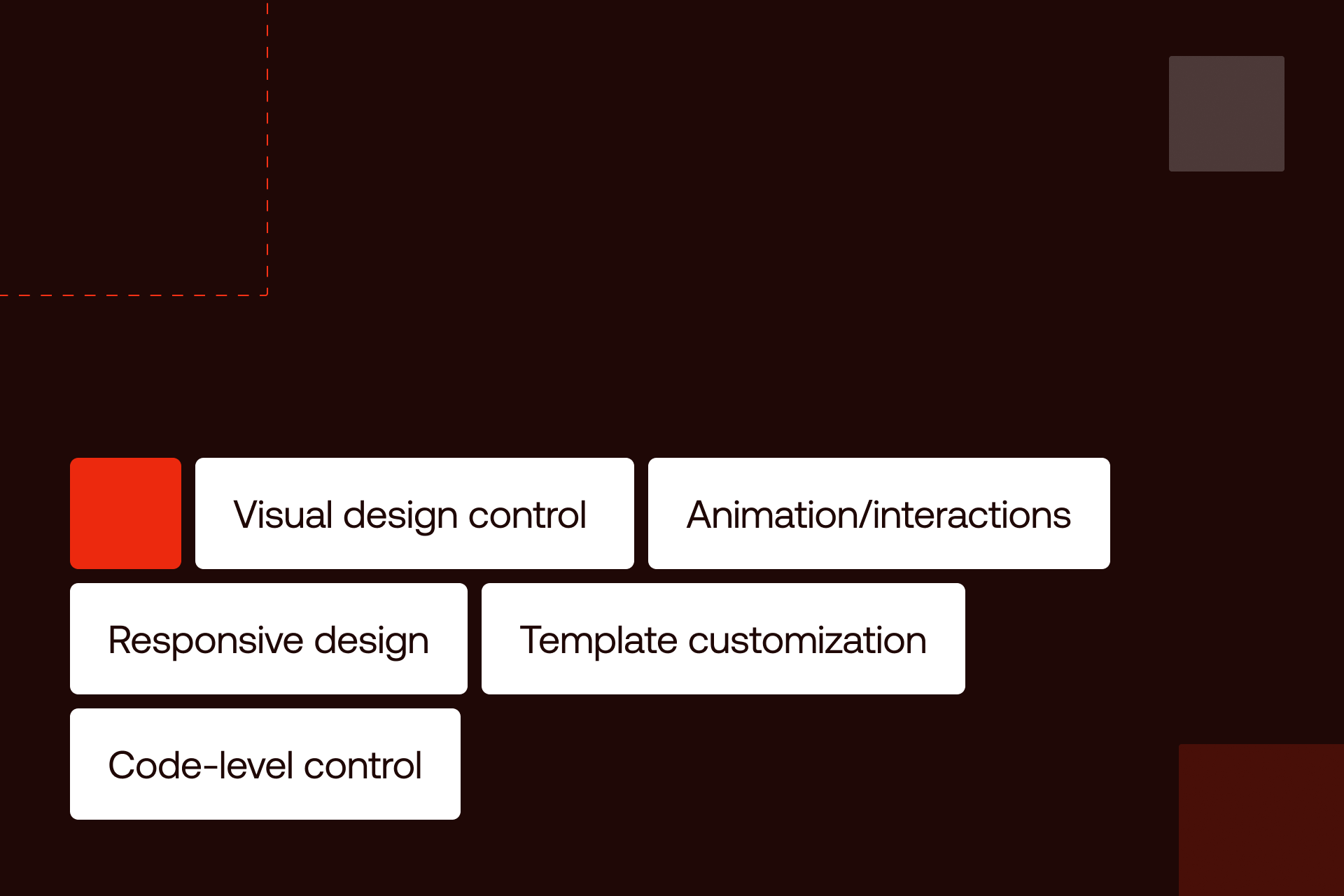
Design flexibility is often where the philosophical divide between Webflow and Drupal becomes most visible. Both platforms can produce enterprise-grade digital experiences, but the path to achieving that flexibility differs significantly. One emphasizes visual control and speed, while the other prioritizes extensibility through code.
H3: 3.1 Webflow’s Design Tools and Customization Options
Webflow is built around visual control, allowing designers to manipulate layout, spacing, typography directly on a visual canvas, while also retaining full access to underlying CSS properties. CSS Grid and Flexbox are also fully supported, providing complex, responsive layouts.
With Webflow, responsive design is native to the platform, with visual breakpoints allowing for specific adjustments. This makes it more straightforward to implement mobile-first design and iterative optimization.
Additionally, JavaScript embeds and custom CSS, API integrations, head and body code injection, and third-party scripts function seamlessly as Webflow integrations. However, the platform is more limited in deeper backend customization.
Templates can be customized allowing your teams to be able to build completely from scratch via reusable components, and a user-friendly drag-and-drop tool. If speed and brand control are important to you, Webflow is the optimal solution, and reduces dependency on development queues.
H3: 3.2 Drupal’s Design Flexibility and Customization Options
Drupal’s design flexibility is achieved via its theming and module architecture. There are thousands of contributed themes to choose from, and fully custom themes can be easily developed via the Twig templating engine. This allows for almost unlimited design flexibility, although some design changes will need development.
Theme customizations, structural updates, and advanced layout changes will generally need front-end engineering. Module extensibility helps to enable complex functionality and enterprise workflows, but configuration and maintenance are developer-led.
Drupal excels in scenarios where multi-site management is necessary, as well content staging, granular permissions, and structured content models. For large organizations with dedicated Drupal teams, this is a level of control that can be valuable.
However, the trade-off here comes with operational overhead. Customization frequently requires code, regression testing, and coordination across development and infrastructure teams. Design agility is tied directly to developer availability.
H3: 3.3 Comparison of Design Capabilities
Design Freedom Comparison
Ease vs. Customization Reality
Webflow provides excellent design freedom that is accessible and fast, making it ideal for marketing and design teams. Drupal, conversely, offers high customization potential, but there is more development effort required.
For agencies and marketing-led teams, Webflow helps to enable rapid iteration and brand experimentation. If design comes second to complex application logic, Drupal is likely the stand out choice for your business, and the additional overhead can be justified.
Ultimately, think of the comparison like a Tesla vs a custom-built race car. Webflow, in this analogy, is the Tesla, with high performance out of the box, sleek design, minimal setup, and built for speed and usability. On the flip side, Drupal represents the custom race car… It offers unlimited customization, is built from a collection of parts, but it requires expert mechanics to allow it to perform at the highest level.
Design Capabilities Table
H2: 4 Technical Features and Performance
Beyond usability and design, enterprise teams have to evaluate hosting architecture, security ownership, and maintenance overheads, and integration depth. This is where the differences between the Webflow and Drupal are most noticeable.
H3: 4.1 Hosting and Speed
Webflow allows for fully managed hosting as part of its platform. Sites are delivered through a global CDN infrastructure (including AWS and Fastly), with automatic SSL, built-in caching, and auto-scaling. Webflow provides 99.99% uptime SLA, and does not require server configuration. What’s more, performance optimization is handled at performance level. Much like Tesla, high performance is baked into the system from the outset. You don’t need to “assemble the engine” because the platform arrives fully optimized.
Drupal, much like the customised car, operates as a self-managed platform, meaning that organizations need to select and configure their hosting provider. There are further ongoing responsibilities, such as CDN setup, SSL certificates, and scaling configuration. As with when you custom build your own vehicle, performance is dependent upon maintenance and configuration.
Webflow delivers consistent speed out of the box. Drupal can match or exceed performance benchmarks, but doing so requires dedicated infrastructure management.
H3: 4.2 Security and Maintenance
Webflow follows a managed security model. The platform is SOC 2 Type II compliant, including DDoS protection, automatic SSL, and handles core updates automatically. Vulnerability exposure is more controlled and there is no reliance on third-party plugins. In terms of security, this mirrors the managed vehicle model, with software updates, safety systems, and performance optimizations reducing operational burden on the team/driver.
Drupal has a strong security track record and an active security team. Responsibility lies with the organization, requiring you to manage core updates, module patches, and infrastructure security manually. This aligns with the custom car analogy, where you control all the components, and you’re also responsible for maintaining, upgrading, and inspecting all parts of the platform.
A key consideration is Drupal 7’s end-of-life (January 2025), which marked an end to security support. Many enterprises need to decide whether to migrate to Drupal 10 or modernize and consider comparisons such as Webflow vs Adobe Experience Manager or Webflow vs WordPress.
H3: 4.3 Integrations and APIs
Webflow provides native integrations with platforms like HubSpot and Mailchimp, API access for content management, webhooks, and built-in automation via Logic. Ultimately, Webflow reflects a Tesla designed with strong factory integrations, and an interconnected ecosystem that connects seamlessly to most standard systems without the need for deep modifications.
Drupal’s integration capability is broader, with its module ecosystem supporting REST/JSON APIs, GraphQL (via module), and almost unlimited custom integrations. Drupal reflects a fully customizable vehicle, allowing for practically any modification, but it will require custom engineering to achieve the best possible performance.
Webflow covers the majority of marketing and CMS integrations with minimal setup, while Drupal can integrate with almost anything as long as the resources are available. Reviewing our enterprise work and getting in touch with the Shadow Digital team helps you evaluate infrastructure modernization and migration complexity.
CTA: Do you want to evaluate broader enterprise platforms? Compare Webflow vs Adobe Experience Manager to help you understand architectural trade-offs.
H2: 5 Pricing, Community Support, and Use Cases
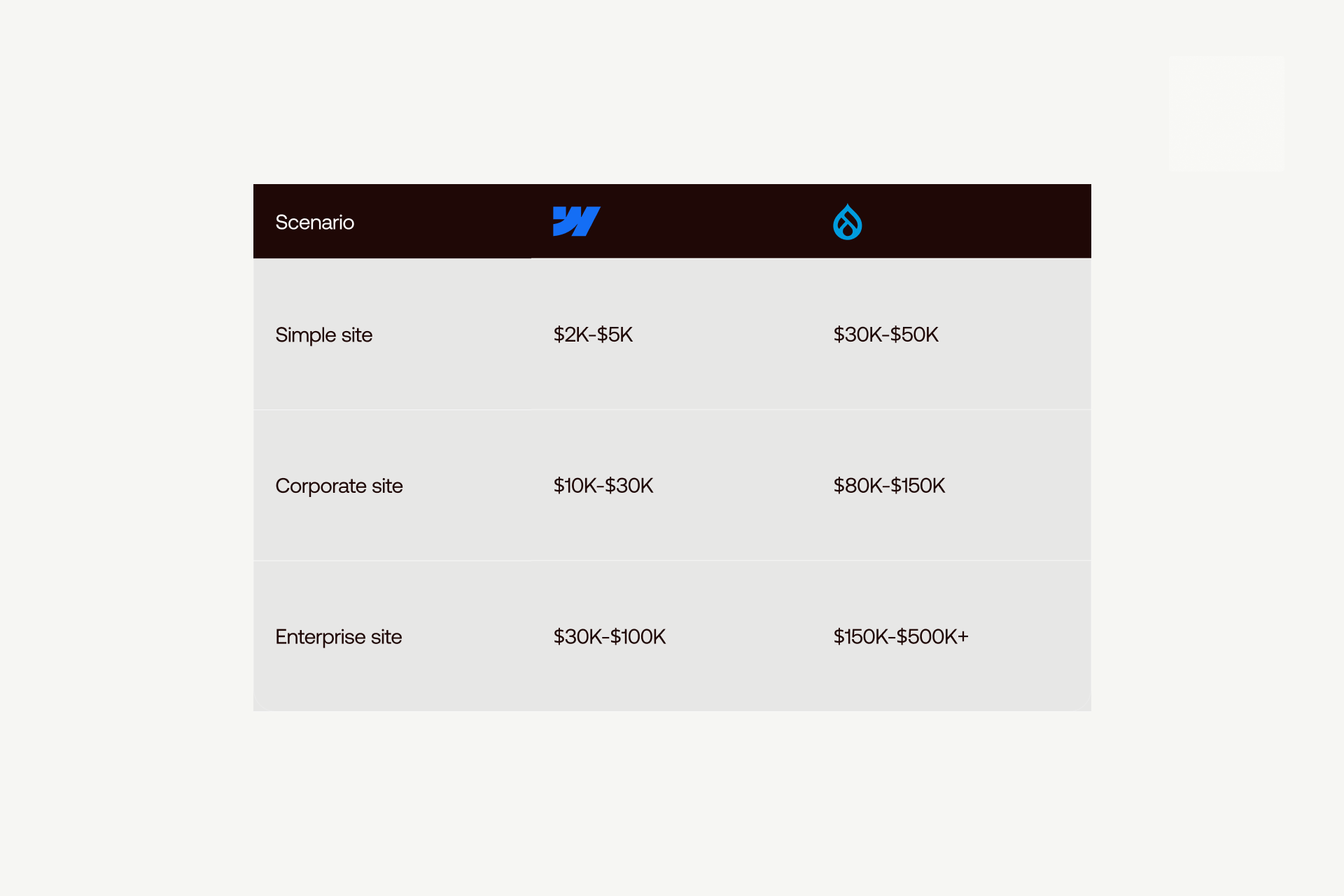
Selecting the platform that best suits your enterprise needs will come down to a few key factors, including operational risk, brand fit, and overall cost. At initial glance, Webflow operates on a subscription model, while Drupal appears free, but with a closer look, things are more complicated.
H3: 5.1 Pricing Models and Cost Comparison
Webflow’s pricing model comes with several advantages, namely that it is predictable and subscription-based.
- Site plans range from $14-$212 per month
- Workspace plans range from $19-$49 per seat per month
- Enterprise pricing is custom
These prices include hosting, SSL, CDN delivery, and core infrastructure, with zero additional server management costs, and lower development requirements.
Drupal has open-source software that is free to download, but hosting will range from $100-$5,000 per month, depending upon scale and environment. With development costs also ranging from $100-$250 per hour, due to ongoing maintenance and infrastructure management necessities, the costs can quickly mount up.
Cost Comparison - Year 1
3-Year Total Cost of Ownership
Cost reality:
Webflow typically delivers more predictable and lower long-term costs for marketing websites. Drupal’s costs vary considerably based on development scope, hosting environment and internal resources.
H3: 5.2 Community and Documentation
Webflow University helps provide structured and centralized learning resources, official documentation, tiered customer support, and an expanding agency ecosystem. The platform’s documentation is modern and structured, presenting a simple onboarding process.
Drupal has a large developer community supported by Drupal.org and the Drupal Association. Drupal has a deep and well-established ecosystem, but documentation can be fragmented across different versions.
Webflow’s ecosystem is evolving while Drupal’s long-standing and developer-centric.
H3: 5.3 Ideal Use Cases for Webflow and Drupal
The decision between Webflow and Drupal is more to do with organizational need and alignment as opposed to capability alone.
Webflow is the ultimate choice for:
- Corporate marketing websites
- Product marketing pages
- Design-focused experiences
- Businesses seeking marketing autonomy
- Projects that need a quick turnaround
- Enterprises with tight budgets
Drupal is the preferable option for:
- Custom application functionality
- Detailed and complicated content architectures
- Multi-site networks
- Huge-scale publishing
- Legacy system integration
In the majority of cases with enterprise marketing, Webflow is ideal for speed, simplicity, and efficiency. Drupal is crucial with regards to architectural complexity and customization, and when it outweighs marketing agility.
Use Cases Table
CTA: Considering a migration? Contact Shadow Digital to discuss your infrastructure, timeline, and modernization goals.
H2: 6 Migration Considerations and Recommendations
Choosing between Webflow and Drupal is challenging, and you will need to have clarity about the direction your business wants to take. Marketing agility, architectural complexity, compliance, and operational ownership are all essential factors to consider.
H3: 6.1 Migrating from Drupal to Webflow
There are multiple factors that are causing businesses to reevaluate Drupal, such as rising developer costs, challenges hiring engineers, and Drupal 7 end-of-life. There’s also the issue of slow update cycles causing marketing team frustration, as well as the increasing cost of ownership which is stretching budgets.
Here’s what a structured migration typically involves:
- CMS structure planning
- Content audit and field mapping
- Design translation
- Content migration
- Testing, QA, and launch
- Implementing redirect strategies
Migration complexity can differ depending on complex content relationships, legacy integrations, URL restructuring, and user training, among other things.
A typical timeline for this is generally 4-8 weeks for a simple site, 8-16 weeks for a corporate site, and 16-24 weeks for an enterprise-grade site. Keep in mind, migration is not merely a change of platform, but an opportunity to rebrand for a modern audience, while improving workflow and infrastructure at the same time.
H3: 6.2 Final Recommendations
Final Recommendations Table
Shadow Digital recommendation: Webflow is the perfect choice for the majority of enterprise marketing sites because it provides stronger outcomes and costs less than Drupal. If you are on Drupal 7 especially, you should consider the fact that Webflow could be a more strategic migration than upgrading to Drupal 10.
CTA: Considering a migration from Drupal to Webflow? At Shadow Digital we are experts in enterprise CMS migrations. Contact Shadow Digital and let’s discuss your project.
FAQ
General
- What is the main difference between Webflow and Drupal?
Webflow is a visual, managed SaaS platform focused on marketing agility, whereas Drupal is an open-source CMS built and designed for complex content architectures.
- Is Webflow better than Drupal?
Webflow is optimal for marketing-driven websites, while Drupal is the preferable option for hugely complex, developer-driven implementations.
- Can Webflow handle enterprise websites?
Yes, Webflow supports enterprise-grade hosting, security, and scalability for modern marketing websites.
Technical
- Is Drupal more secure than Webflow?
Drupal can be very secure when properly maintained, but Webflow’s managed security model is ideal for reducing operational risk.
- Can Webflow do everything Drupal can?
No. Webflow prioritizes speed and marketing flexibility, while Drupal supports deeper backend customizations.
- What about Webflow vs Drupal for SEO?
Both options provide strong SEO support, but Webflow wins out because of its built-in controls that make it easier for marketing teams to manage without the need for developers.
Migration
- Should I migrate from Drupal to Webflow?
It depends on what your long-term goals are. If you seek lower maintenance and faster, more efficient iteration, migration is certainly the optimal choice.
- How long does a Drupal to Webflow migration take?
Typically, migrating from Drupal to Webflow tends to take around 4-24 weeks, depending on factors such as content structure and site complexity.
- Will I lose functionality migrating from Drupal to Webflow?
You might lose highly custom backend functionality, but the majority of marketing and CMS features involved can be replicated or improved.
Cost & Resources
- Is Webflow cheaper than Drupal?
While it might not seem like it in the initial instance, long-term Webflow delivers a lower and more predictable total cost than Drupal.
- Do I need developers for Webflow like I do for Drupal?
Webflow’s big advantage is that it helps reduce reliance on developers, but advanced features or integrations will still require technical support.
- What is the total cost of ownership comparison?
Webflow has lower overall and ongoing costs, while Drupal involves higher development and maintenance cost over time.