5+ Best Webflow Agencies for Multi-Language Sites (2026)

Let's Build Your Webflow Website!
Partner with experts who understand your vision. Let’s create a converting user experience and build your website for future growth.
Best Webflow Agencies for Multi-Language Sites: Global Expansion Partners (2026)
The best Webflow agencies for multi-language sites combine deep Webflow localization expertise with international SEO knowledge and scalable CMS architecture.
Top agencies include Shadow Digital (enterprise multi-language implementations), Veza Digital (SEO-focused localization), Hedrick, and Belt Creative, all part of the Veza Agency Network with proven multi-language capabilities.
Look for agencies with native Webflow Localization experience, proper hreflang implementation, and multi-market case studies.
Abstract
Expanding your business globally is a huge opportunity, but it takes more than just translating words into a different language. To really succeed, your website needs to feel local to every user and show up in their local search results.
Even though Webflow released new tools in 2023 to make this easier, it still requires advanced technical skills, like managing complex site structures and expert SEO, to do it right. This guide helps you find the right agency to partner with.
As a Webflow Enterprise Partner with global experience, we're sharing our technical knowledge to help you choose a team that can actually deliver results.
⚠️ Localization Reality Check:
Building a multi-language Webflow site is not just about adding a language switcher. It requires proper CMS architecture, correct hreflang implementation, structured translation workflows, and real cultural adaptation. Without this foundation, sites often fail to rank in target markets and quickly become difficult to manage. The wrong setup leads to poor search visibility and expensive rebuilds later.
Why Multi-Language Sites Need Specialized Webflow Agencies
In this section, we’ll explore why partnering with a specialized Webflow agency is essential to get it right.
The Global Website Challenge
Selling to other countries is a huge chance to grow, but you need a website that feels local, not just translated. Research shows most people only buy things in their own language, leading to a much higher ROI for businesses that do this right.
It's not just about words; you must change currency, images, and URL structures to fit each market. You also need technical tools like hreflang tags so people can find you on search engines. Managing all these different pages becomes complex without a proper structure. This guide helps you find the best agencies to handle these details so your brand looks professional everywhere.
Why Webflow for Multi-Language Sites
Webflow became a top choice for global growth in 2023 with its new native Localization tool. Its CMS-powered architecture lets you manage content in many languages without messy workflows.
You can keep your brand's look consistent while still making small changes for different cultures. The SEO infrastructure handles URL structures and hreflang automatically, which is what helps your pages actually show up in search results.
Best of all, marketing teams can update translations themselves without needing a developer every time. This makes running a global site much faster and easier for everyone involved.
Webflow Localization Core Features:
- Built-in language switcher with customizable design and placement
- Locale-specific URLs with subdirectory or subdomain options
- CMS content localization with field-level translation controls
- Static content translation for pages, components, and navigation
- SEO settings per locale, including meta titles, descriptions, and Open Graph tags
- Asset management with locale-specific images and media
- Performance optimization through globally-distributed hosting infrastructure
Why Specialized Agencies Matter
Because Webflow's Localization tool is new, very few agencies truly know how to use it yet. Most general agencies don't understand International SEO, which requires expert knowledge of hreflang implementation and keyword research to work.
If your CMS structure isn't planned perfectly at the start, adding new languages later will become an expensive mess. A specialized agency also knows how to manage translation workflows, so your team isn't overwhelmed. They go beyond simple words to make sure your site actually fits the local culture.
Financially, it's much cheaper to do it right the first time; fixing a broken global site later can cost 100 times more than building it correctly today.
Insight: Most agencies can build a Webflow site. Few can build a properly localized, SEO-optimized multi-language site that actually works.
Multi-Language Complexity: Why You Need Specialists
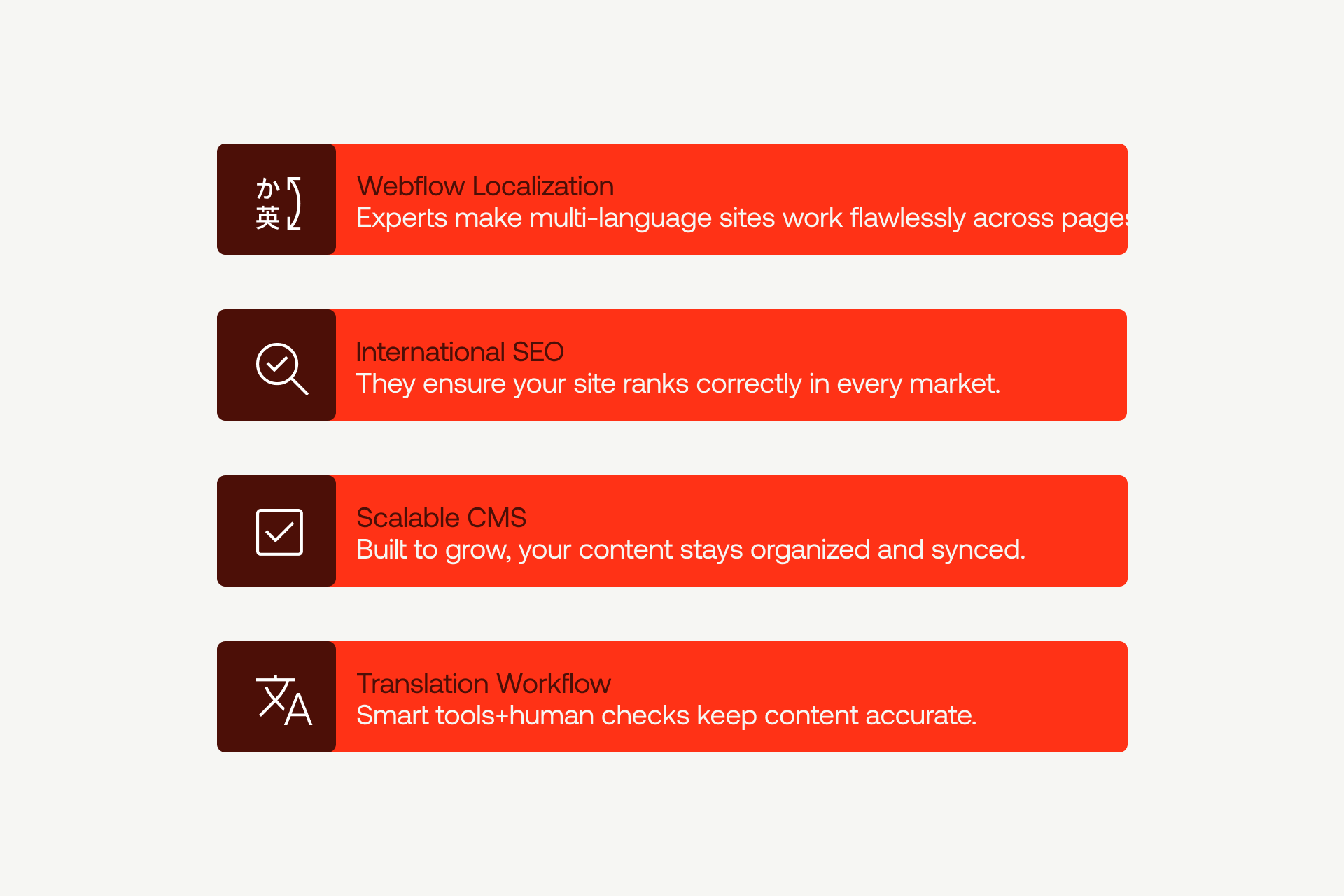
Multi-language websites introduce challenges at every level, from CMS structure to design adaptations, and this section highlights the areas where expert guidance makes all the difference.
Webflow Localization Expertise
Multi-language capability requires genuine experience implementing Webflow's native Localization feature. This requires understanding its inheritance model, locale management interface, and technical constraints.
Qualified agencies:
- Know the basics: They should know how "inheritance" works (how changes on one page flow to others) and how to manage different language versions without breaking the site.
- Understand user experience: They should build custom language switchers that look good on phones and are easy to find.
- Get the dynamic content: They must be experts at translating CMS collections and keeping links between items (like an author and their blog post) working across every language.
- Have backup plans: If a page isn't translated yet, the site should show a "fallback" version instead of a broken page.
- Have proof of their work: Ask for real examples of Webflow sites they built, not just old sites made with outside plug-ins.
International SEO Capabilities
International SEO represents one of the most failure-prone aspects of multi-language implementations. Research shows that 31% of international websites contain critical hreflang errors that undermine their entire localization investment.
The best multi-language Webflow agency:
- Uses hreflang tags: These are technical codes that tell Google which language to show. If these aren't perfect, your investment is wasted.
- Has URL strategy: Agencies should help you choose between subdirectories (like /fr/), subdomains (like fr.site.com), or country codes (like .de).
- Get search behavior: People in different countries search for different words. A literal translation of "sneakers" might not be what locals actually type into Google.
- Understands local authority: You need local link building and a correctly set up Google Search Console for every region to rank well.
Scalable CMS Architecture
Multi-language CMS architecture separates agencies that build for today from those that architect for scale. Decisions made during initial structure planning determine whether adding languages three or four becomes seamless or requires expensive rebuilds.
They:
- Plan for Growth: A smart agency builds the CMS structure so you can add five or ten languages later without starting over.
- Field-Level Localization: They should separate "shared" info (like a product part number) from "localized" info (like the product description).
- The 60-Field Limit: Webflow has limits on how much data a collection can hold. If an agency just copies fields for every language, they'll hit this limit fast, and the site will stop working.
- Syncing Content: When you update your main site, the system should automatically show you exactly what needs to be updated in other languages.
Translation & Content Workflow
Translation management capabilities determine whether multi-language operations run smoothly or devolve into content chaos. Workflow efficiency directly impacts time-to-market for new content and updates consistency across locales.
Professional agencies integrate with established translation service providers, offering networks of native-speaking translators with subject matter expertise rather than relying exclusively on automated tools.
- Smart Tools: The agency should connect Webflow to tools like Lokalise or Phrase. This automates the work and keeps a "memory" of your translations so you don't pay for the same sentence twice.
- Human Touch: While AI helps, you need a workflow for human review to catch cultural mistakes.
- Content Drift: The system must flag when the original page changes so the translated versions don't fall out of sync.
- Visual QA: Some languages have longer words than English. Your agency needs a way to preview these, so the text doesn't "break" the website design.
Multi-Language Agency Capabilities Checklist:
Webflow Localization Expertise:
- Experience with native Webflow Localization (not third-party tools)
- Custom language switcher implementation
- Locale management and configuration
- CMS content localization
- Static content translation for pages, components, and navigation
- Fallback content strategy for untranslated pages
International SEO:
- Hreflang tag implementation expertise
- URL structure strategy (subdirectories, subdomains, ccTLDs)
- Google Search Console setup for each locale
- Local keyword research per market
- Sitemap management for multiple languages
CMS Architecture:
- Multi-language CMS design from day one
- Scalable structure supporting future languages
- Field-level content separation (shared vs localized)
- Content relationships and reference management across locales
- Content parity tracking across languages
- Efficient update workflows for multiple locales
Translation & Content:
- Translation management process and workflow
- Integration with TMS or translation services (Lokalise, Phrase, etc.)
- Quality control for translations (human review, cultural adaptation)
- Content staging and preview for design/length checks
Note: If an agency can't confidently discuss these capabilities, they're not a multi-language specialist.
Top Multi-Language Webflow Agencies
Below is a curated list of top Webflow agencies with proven experience building fully localized, SEO‑optimized multi‑language sites.
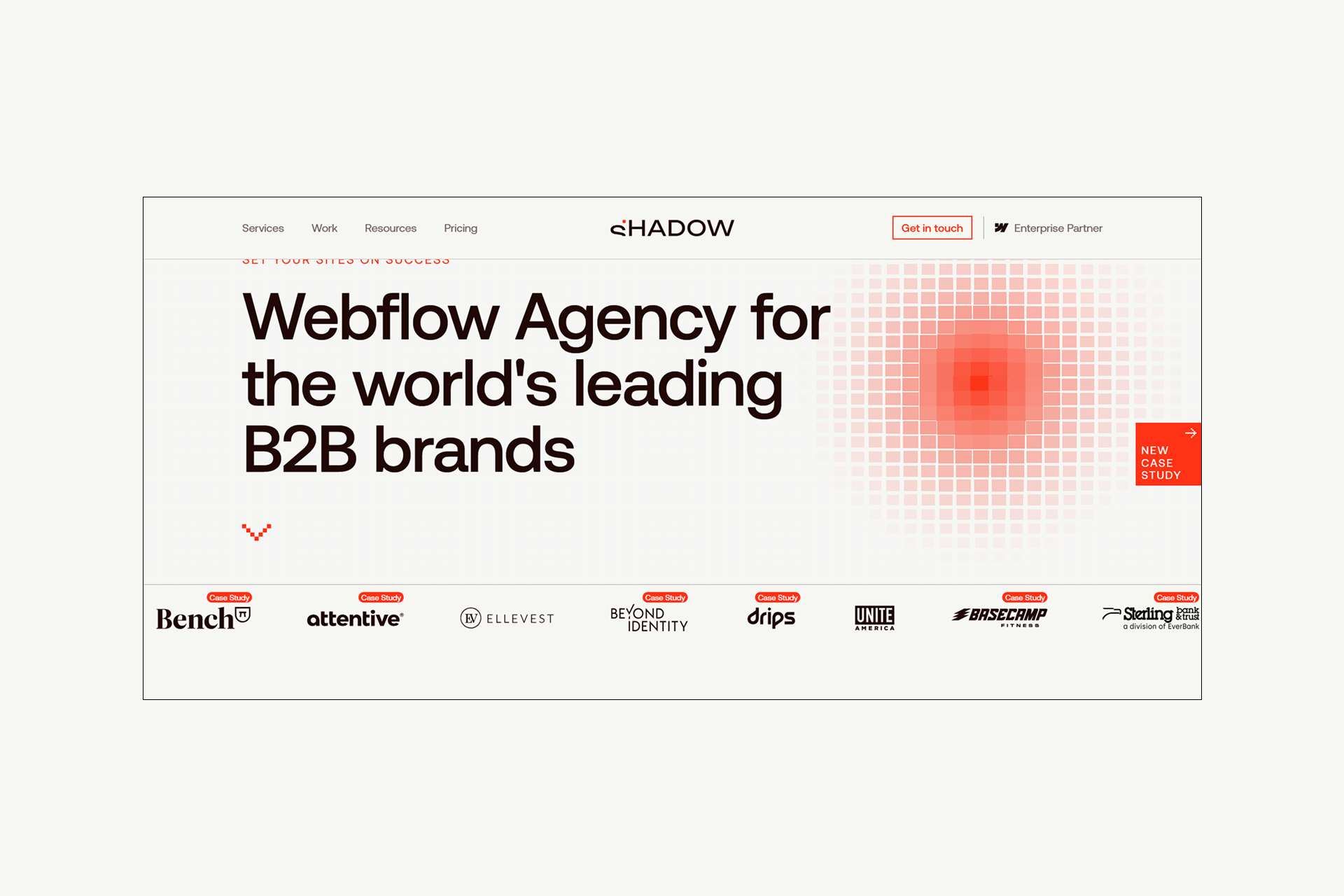
Shadow Digital ⭐ (Featured)
Overview:
Shadow Digital is a Webflow Enterprise Partner specializing in complex, enterprise-grade implementations with deep expertise in multi-language sites. The agency focuses on Enterprise Webflow development that requires advanced CMS architecture, international SEO optimization, and scalable structures supporting global expansion.
Multi-Language Credentials:
- Webflow Enterprise Partner with proven enterprise implementation experience
- International client portfolio spanning multiple markets and regions
- Advanced CMS architecture expertise for complex multi-language content structures
- Technical SEO capabilities, including hreflang implementation and international targeting strategies
Key Differentiators:
- Enterprise-grade implementations designed for scalability from day one
- Sophisticated CMS architecture supporting field-level localization and content inheritance
- Deep technical SEO expertise covering hreflang tags, URL structure strategy, and market-specific optimization
- Comprehensive ongoing Webflow support for multi-language maintenance and content synchronization
- Part of the Veza Agency Network with combined global capabilities across partner agencies
Approach to Localization:
Shadow Digital employs an architecture-first planning methodology that prioritizes scalability before design begins. Their process includes proper international SEO setup from initial launch, Webflow integrations with translation management workflows, and comprehensive quality assurance across all language versions to ensure consistency and performance.
Best For:
- Enterprise and growth-stage companies expanding internationally
- Organizations with complex multimarket requirements, such as Webflow migration services
- Sites requiring 3+ languages with sophisticated CMS needs
- Businesses prioritizing long-term scalability over quick launches
Considerations:
An enterprise-focused approach may represent more capability and investment than needed for simple two-language sites or pilot projects testing market viability.
Proof Points:
A representative example is Tourasia, a boutique travel operator serving international markets, where Shadow Digital delivered a zero-downtime Webflow migration supporting English, German, and French.
The project preserved all indexed pages, introduced a localization-ready CMS structure, and enabled editors to manage multilingual content independently across 1,000+ SEO-optimized pages.
→ View the Tourasia case study.
→ For more projects, check our Webflow portfolio.
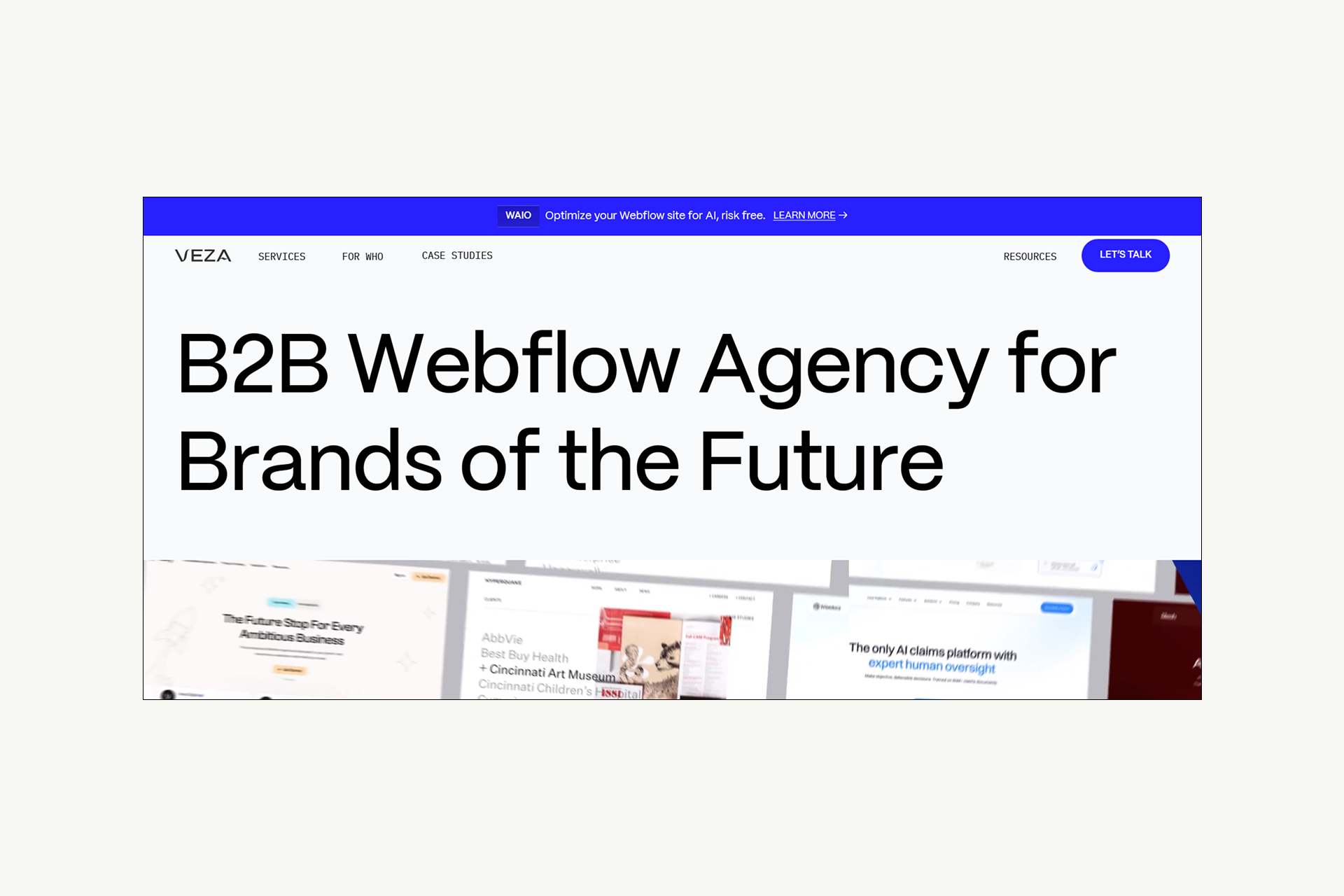
Veza Digital (Veza Agency Network)
Overview:
Veza Digital is a B2B SaaS-focused Webflow agency bringing strong SEO and technical expertise to multi-language implementations. Their specialization in B2B marketing and organic growth strategies makes them particularly effective for companies expanding into new markets through content and search visibility.
Multi-Language Credentials:
- Core member of Veza Agency Network with collaborative multi-language capabilities
- Deep SEO expertise focused on international targeting and market-specific optimization
- Technical implementation capabilities supporting complex Webflow Localization projects
Key Differentiators:
- SEO-first approach to localization, ensuring proper international targeting from launch
- Technical optimization expertise covering Core Web Vitals, structured data, and performance
- B2B SaaS focus with an understanding of global client acquisition strategies
Cross-market keyword research capabilities, identifying regional search behavior differences
Best For:
B2B SaaS companies expanding internationally through organic channels, SEO-focused multilanguage implementations prioritizing search visibility, and companies requiring market-specific keyword research and content optimization.
Considerations:
B2B SaaS specialization means deep expertise in that vertical but less focus on e-commerce or consumer brands. Veza Agency Network collaboration is available for larger enterprise projects.
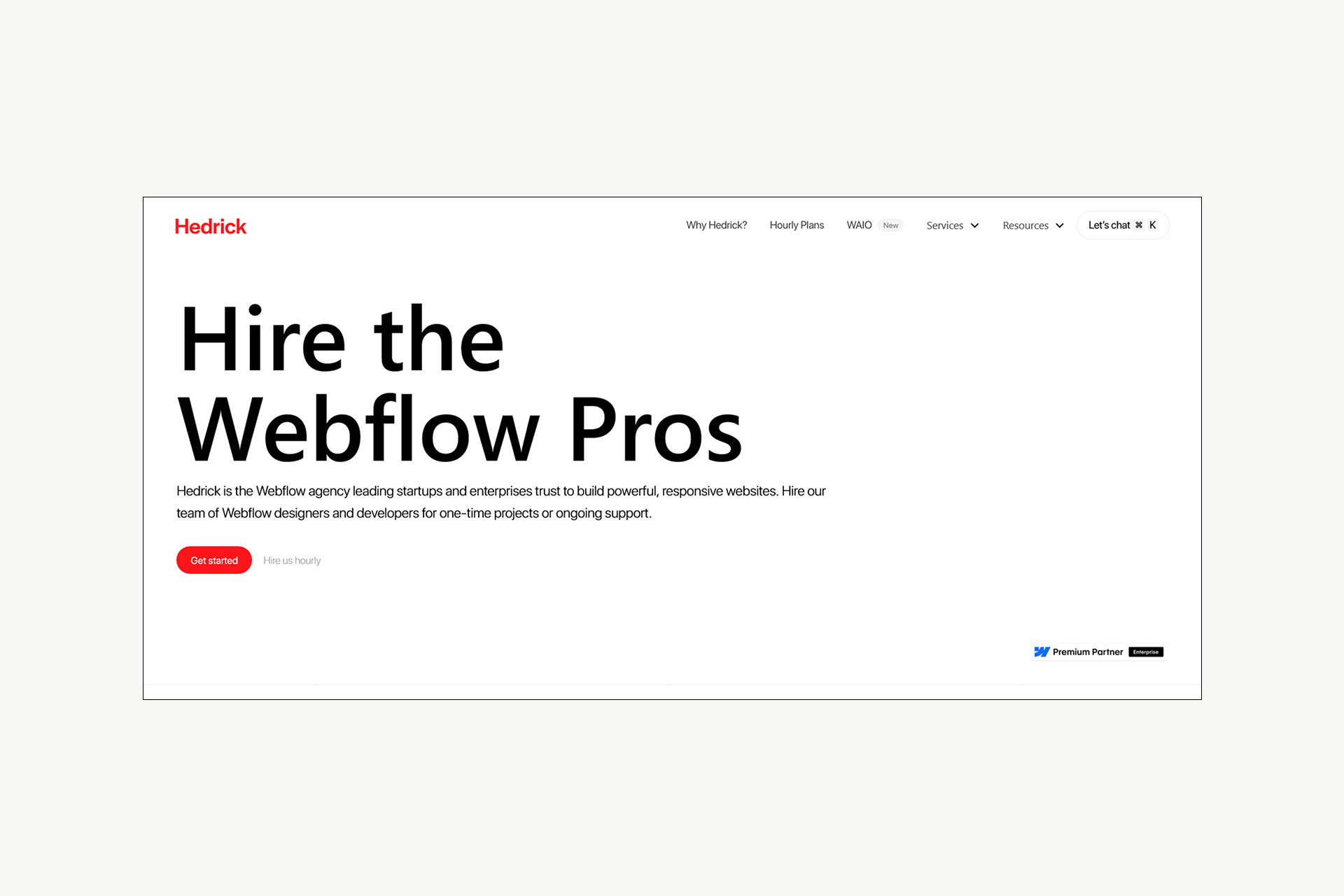
Hedrick
Overview:
Hedrick specializes in Webflow development for startups, SaaS companies, e-commerce brands, and enterprise teams, with particular strength in scalable CMS architecture and technical implementation. Their focus on component libraries and design systems supports consistent multi-language experiences.
Multi-Language Credentials:
- Webflow Enterprise Partner with enterprise implementation experience
- Advanced CMS development capabilities supporting field-level localization
- Technical expertise in integrations and automation workflows
- Experience with complex builds requiring custom logic and scalability
Key Differentiators:
- The component library and design system approach ensures brand consistency across languages.
- Scalable CMS architecture designed to grow from two languages to five-plus without rebuilds
- Strong integration capabilities connecting Webflow to marketing and sales tools across markets
- Performance optimization and technical SEO expertise supporting international targeting
- Comprehensive enablement and governance, ensuring teams can manage multi-language content independently
Best For:
Startups and SaaS companies planning international expansion, organizations requiring component-based systems for consistent multi-language experiences, and teams needing strong technical integrations with marketing automation platforms.
Considerations:
Startup and SaaS focus means deep expertise in those areas, but potentially less specialization in other verticals. Part of the Veza Agency Network for broader multi-language project collaboration.
Belt Creative
Overview:
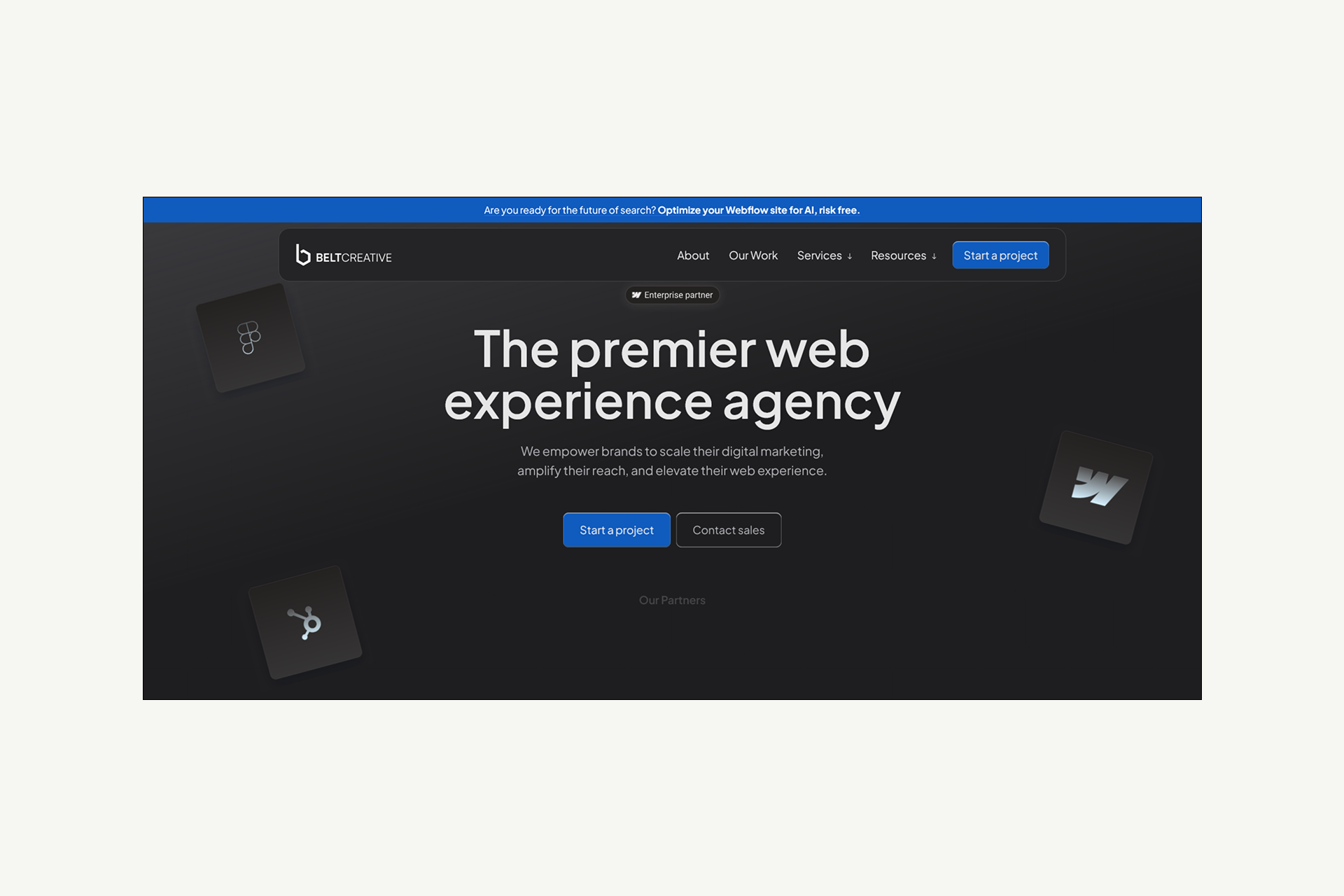
Belt Creative positions itself as a premier web experience agency with capabilities spanning Webflow design and development, SEO optimization, and HubSpot integration. Their service offering explicitly includes localization and multilingual websites as part of their SEO capabilities.
Multi-Language Credentials:
- Explicit focus on localization and multi-language websites within the SEO service offering
- Webflow Enterprise Partner with enterprise implementation experience
- Migration expertise preserving SEO value during platform transitions
- Technical SEO capabilities supporting international targeting requirements
Key Differentiators:
- Full-service approach combining design, development, SEO, and ongoing optimization
- HubSpot integration expertise, enabling marketing automation across multiple markets
- Migration specialization, ensuring proper redirect mapping and SEO preservation for international sites
- AI-driven optimization through Webflow Optimize for conversion rate improvement
- Post-launch support packages providing ongoing multi-language maintenance
Best For:
Companies requiring comprehensive services beyond development, including SEO and marketing automation, organizations using or planning to use HubSpot across markets, and businesses migrating existing multi-language sites to Webflow while preserving rankings.
Considerations:
A broad service offering means they're a full-service partner rather than pure multi-language specialists. Best when you need integrated capabilities across multiple disciplines.
BX Studio
Overview:
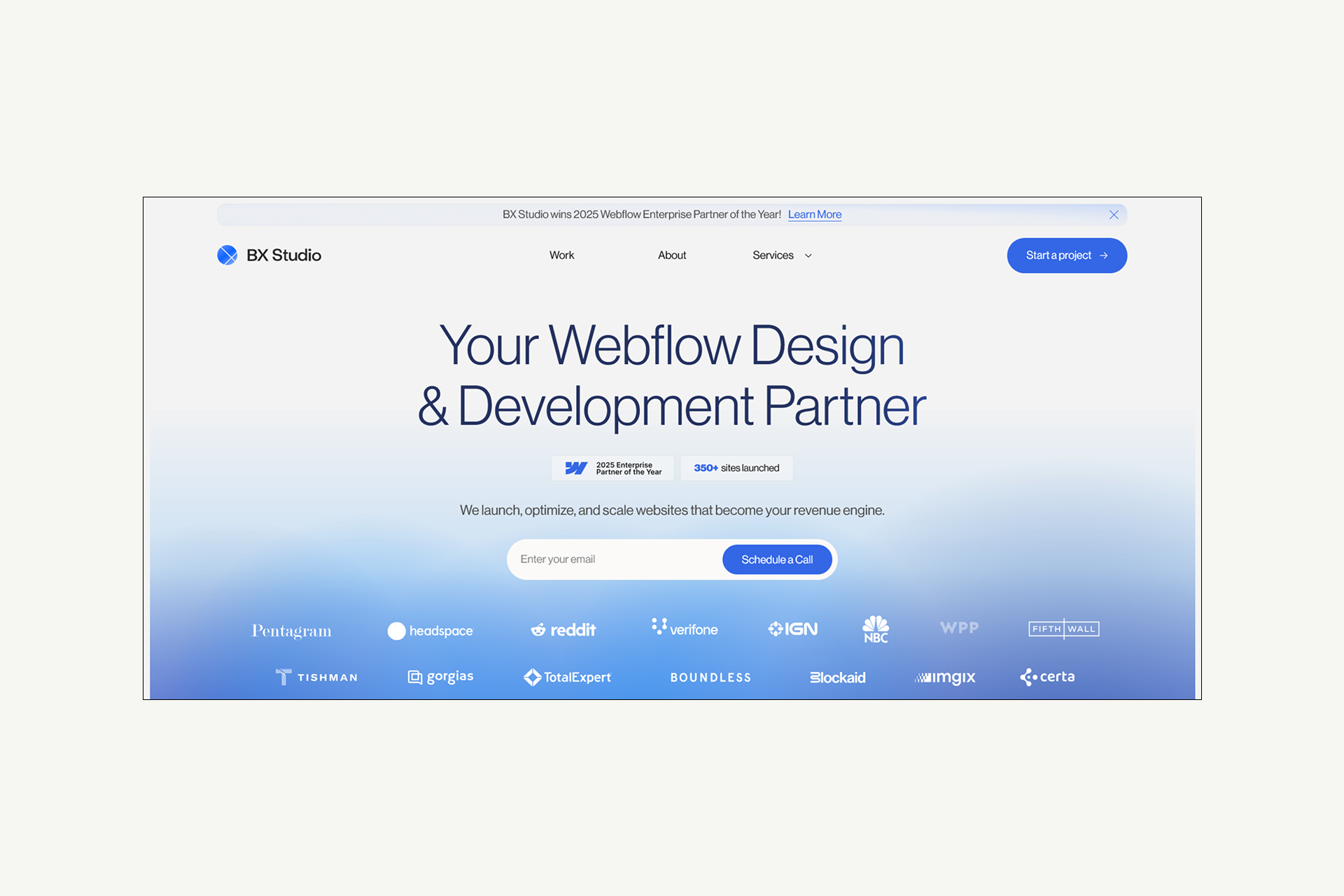
BX Studio is a Webflow Enterprise Partner recognized as the 2025 Enterprise Partner of the Year, demonstrating leadership in complex Webflow implementations. Their remote-first agency based in Los Angeles has launched 350+ sites with particular strength in enterprise-grade technical excellence.
Multi-Language Credentials:
- 2025 Webflow Enterprise Partner of the Year (highest award in Webflow ecosystem)
- Official partnership with Webflow itself to onboard leading firms to the platform
- User-optimized CMS expertise supporting publishing needs across multiple languages
- Technical excellence in SEO, site speed, and accessibility, all critical for international sites
Key Differentiators:
- Award-winning enterprise expertise with recognition from Webflow itself
- Speaker at Webflow Conf for four of the past five years, demonstrating thought leadership
- Comprehensive technical standards ensuring adherence to SEO and performance best practices
- CMS optimization empowering non-technical teams to update multi-language sites independently
- Proven track record with leading brands, including Headspace, Verifone, and Reddit
Best For:
Enterprise organizations require the highest level of Webflow expertise, companies needing award-winning design combined with technical excellence, and businesses seeking agencies with direct Webflow partnership for complex implementations.
Considerations:
Enterprise focus and award-winning status may come with premium pricing. Best suited for organizations prioritizing proven excellence and comprehensive technical capabilities over budget constraints.
Amply
Overview:
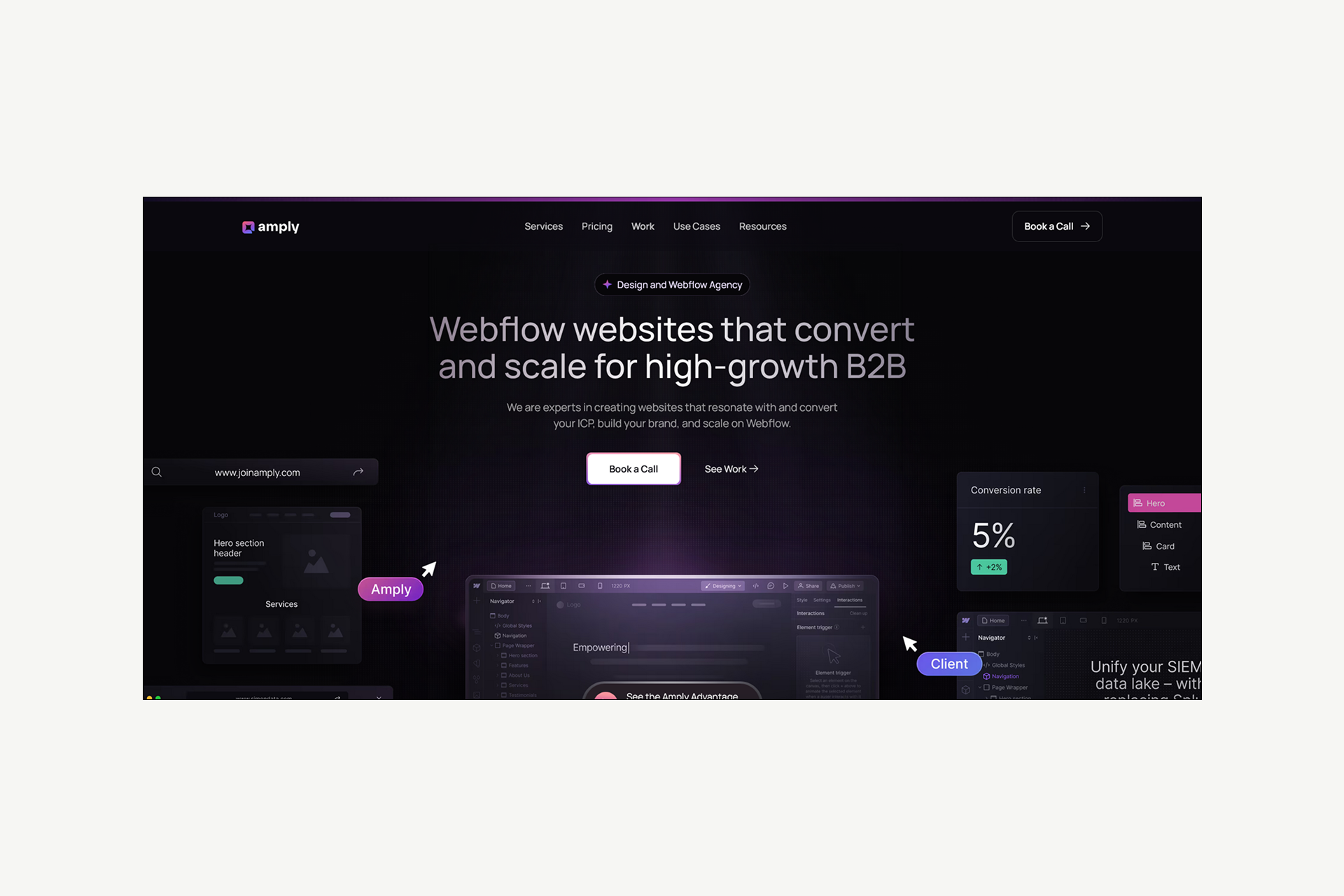
Amply is a certified Webflow agency with over 150 successful projects, specializing in B2B brands and combining Webflow development with branding and design services. Their distributed team operates from Utah's Silicon Slopes with a focus on conversion-driven design and marketing team empowerment.
Multi-Language Credentials:
- Certified Webflow experts with 150+ successful project implementations
- Migration expertise preserving structure and SEO value during platform transitions
- Technical SEO optimization, including structured data and page speed, is critical for international sites. Marketing integration capabilities connecting tools across multiple markets
Key Differentiators:
- B2B specialization with a deep understanding of business buyer journeys across markets
- Webflow migration expertise, specifically noting "without data loss, downtime, or negative SEO impact."
- Conversion rate optimization through Webflow Optimize for multi-market testing
- Scalable website architecture empowering marketing teams to manage content independently
- Transparent retainer and project pricing models for ongoing multi-language support
Best For:
B2B companies expanding into new markets, organizations migrating existing sites to Webflow while adding languages, teams needing ongoing design and development support through retainers, and companies requiring conversion optimization across markets.
Considerations:
A B2B focus means less emphasis on consumer brands or e-commerce. Multi-language capabilities are supported through general Webflow expertise and SEO optimization rather than explicit specialization in complex international implementations.
Veza Agency Network
Overview:
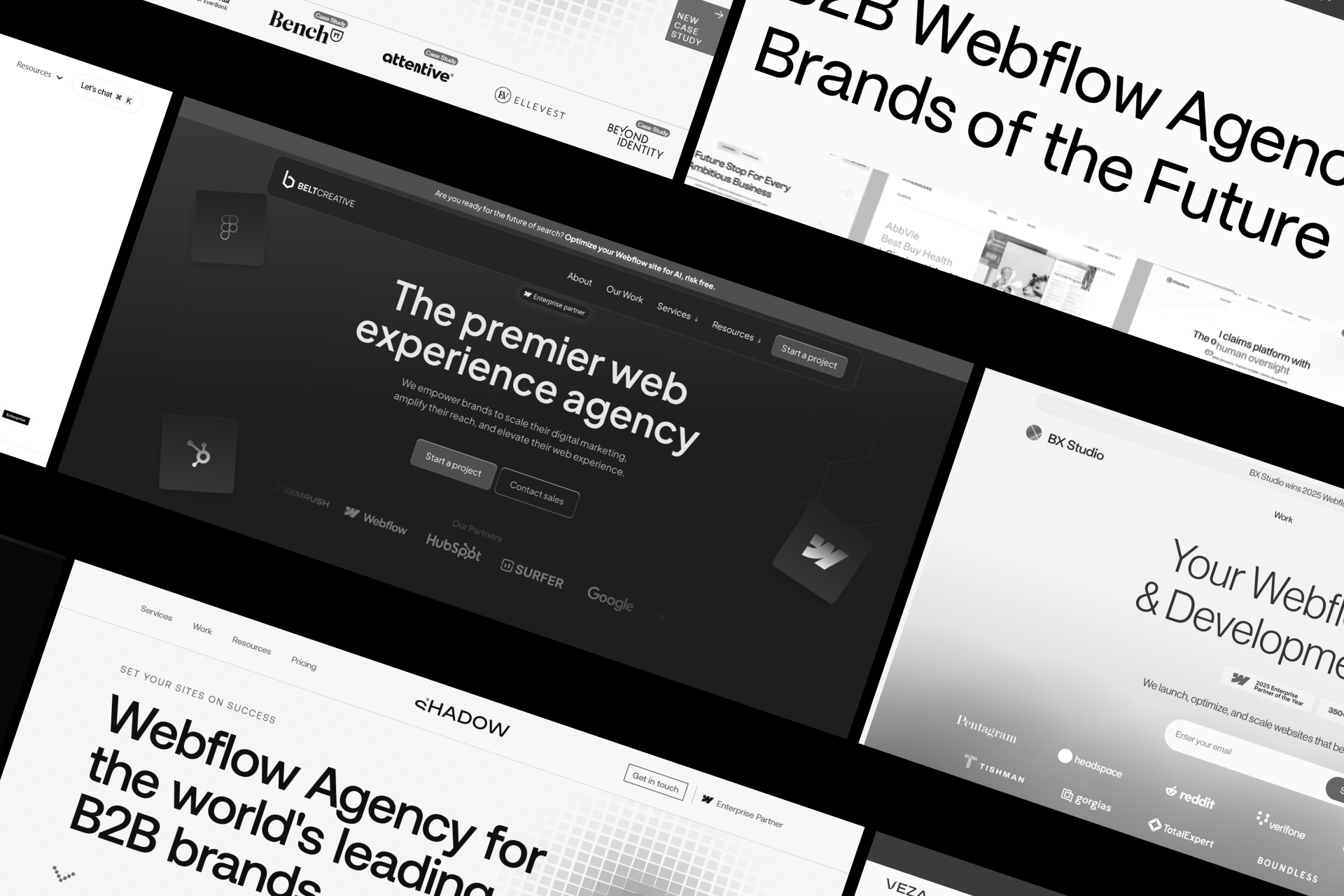
Veza Agency Network unites specialized Webflow agencies, Shadow Digital, Veza Digital, Hedrick, and Belt Creative to deliver multi-language projects with combined expertise. The network enables collaboration across agencies, ensuring scalability, consistent quality, and access to diverse technical and creative strengths.
Key Strengths:
- Network Advantage: Specialized expertise across multiple partner agencies
- Collaboration Model: Complex projects leverage complementary skills for seamless delivery
- Shared Standards: Consistent quality, workflows, and governance across agencies
Scalability: Capable of supporting enterprise multi-language projects with advanced CMS architecture - Specializations: From international SEO and B2B SaaS optimization to component-based design systems
Best For:
Organizations pursuing large, complex multi-language projects that require scalable structures, technical sophistication, and a collaborative, multi-agency approach.
Key Message:
"For complex multi-language projects, the Veza Agency Network offers combined expertise greater than any single agency."
Agency Comparison Table
Evaluation Framework for Multi-Language Agencies
To find the right partner, it helps to have a clear framework for evaluating agencies based on technical expertise, scalability, and proven multi-language experience.
Essential Evaluation Criteria
To choose the right multi-language Webflow agency, use a weighted scoring system that prioritizes technical expertise over aesthetics.
- The most critical factor is Native Localization (25%). Look for proof of real Webflow localization projects rather than outdated third-party workarounds.
- International SEO (20%) and a Multi-Language Portfolio (20%) follow closely, ensuring the agency understands hreflang tags, URL structures, and technical case studies.
- To ensure long-term success, evaluate their Scalable CMS Architecture (15%) to avoid costly future rebuilds, their Translation Workflow (10%) for seamless content management, and their commitment to Post-Launch Support (10%).
This framework forces a focus on the technical infrastructure necessary for a site to scale globally.
Questions to Ask Potential Agencies
To separate true experts from generalists, use these rigorous technical questions to vet your next Webflow agency. If they cannot provide specific, technical answers to these queries, they likely lack the depth required for a complex global rollout.
- Native Experience: How many sites have you built using Webflow's native localization (not just third-party tools)?
- SEO Technicals: Can you walk me through your hreflang process and how you manage sitemap synchronization?
- Scalability: How do you structure the CMS for 5+ languages to avoid hitting field limits or requiring a total rebuild?
- Operations: What is your workflow for translation management and quality control during updates?
- Verification: Can I inspect the source code of your past multi-language projects to verify the hreflang tags?
- Maintenance: How do you handle ongoing content updates across all languages after the initial launch?
- Strategy: Which URL structure do you recommend for our specific business goals, and why?
- Local Performance: How do you ensure the site actually ranks in each target market beyond just translating the text?
Red Flags to Watch For
Watch out for these "red flags" that signal an agency lacks true multi-language expertise. Selecting the wrong partner can be costly; the 1-10-100 rule suggests that fixing structural errors after launch costs 100 times more than preventing them during the build phase.
Multi-Language Agency Red Flags:
- Reliance on "Proxy" Tools: Avoid agencies that only use third-party hacks (like Weglot) instead of native Webflow Localization; they likely lack the architectural depth for complex sites.
- SEO Vagueness: An inability to explain technical hreflang implementation or the strategic trade-offs between subdirectories and subdomains suggests your site will fail to rank internationally.
- Vague Portfolios: If they can't show live multi-language sites with clean source code, they're likely experimenting on your project rather than applying proven experience.
- Missing Workflows: A lack of documented processes for translation management and content updates signals operational chaos after the initial launch.
- One-Size-Fits-All Approach: Treating a global rollout like a standard build ignores the unique architectural challenges of scaling across different markets.
Agency Evaluation Scorecard
Scoring Guide:
- 5 = Excellent, demonstrated expertise with multiple projects
- 4 = Strong, clear experience and knowledge
- 3 = Adequate, some experience
- 2 = Limited, minimal experience
- 1 = None, no demonstrated capability
Instructions:
Score each agency 1-5 on each criterion. Multiply the score by the weight and sum for the weighted total. Higher total = better fit for multi-language projects.
Challenges and Best Practices
Multilingual websites don’t come without challenges. But if you follow some of the best Webflow practices, you can make the localization experience smooth and flawless.
Common Multi-Language Challenges
Multi-language websites introduce technical challenges in CMS architecture, SEO, and content management. CMS architecture becomes challenging. Teams must manage field-level translations and content relationships that don't exist in single-language sites.
Operationally, you must synchronize content updates across all locales while managing design adaptations, such as German text requiring 30% more space than English or implementing Right-to-Left (RTL) scripts for markets like Arabic.
To avoid SEO dilution and architectural debt, success requires planning for localization from day one. We recommend a phased rollout, prioritizing high-value markets to validate technical performance before expanding globally.
Common operational challenges include:
- Content parity tracking across all locales to identify what's translated versus what remains incomplete
- Design adaptation requirements, where some languages, like German, require 30% more space than English equivalents
- Right-to-left (RTL) script support for Arabic, Hebrew, Persian, and Urdu that reverses the entire layout flow
- Performance optimization, as multiple versions can impact load speed if assets aren't properly optimized per locale
- Maintenance burden escalation where single content updates multiply across every active language
Best Practices for Success
The most effective strategy is to build a scalable CMS architecture that handles future growth without requiring expensive rebuilds.
Use subdirectories (e.g., /fr/, /de/) to consolidate SEO power and implement proper hreflang tags to ensure search engines target the right regions. Establishing a clear translation workflow, including quality control and update systems, is essential before any content is created.
By monitoring per-market performance through locale-specific Google Search Console properties, you can identify and fix indexing issues before they impact your global visibility.
Strategic rollout recommendations:
- Prioritize markets based on business opportunity rather than attempting simultaneous launches across all target languages
- Monitor per-market performance through locale-specific Google Search Console properties, tracking SEO metrics and conversion rates.
- Plan for ongoing maintenance, recognizing that multi-language sites require significantly more support resources than single-language equivalents
- Implement phased rollouts, launching core markets first to prove the business case before expanding to secondary regions.
At Shadow Digital, we consistently recommend phased rollout strategies that validate technical implementation and business performance in high-priority markets before expanding to additional languages, reducing risk, and optimizing resource allocation.
Webflow Native Localization vs. Third-Party Tools
Webflow has two main ways to make a site multilingual: using its built-in localization or third-party tools like Weglot and Lokalise.
Webflow Native Localization (Recommended):
This is part of Webflow itself, so it’s cleaner and easier to manage. It works well with the CMS, handles hreflang correctly for SEO, and keeps everything on one platform. It’s best for new websites or full localization projects.
Third-Party Tools:
These are faster to use on existing sites and can automatically translate content. But they can make your setup more complex, create dependencies, and cost extra on top of Webflow. They are best for quick launches, retrofitting existing sites, or when budgets are limited.
Recommendation:
If you are building a new multi-language site, use Webflow’s native localization. For updating an existing site quickly, third-party tools can work, but be aware of tradeoffs.
Webflow Native Localization vs third-party tools
Summary:
For new multi-language Webflow builds, use native Localization. For retrofitting existing sites quickly, third-party tools can work but come with tradeoffs in control, cost, and long-term scalability.
Webflow Localization Tips
For new multi-language sites, use Webflow’s native localization to avoid extra tools.
Set up fallbacks so visitors see something even if a page isn’t translated. Make the language switcher easy to find and use. Test all pages in every language to catch mistakes early. Check Google Search Console for hreflang errors and fix them quickly.
Following these steps helps your site work smoothly for all visitors.
Multi-Language Webflow Best Practices:
Planning & Architecture:
- Plan for localization from day one (don't retrofit)
- Design CMS structure for scalability
- Choose URL structure strategy (subdirectories recommended)
- Prioritize markets, launch core markets first, then expand
- Establish translation workflow before content creation
Technical Implementation:
- Use native Webflow Localization for new builds
- Implement hreflang tags correctly
- Set up proper fallbacks for untranslated content
- Configure the language switcher for good UX
- Set up Google Search Console per locale
Content & Translation:
- Localize, don't just translate (cultural adaptation)
- Establish quality control for translations
- Track content parity across languages
- Plan for ongoing translation updates
- Integrate TMS or translation tools for efficiency
Launch & Maintenance:
- Test thoroughly in all languages before launch
- Monitor Search Console for hreflang errors
- Track per-market SEO performance
- Plan for increased maintenance needs
- Consider phased rollout by market
Note: The cost of fixing a poorly built multi-language site often exceeds building it right the first time.
Budget & Investment Expectations
Alt: Simple icon illustrating budget and investment proportions.

Building a multi-language website is more than just translating words. It requires planning the site structure, SEO, and workflows for each language. Each additional language typically increases project scope by 15-30% in time and cost. Investing in a proper setup now prevents expensive fixes later.
Costs vary widely depending on the size of the project and the number of languages. Small sites with two languages cost less, while large enterprise sites with five or more languages can require a much larger budget. Ongoing translation and maintenance are also important to keep content up-to-date.
Proper localization is an investment in revenue, SEO, and brand reputation. Underestimating the budget can lead to incomplete or poorly performing sites. Planning for both initial development and long-term maintenance ensures your site works well in every market.
Multi-Language Project Pricing
Multi-language sites are more complex than single-language ones. Costs include site setup, SEO, workflow planning, and translation, not just text translation. Each extra language adds work, so planning upfront saves money later.
Typical budgets:
Notes:
- Multi-language sites cost significantly more than single-language sites due to architecture, SEO, and workflow complexity
- Each additional language increases scope, plan accordingly
- Proper setup now saves expensive rebuild costs later
Factors that affect cost:
- Number of languages
- Number of pages or CMS items
- Translation services (included or client-provided)
- CMS complexity
- Integrations
- Ongoing updates
ROI of Proper Localization
A properly localized site helps reach new markets, improves conversions, and boosts SEO. Visitors are more likely to buy or engage when content is in their language, and your site can rank in local search results.
Proper setup avoids costly mistakes later and shows your brand as professional worldwide.
Poor localization can hurt revenue and reputation.
Key insight: The cost of a well-localized site is an investment. The cost of a poorly localized site is a liability.
Conclusion: Choosing Your Multi-Language Partner
Building a multi-language Webflow site needs specialized skills. Not every agency knows how to handle Webflow localization or follow an international SEO guide. Early architecture decisions affect long-term success.
When choosing a partner, look for:
- Webflow localization expertise
- International SEO knowledge
- Multi-language portfolio
- Scalable CMS approach
- Efficient translation workflow
The Veza Agency Network brings together agencies like Shadow Digital, Veza Digital, Hedrick, and Belt Creative. This network combines expertise for complex, enterprise-level projects. Agencies collaborate to deliver scalable, SEO-friendly multi-language sites.
Expanding globally with Webflow?
Shadow Digital has the experience and international SEO skills to build multi-language sites that perform in every market. Schedule a consultation to discuss your global expansion.
Frequently Asked Questions
General Questions
Can Webflow handle multi-language websites?
Yes. Webflow supports multi-language websites through its native Localization feature (launched in 2023). You can manage multiple languages in one project, with localized URLs, CMS content, static pages, and SEO features like hreflang tags. Designers can also adjust layouts per language, which helps with longer text or right-to-left languages. There’s no fixed language limit, but CMS item limits (for example, 10,000 items on Business plans) can affect scale. For most businesses, Webflow offers strong multi-language support.
What is Webflow Localization?
Webflow Localization is Webflow’s built-in tool for creating and managing multi-language sites without third-party services. You choose a primary language, and other languages inherit content and design from it. You can override translations, adjust layouts per language, and manage SEO settings. Webflow automatically handles URLs, hreflang tags, sitemaps, and language switchers, and it integrates directly with the CMS for localized dynamic content.
How many languages can a Webflow site support?
There’s no hard limit, but practical limits come from CMS constraints. Each language version counts toward your CMS item limit (10,000 items on Business plans). For example, 2,000 posts in five languages equals 10,000 items. The 60-field limit per CMS collection can also be restrictive. Most sites comfortably support five to ten languages with good planning, while Enterprise plans can handle more.
Technical Questions
How do I implement hreflang tags in Webflow?
If you use Webflow Localization, hreflang tags are added automatically. Webflow generates correct hreflang tags in the page head and includes them in XML sitemaps, following Google’s best practices. You can check them by viewing the page source or using SEO testing tools. Without native Localization, hreflang must be added manually, which is harder to manage and more error-prone.
What URL structure is best for multi-language Webflow sites?
Subdirectories (example.com/en/, example.com/de/) are best for most sites. They keep all SEO authority on one domain and are Webflow’s default. Subdomains require more SEO effort, and country-specific domains (ccTLDs) are expensive and split authority. For most businesses, subdirectories offer the best balance of SEO, simplicity, and scalability.
Do I need a separate Webflow project for each language?
No. With Webflow Localization, all languages live in one project. This makes updates easier, keeps designs consistent, and reduces maintenance. Separate projects per language are an outdated approach and create long-term problems. The main exception is Webflow Ecommerce, which currently doesn’t fully support native Localization.
Agency Questions
What should I look for in a multi-language Webflow agency?
Look for proven experience with Webflow’s native Localization, not just third-party tools. The agency should understand multi-language CMS architecture, international SEO, hreflang, and URL strategies. Ask to see real examples, check live sites, and review their translation workflows. Ongoing support, experience, and references for multi-language projects are also important.
How much does a multi-language Webflow site cost?
Costs depend on size and complexity.
- Basic two-language sites: $15,000-$30,000
- Mid-sized sites (3-5 languages): $30,000-$75,000
- Enterprise sites (5+ languages): $75,000-$150,000+
These usually include design, development, setup, and basic SEO. Translation costs are extra, and ongoing maintenance is typically 15-25% higher than for single-language sites.
How long does it take to build a multi-language Webflow site?
Timelines vary by scope.
- Simple two-language sites: 6-8 weeks
- Mid-sized sites (3-5 languages): 8-12 weeks
- Enterprise sites (5+ languages): 12-20+ weeks
Translation often takes the most time. Many teams launch priority languages first, then add others later. Site migrations usually take longer to avoid SEO issues.
SEO & Content Questions
How do I optimize SEO for multi-language Webflow sites?
Use Webflow Localization for correct hreflang tags. Use subdirectory URLs, localize metadata (titles, descriptions, slugs, alt text), and do keyword research per market instead of direct translation. Set up Google Search Console for each language, build local backlinks, and use self-referencing canonicals. Regularly check for common errors like missing slugs or incorrect canonicals.
What’s the best way to manage translations in Webflow?
It depends on scale. Large sites often use a Translation Management System (TMS) like Lokalise or Phrase. Mid-sized sites commonly use machine translation with human review. High-impact content should use professional human translation. Track content changes so updates get retranslated, and always preview translations in Webflow before publishing.
Should I use Webflow Localization or a third-party tool like Weglot?
For new builds, Webflow Localization is the better long-term choice. It offers cleaner architecture, better CMS control, automatic hreflang, and stronger SEO. Third-party tools like Weglot are useful for quick launches, smaller sites, or testing new markets, but they add ongoing costs and technical limits. The choice comes down to speed versus long-term scalability.