Best No Code Website Builders 2026 | Expert Picks

Let's Build Your Webflow Website!
Partner with experts who understand your vision. Let’s create a converting user experience and build your website for future growth.
Best No-Code Website Builders 2026
If you’re building, migrating, or maintaining websites daily as we do, or if you simply follow the no-code movement closely, you probably noticed that a shift is happening there.
This time, nothing dramatic or driven by big feature releases. The change we are mentioning is happening quietly inside the tools themselves and in the way teams use them daily. That’s exactly why we wrote this guide.
No code itself started as a quick and easy way for solo creators and small marketing teams to get their ideas online fast and without hassle. But it evolved. Now, no-code website builders are the core of the infrastructure for the whole team. Designers, marketers, editors, managers, and founders everyone collaborate without the endless handoff. Moreover, websites, turning around from the side projects to the central launch campaign and operation.
So if you’re still wondering what the best no-code builders for 2026 are, you’re in the right place.
Today, we won’t compare platforms by a generic feature list; instead, we will look at what matters in real situations, defining each section by the fact of how each relates to speed, handoffs, limits, and long-term maintainability.
As mentioned, the Shadow Digital team works on these platforms every day for startups and large brands. As a no-code web design agency, our experience makes it clear which tools help teams move faster while staying in control.
What Is a No-Code Website Builder in 2026?
What we’re trying to emphasize here is that no-code website builders in 2026 are more than simple visual editors for pages we like to publish.
For teams that work in this environment daily, tools are a part of the team. In other words, no-code website builders are a hard-working layer where all the content, logic, data, and design meet in one place. Naturally, the goal is no longer “Hey, we can build this without developers”. It’s to build with fewer hands-off, fewer delays, and clearer ownership.
Finally, you’re not choosing between creative freedom and structure anymore. The thing is, modern builders sit between both, so there are no hard decisions.
The New Definition of No-Code and Low-Code
New changes come with a new definition. So far, we’ve seen the no-code builders as a system that works pretty much like this - drag block, drop them here, change text, hit publish. Okay, that’s still there, but it’s just a surface.
Today’s no-code builders work like:
- Visual content systems that stay consistent while teams update fast
- Data-connected layouts that pull in live info automatically
- Team-ready design systems that keep everything on-brand
- API-connected front ends that power real workflows and automation
At the same time, low code and no code are overlapping. So what we see is that many teams tend to mix visual editing with life, scripting, or logic rules. It’s all right because the line between no code the local code matters for less than it used to; what matters more is whether a team can:
- Ship without waiting for a full dev cycle
- Keep content and structure clean
- Make changes without breaking the site
In short, the main question for 2026 isn’t “Is it no-code?” but “Can the whole team work inside it without friction?”
Why No-Code Is Powering Modern Digital Teams
It’s simple. With no-code website builders, teams can:
- Test ideas quickly, minutes after the brainstorming
- Start new projects without high costs and financial risks
- Share work between the design, content, and marketing departments
- Make updates without waiting for external help
Here’s what no-code changes for teams today on the real examples:
Facts: 70% of startups now use no-code tools in early MVPs
How We Choose the Best No-Code Builders
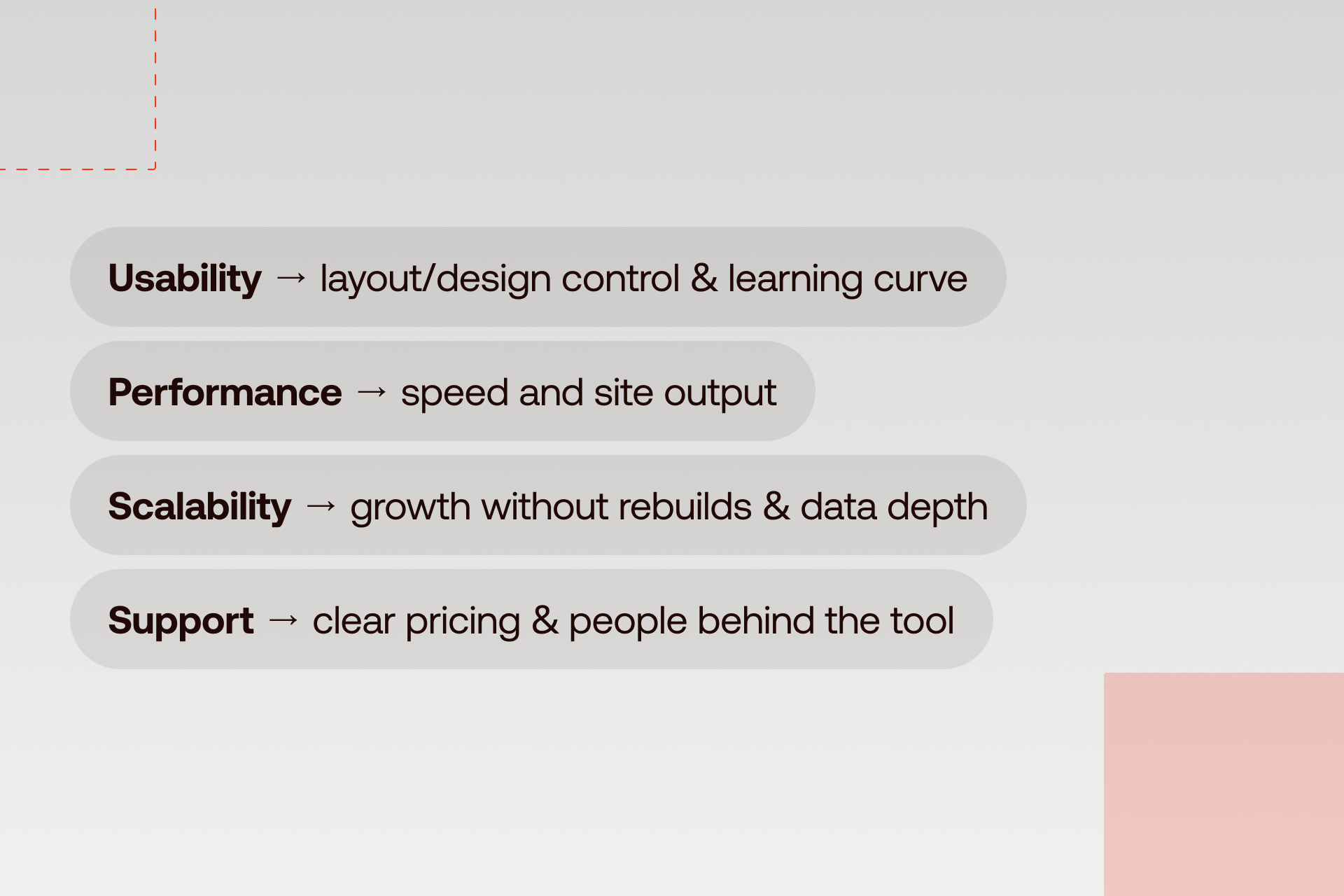
We keep it simple: we judge platforms by how they work in real life, not by feature lists or marketing hype.
Here’s what matters most:
- Layout and design control: Can you make pages look how you want, stay consistent, and let designers work freely?
- Learning curve and daily use: How easy is it for someone new to publish a page or make edits without help?
- Speed and site output: Do pages load fast? Is the code clean? Does the site stay stable under traffic?
- Growth without rebuilds: Can the platform handle more content, users, and traffic without needing a full redo?
- Search control: Can you manage metadata, redirects, structured data, and URLs without hacks?
- Data and content depth: Can the CMS handle complex content, filters, relationships, and dynamic pages?
- Clear pricing: Are costs predictable as your site grows? No surprise bills.
- People behind the tool: Are docs up-to-date, support helpful, and the user community active?
At Shadow Digital, we build and test on these platforms every day for startups and global brands. These are real insights from real work.
The Best No-Code Website Builders in 2026
Below, we put together a list of the best and most popular no-code website builders. You will find a clear, consistent breakdown of the leading platforms we cross our paths with in our daily client work. Each one earns its place for a different reason, and none of them fits every team.
Quick Comparison
Here’s a quick look at the top no-code builders in 2026, perfect if you want a fast answer or just need the key info at a glance.
Webflow – Best Overall Website Builder for Design Control
Overview:
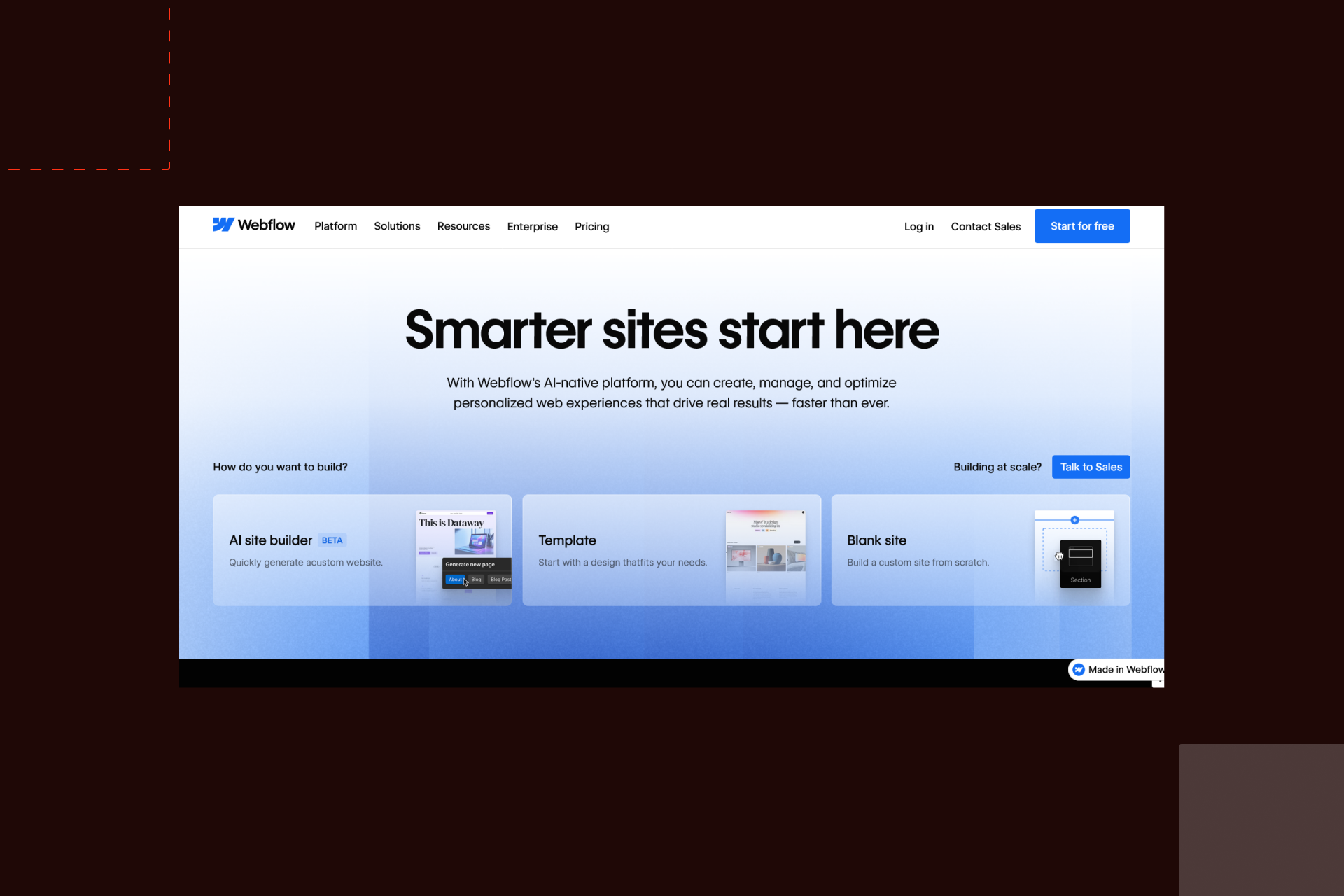
We are positive that Webflow website builder remains the closest thing to a full design-and-build environment without writing code. If you want a tool that offers you a “full package”, Webflow wins. It is built for teams that care about structure, layout systems, and long-term site growth.
Best for:
Agencies, in-house design teams, growing brands.
Top features:
- Visual layout system tied to real CSS rules.
- Strong CMS for large content sets
- Clean production output
- Team roles, staging, and client handoff tools
Pros:
- Deep layout control
- Scales well with content and traffic
- Good balance between design and structure
Cons:
- Takes time to learn well
- Higher cost at scale
Example use case:
A product brand running a marketing site with hundreds of pages, multiple collections, and weekly content updates managed by a content team.
Verdict:
Best for teams that need serious layout control without handing everything to development.
Framer – Best for Rapid Prototyping and Startups
Overview:
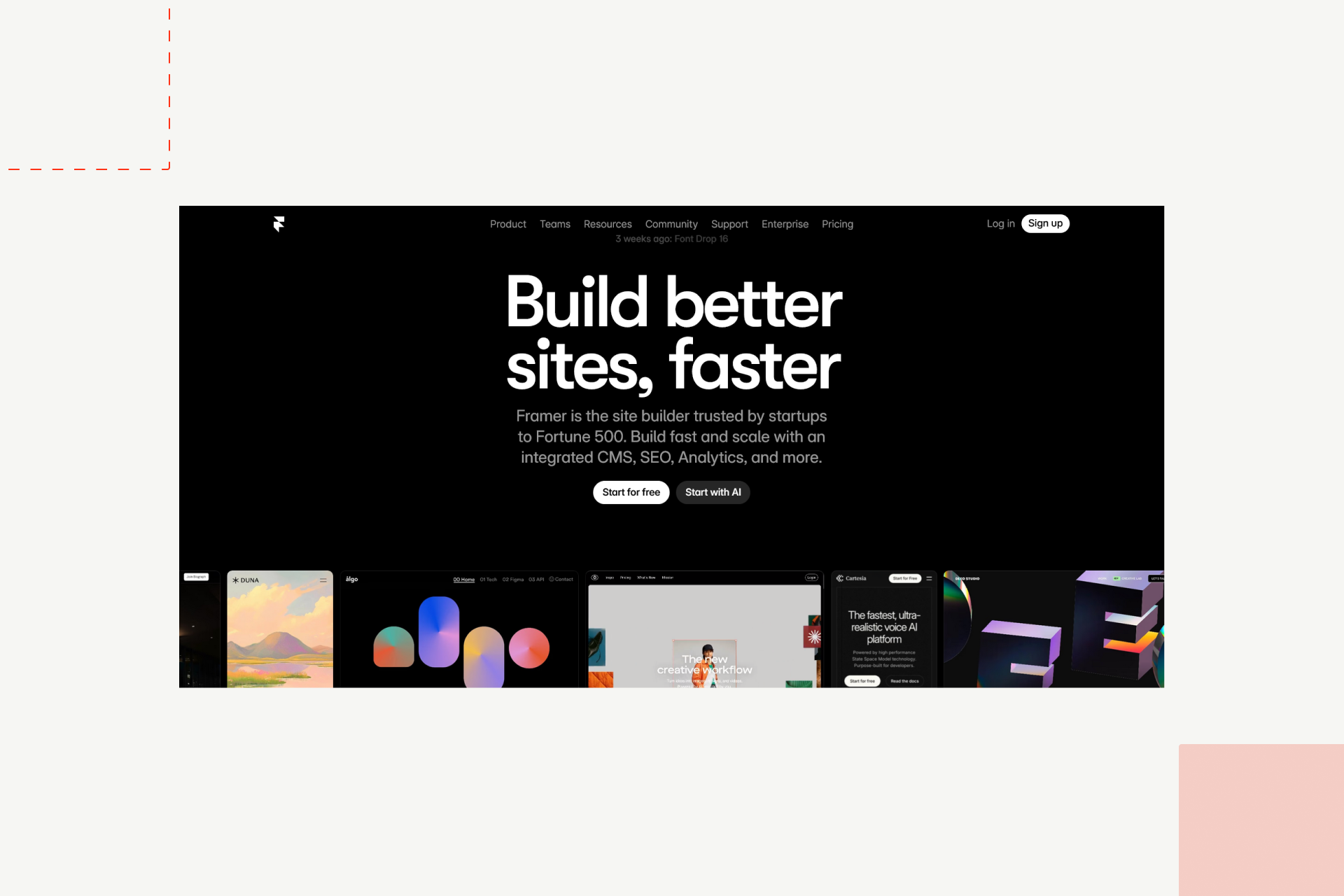
Teams says that Framer moves fast in daily workflows. It shines when speed, testing, and early feedback matter more than long-term content depth.
Best for:
Startups, product teams, product designers.
Top features:
- High-speed visual editing
- Built-in motion and interaction tools
- Live sharing and publishing
- Tight feedback loops
Pros:
- Very fast setup
- Great for early product sites
- Strong interaction support
Cons:
- CMS is lighter
- Long-form content setups take work.
Example use case:
A startup testing three versions of a landing site in one month before locking positioning.
Verdict:
Best for teams that need to test, adjust, and ship in short cycles.
Wix Studio – Best for Easy Drag-and-Drop and Templates
Overview:
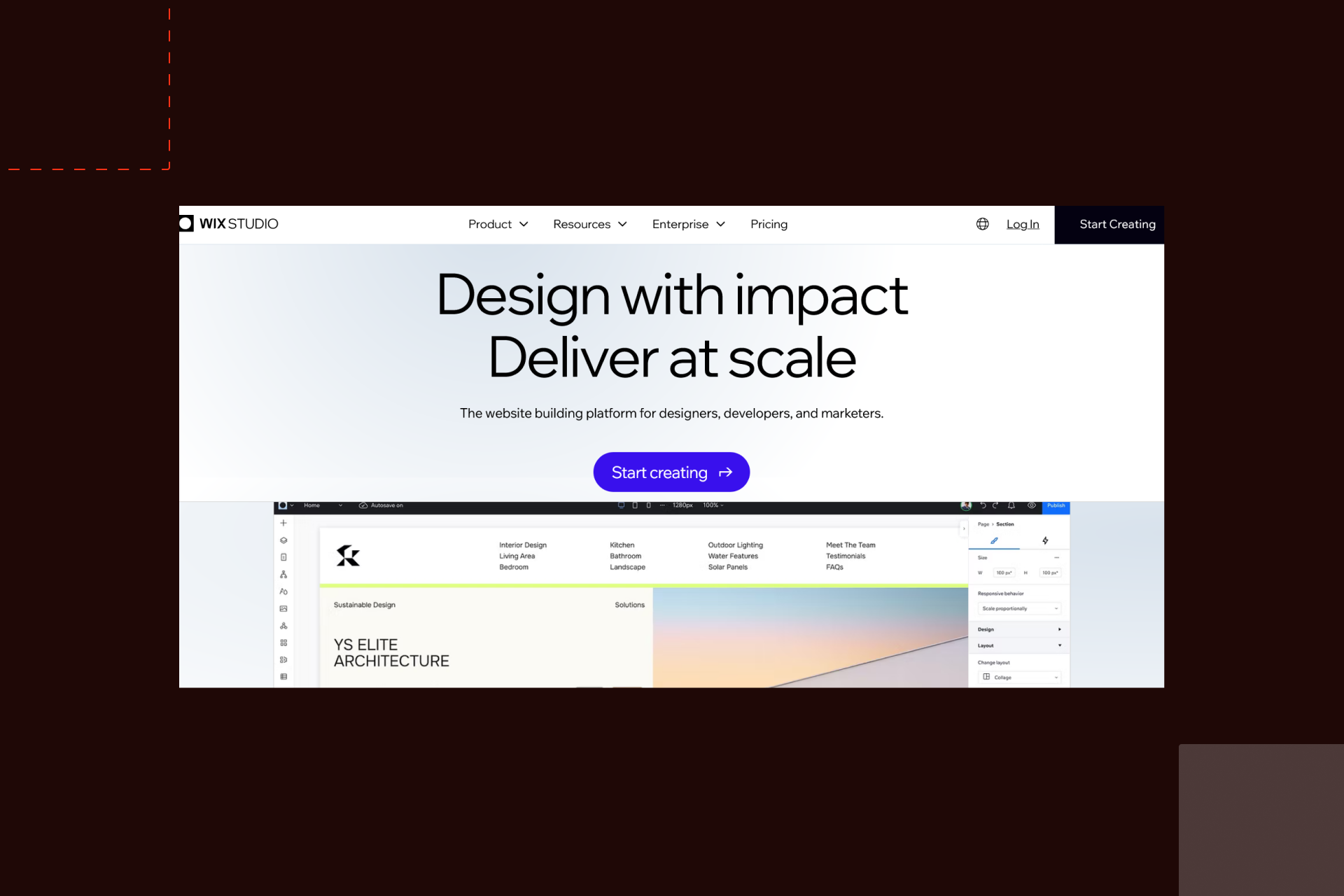
Wix Studio focuses on quick builds and it’s a good fit for teams that wants to handle a fewer technical decisions. Just as Framer, it’s made for speed but for small to mid-sized projects.
Best for:
Freelancers, small agencies, service businesses.
Top features:
- Visual editor with grid control
- Large template library
- Built-in hosting and updates
- Client-friendly editing
Pros:
- Simple to use
- Fast project turnaround
- Low setup friction
Cons:
- Limited layout depth
- Harder to scale complex systems
Example use case:
A local service company that needs a clean site online in two weeks with room for small updates.
Verdict:
Best for fast client projects where speed matters more than deep control.
Squarespace – Best for Simple, Polished Portfolios
Overview:
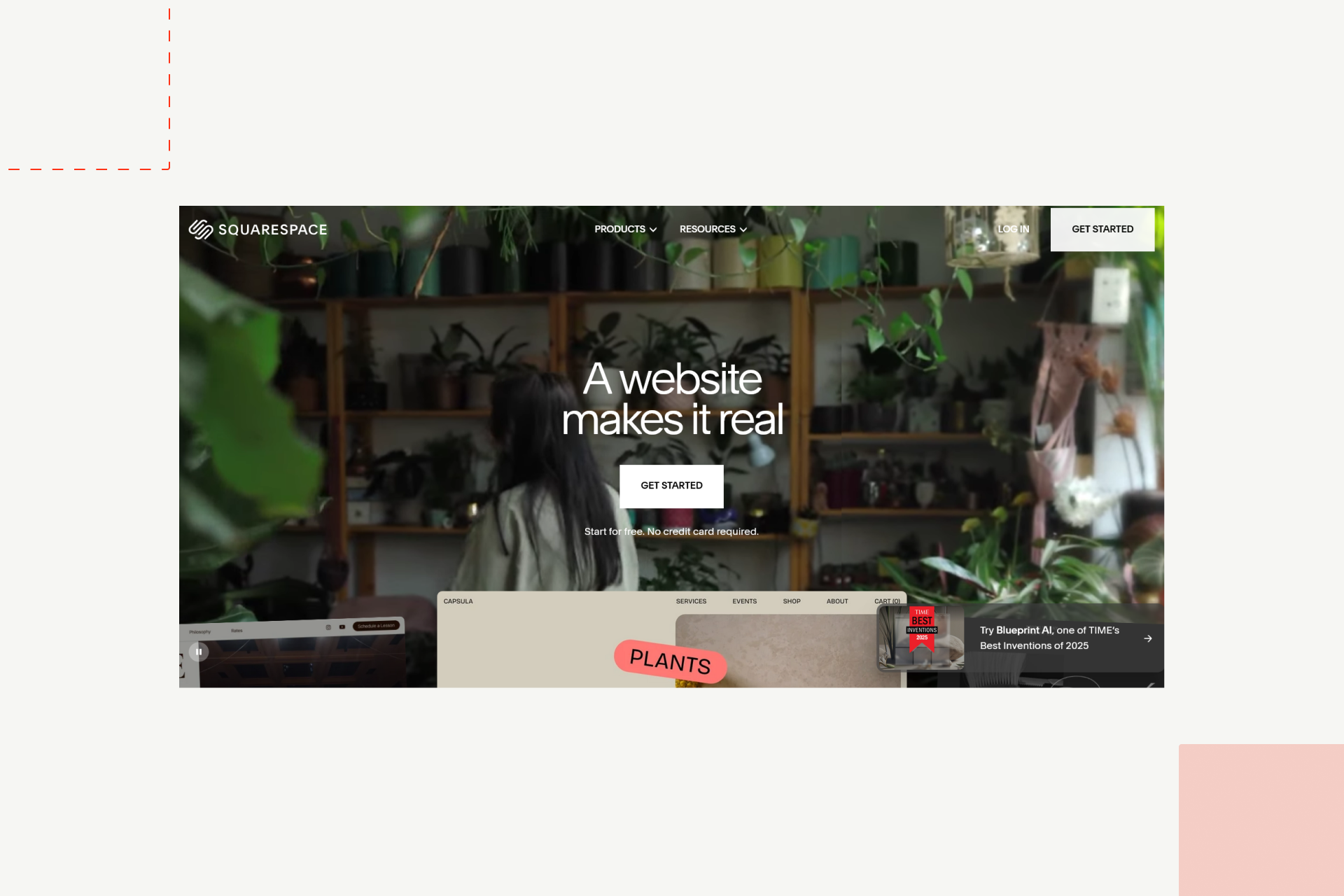
Squarespace is on the “stage” for a quite some time. It’s simple and generally easy to use while it stays focused on clean content presentation with minimal setup.
Best for:
Photographers, writers, solo creators, small brands.
Top features:
- Pre-built layout systems
- Built-in commerce for small shops
- Blogging and image handling
- Simple hosting and updates
Pros:
- Clean output
- Low learning curve
- Stable long-term upkeep
Cons:
- Limited layout freedom
- Custom logic is restricted
Example use case:
A creative professional running a portfolio with blog posts and a small shop.
Verdict:
Best for focused sites that do not need custom systems.
Dorik – Best for SaaS and Landing Pages
Overview:
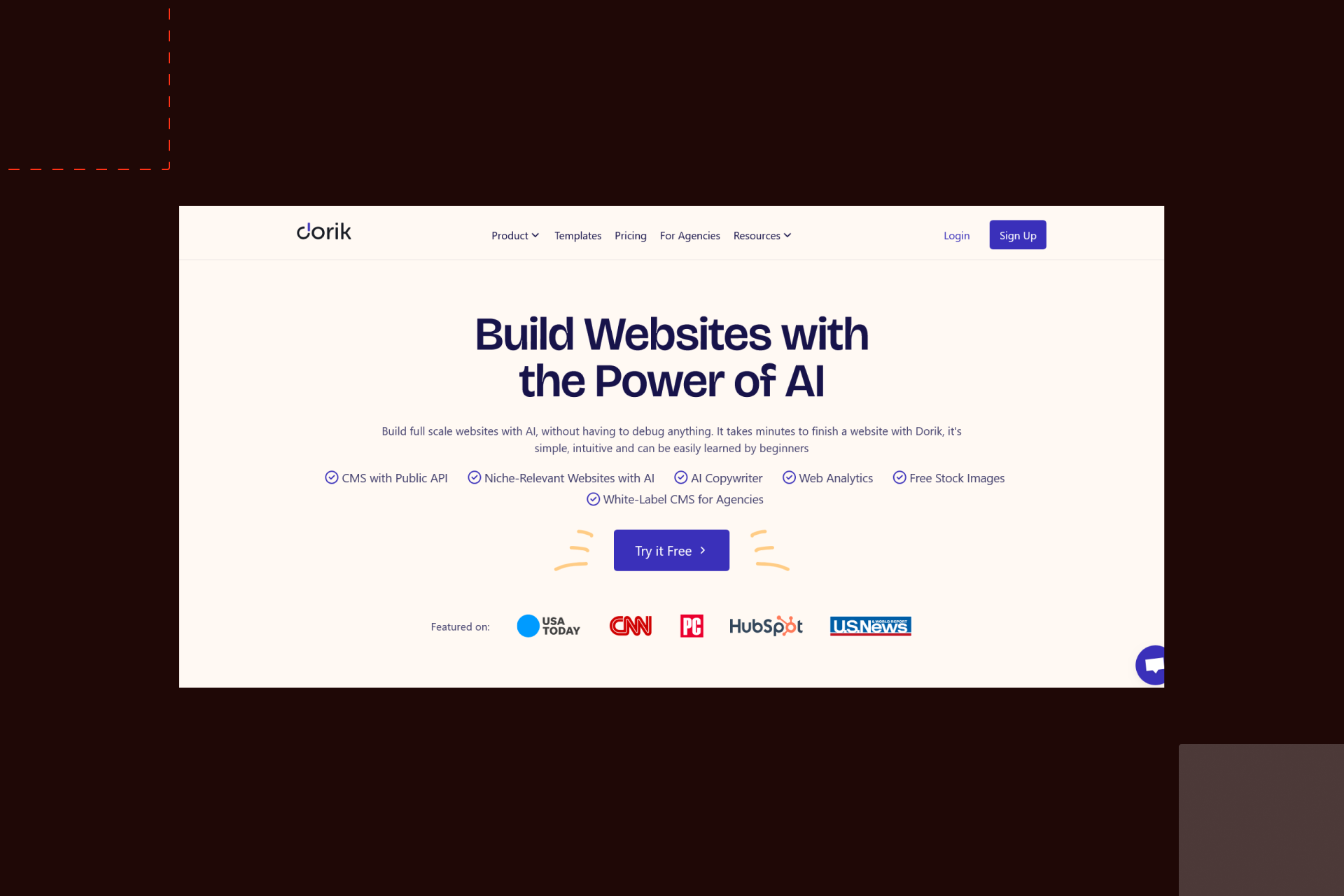
Dorik means one thing - a quick website creation. This no code website builder is all about fast and lead capture websites, but for simple SaaS sites too.
Best for:
Early-stage startups, marketers, founders testing ideas.
Top features:
- Landing page systems
- Built-in UI blocks
- Simple CMS
- Fast hosting setup
Pros:
- Quick to launch
- Low cost
- Clean page output
Cons:
- Not built for large content systems
- Design range is narrower
Example use case:
A founder launching a waitlist site with product info, form capture, and blog updates.
Verdict:
Best for early SaaS sites and focused campaign pages.
Shopify – Best No-Code eCommerce Platform
Overview:
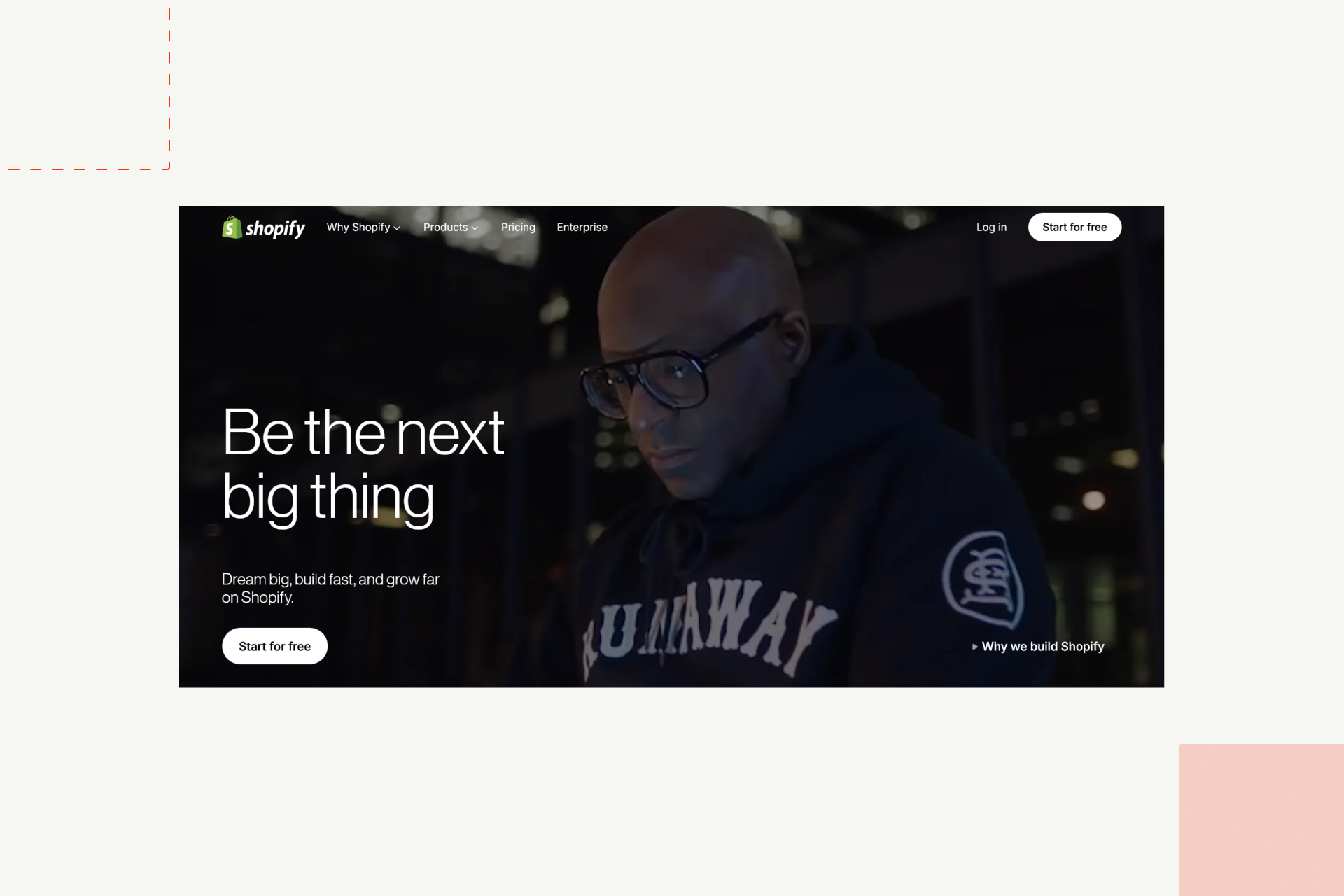
Shopify is there to make your e-commerce idea get its online existence. As per 2026, Shopify remains the standard for no-code online stores.
Best for:
Product brands, retail teams, direct-to-consumer businesses.
Top features:
- Product and order systems
- Payment handling
- Theme-based design
- App marketplace
Pros:
- Strong store foundation
- Reliable checkout
- Stable under scale
Cons:
- Design freedom depends on themes
- Transaction fees at volume
Example use case:
A growing consumer brand running product drops, inventory sync, and content-led pages in one system.
Verdict:
Best for stores that want a proven sales setup without managing infrastructure.
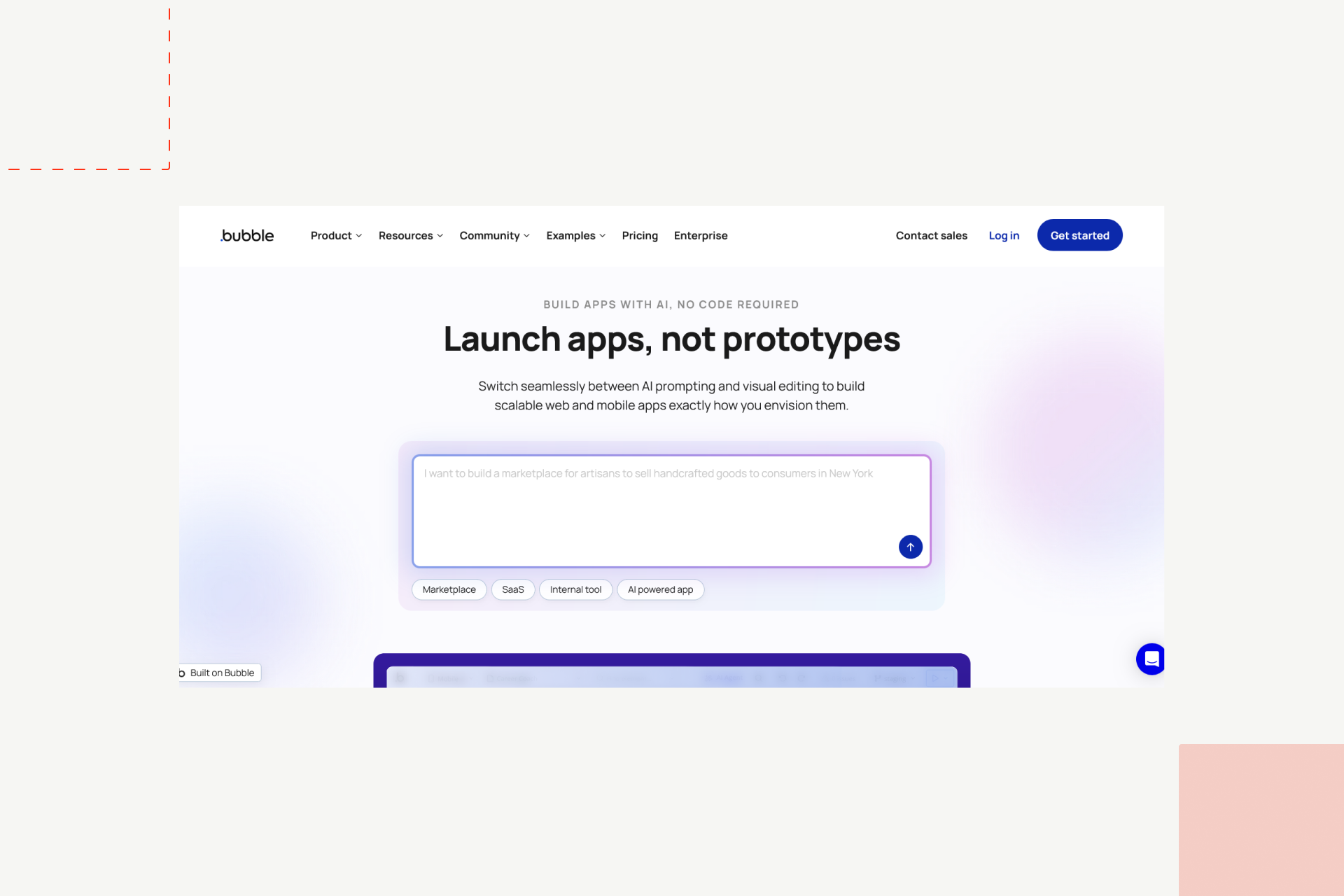
Bubble – Best for No-Code Web Apps
Overview:
Drag and drop, workflow system for logic, and interactivity - this is the definition of Bubble tool. Bubble is built for logic-heavy projects where the site is also the product.
Best for:
Founders, internal tools, custom platforms.
Top features:
- Visual database
- Workflow logic
- User roles and permissions
- API connections
Pros:
- Full app logic without code
- Deep data control
- Strong prototype-to-product path
Cons:
Performance tuning is required
Steeper learning curve
Example use case:
A two-sided marketplace with user accounts, payments, dashboards, and messaging.
Verdict:
Best for teams building functional web products without a dev team.
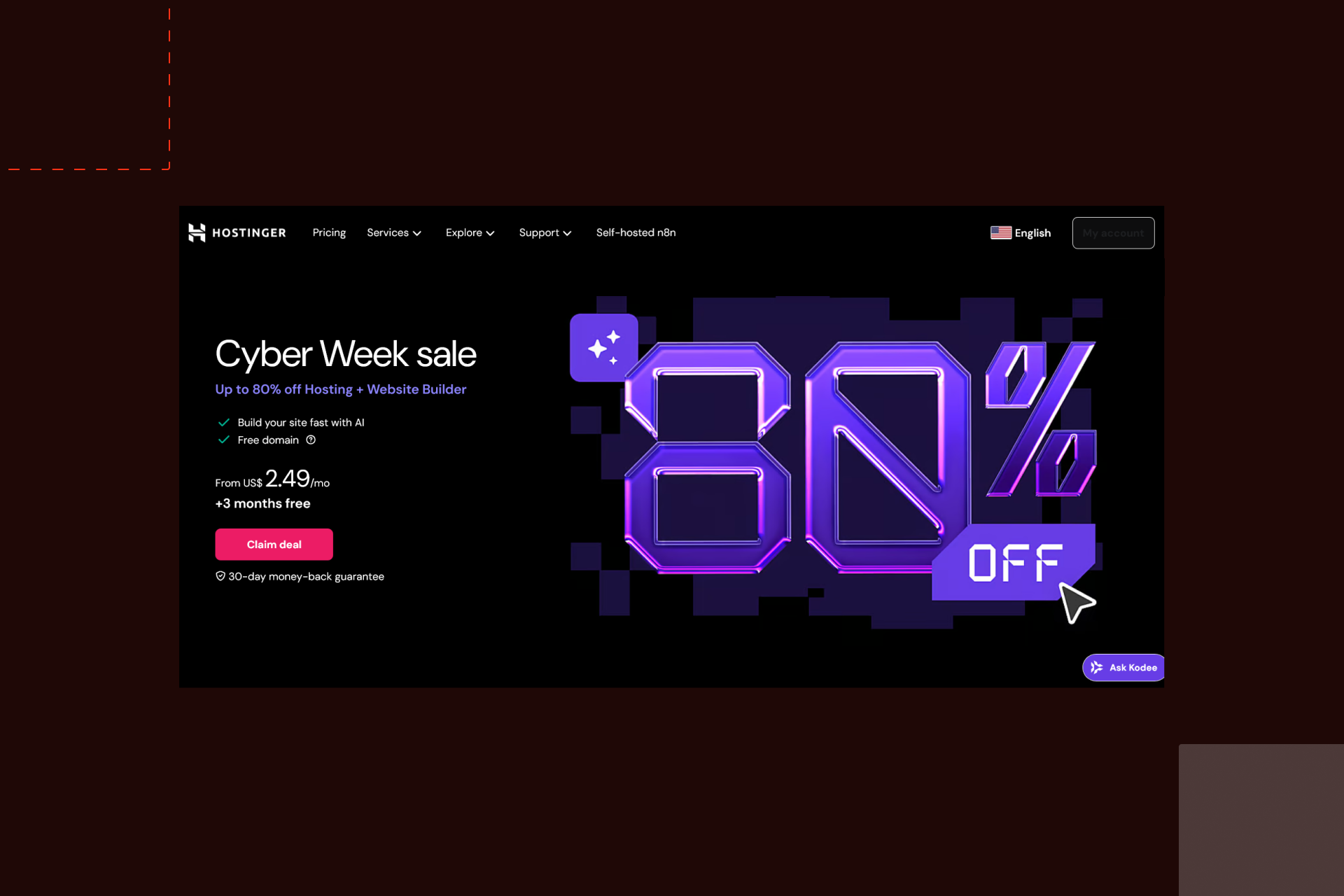
Hostinger / 10Web – Best for Beginners on a Budget
Overview:
If you’re a newbie, want to be online fast while staying on a budget - this one is for you. These platforms focus on low cost and fast setup with guided site creation.
Best for:
First-time site owners, side projects, simple business sites.
Top features:
- AI-assisted setup
- Pre-built layouts
- Basic CMS
- Hosting included
Pros:
- Very low entry cost
- Fast onboarding
- Minimal setup work
Cons:
- Limited growth range
- Lower layout control
Example use case:
A solo consultant launching a personal site with services and a contact form.
Verdict:
Best for simple sites with strict budget limits.
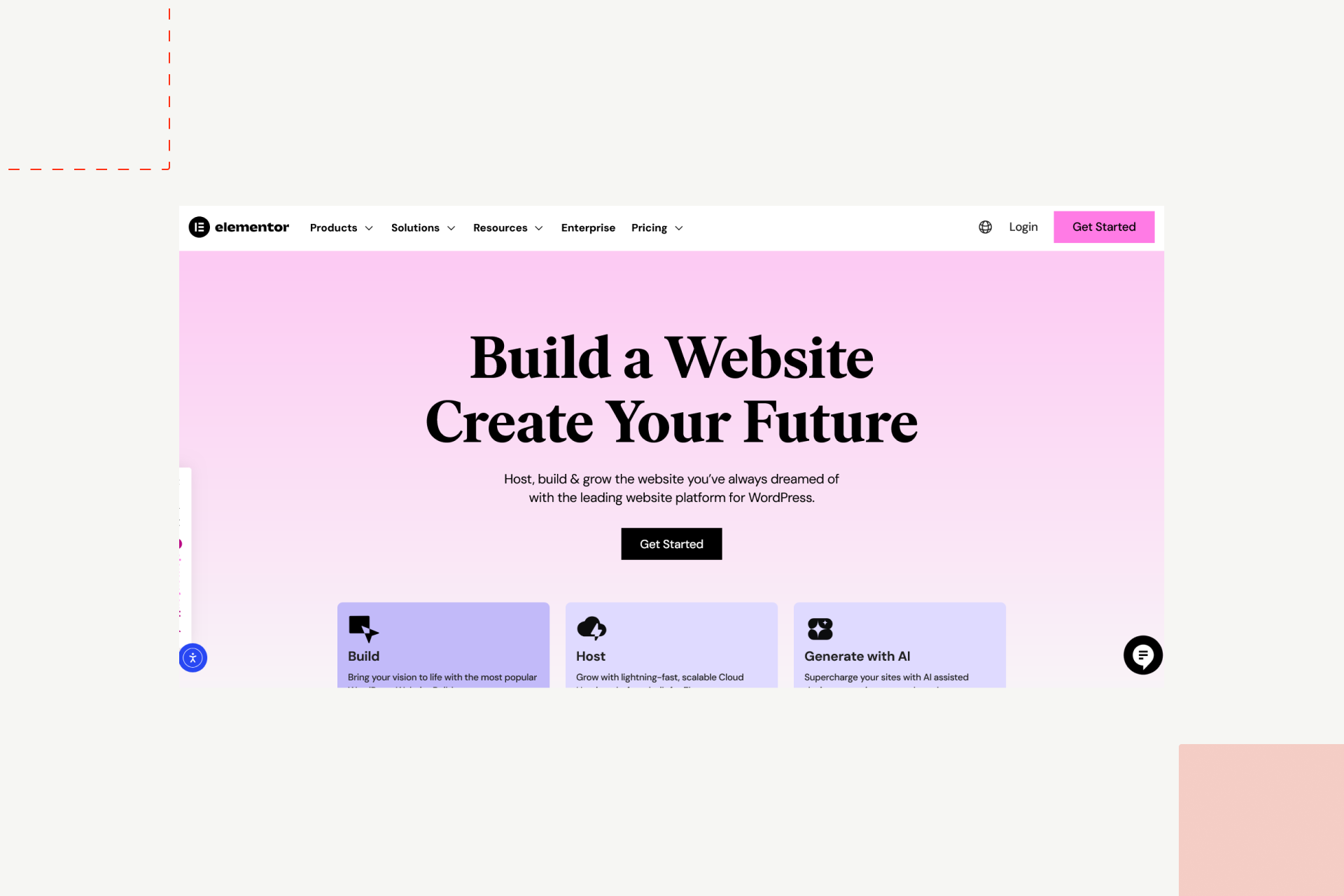
WordPress + Elementor – Best for Hybrid Control (Low-Code)
Overview:
This combination means one thing - greater control in the low-code space. WordPress + Elementor setup sits where full visual control and custom development meet.
Best for:
Publishers, content-heavy brands, marketing teams with light dev support.
Top features:
- Visual layout editing
- Plugin-based systems
- Large theme ecosystem
- Full data access
Pros:
- Very flexible
- Works with custom code when needed
- Large user base
Cons:
- Maintenance overhead
- Plugin conflicts at scale
Example use case:
A content brand with thousands of articles, lead systems, and marketing automation.
Verdict:
Best for teams that need both visual control and custom extensions.
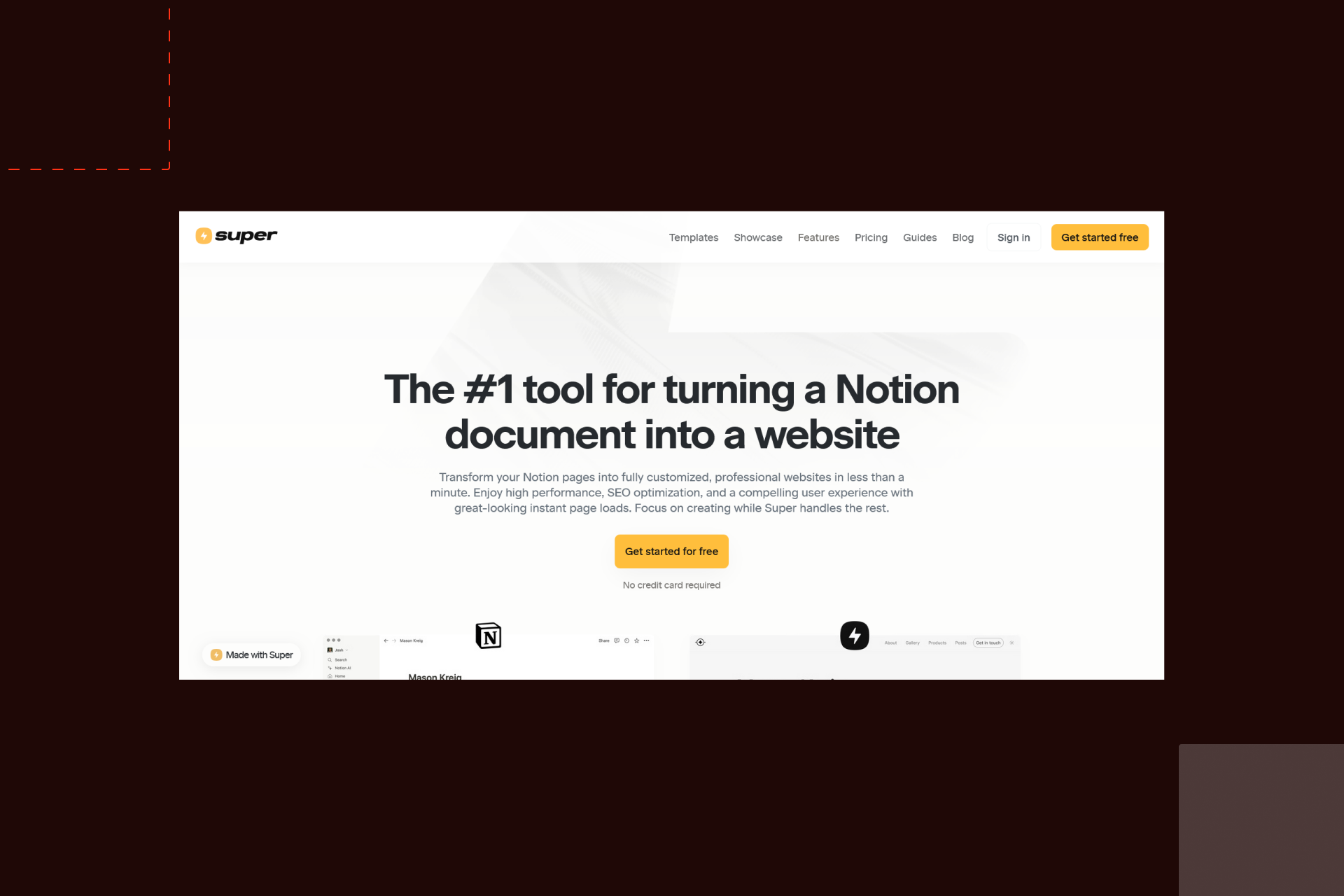
Notion + Super / Popsy – Best for Fast Content Sites
Overview:
These tools turn structured documents into live websites - with all marketing covered.
Best for:
Founders, content teams, internal hubs, docs sites.
Top features:
- Direct Notion sync
- Simple themes
- Fast publishing
- Team editing inside Notion
Pros:
- Very fast updates
- No CMS setup
- Perfect for living content
Cons:
- Limited layout range
- Not built for complex marketing flows
Example use case:
A startup running public docs, changelogs, and help content from one workspace.
Verdict:
Best for teams that publish and update content daily with zero setup friction.
Rising Trends in No-Code Web Development for 2026
We say - keep the good old practice while you pay attention to what’s currently in. This applies to the following web development trends as well.
Speaking of trends and the no-code, we’ve noticed that what will keep the storefront in 2026 is: less surface-level building and more on how these tools fit into wider systems. Since the teams want fewer gaps between design, content, automation, and data, the tools are following that need.
We’ve detected a few patterns shaping how serious teams are working this year.
AI-Enhanced Design and Automation
AI inside no-code tools is no longer limited to text helpers and rough layouts. It now supports:
- First-pass layout generation
- Content drafts tied to page structure
- Style adjustments based on brand inputs
- Rule-based automation inside workflows
Used well, this does not replace decision-making. It shortens setup time, helps with blank-page friction, and speeds up early cycles. Teams still refine, trim, and test by hand. The real value shows up in iteration speed, not in one-click output.
Component-Driven Design Systems
Reusable systems are no longer a “nice to have.” They are now core to how stable sites are maintained.
Across builders, teams rely on:
- Shared layout blocks
- Global styles and variables
- Central updates across hundreds of pages
This reduces visual drift and cuts update time from days to minutes. It also changes how agencies hand off projects. Instead of static pages, clients receive living systems they can manage without constant support.
API-First No-Code Platforms
No-code sites are no longer closed boxes. In 2026, most serious setups are connected to:
- CRMs
- Email systems
- Payment tools
- Analytics platforms
- Internal databases
This allows marketing, sales, support, and product data to move without manual sync. The site becomes part of the operating stack, not just a front layer. Builders that limit external connections now fall behind in real client work.
SEO and AEO Optimization for No-Code Sites
Search requirements are changing, now besides of SEO we see AEO, GEO and LLMs are taking the stage. The good news is that no-code platforms are adapting to this, while teams now expect:
- Full control over metadata and indexing
- Structured data without custom scripts
- Page speed that holds under load
- Clean output for modern search models
Answer-driven search and LLM optimization for AI visibility have shifted how pages are shaped. It is no longer just about ranking pages but about being cited and referenced by automated systems. Builders who expose these controls clearly save teams weeks of work.
Hybrid Workflows: Merging No-Code and Custom Dev
The strongest teams we see in our workflow are no longer choosing sides. They blend visual building with custom systems, and their common setup now looks like:
- No-code for front-end, content, and marketing
- Custom back-end for data, logic, and security
- APIs connecting both layers
This keeps publishing fast while allowing full control where it matters most. It also changes how dev teams work. Instead of building full sites, they focus on core systems, while others handle daily site changes.
No-code did not remove development from the process.
It shifted where development delivers the most value.
No-Code vs. Low-Code: Which Should You Choose?
The difference between no-code and low-code matters less at the start and more as your system grows. Both aim to reduce build time. They just do it in different ways.
No-code is visual-first. You work with layouts, blocks, and settings instead of syntax. It is made for fast launch, quick changes, and shared control across teams, that why many teams opt for migration from traditional CMS to no-code. Marketing, design, and content can all work in the same space without waiting on development.
Use no-code when:
- Speed is the main goal
- The site or product is still taking shape
- Non-technical teams own day-to-day updates
- You need to test ideas with low setup cost
Low-code adds a technical layer on top of visual building. You still use visual tools, but developers can extend logic, data flow, and system behavior with custom work. This gives more control over performance, security, and complex processes.
Use low-code when:
- The project depends on custom data rules
- You need deep system control
- Scale and performance are core concerns
- The product logic goes beyond content display
In practice, most serious teams do not stay in one lane forever. They start with no-code to move fast, then layer in low-code as demands grow.
At Shadow Digital, we build hybrid systems that start no-code and scale with custom logic once your business grows.
How to Choose the Right No-Code Website Builder for You
The right platform depends less on trends and more on what you need to run today, and what you expect to run a year from now. This short guide covers the decisions that shape most outcomes.
Define Your Website Goal (Brand, Store, App, or Portfolio)
This is how you do it:
- Start with the job the site must do.
- A brand site needs layout control, content structure, and steady publishing.
- A store needs product handling, payments, and order flows that hold under traffic.
- An app needs logic, user accounts, and data rules.
- A portfolio needs speed, clean layout, and simple upkeep.
When the goal is clear, half the platform list drops away on its own.
Consider Design Control vs. Ease of Use
Some tools favor freedom. Others favor speed and simplicity
Now it’s the right time to ask:
- Who will update the site every week?
- Do you need layout systems, or just finished sections?
- Will designers work inside the tool, or only content editors?
Heavy layout control comes with a learning curve. Simple editors trade control for speed. Neither is better by default. The right choice depends on who owns the site after launch.
Plan for Growth and Integrations
Most sites outgrow their first setup, and without the custom integrations for scaling brands, you want to keep it ready for expansion.
Look ahead for:
- CRM connections
- Email and automation tools
- Payment systems
- Analytics
- Internal dashboards
If a builder limits outside connections, you will feel it later. Early flexibility saves rebuilds.
Prioritize SEO and Performance Early
Search and site speed are not add-ons; we know you’re aware! They are something that shapes results from the first month.
Make sure the platform gives you:
- Full access to metadata and indexing rules
- Clean URLs and redirects
- Stable performance under load
- Control over structured data
- Fixing search issues after content scales is slow and costly.
Work With Experts
Shadow Digital helps companies choose and implement the right platform for growth, from Webflow to fully custom solutions. Get in touch with Shadow Digital!
FAQs
What is the best no-code website builder in 2026?
It depends on your goals. Webflow leads for design control and complex CMS needs, Framer excels at rapid prototyping, Wix Studio and Squarespace are ideal for speed and simplicity, and Shopify is the top pick for eCommerce.
Is Webflow still the best no-code platform?
For teams that need layout freedom, content depth, and long-term scalability, Webflow remains a strong choice. Other platforms may be faster for specific use cases, but Webflow balances control and flexibility for serious brands.
Which no-code tool is best for eCommerce?
Shopify dominates for most online stores. It handles products, payments, and customer flows reliably. Wix Studio and Squarespace work for smaller shops, but Shopify scales best under growth.
Can I migrate my existing site to a no-code builder?
Yes, but the ease depends on your current setup. Static sites and simple CMS content move smoothly. Complex logic, custom scripts, or large product catalogs may require planning or hybrid workflows.
What’s the difference between no-code and low-code?
No-code is visual-first, ideal for fast launch and content updates. Low-code adds developer flexibility for complex workflows and logic. Many teams start no-code and layer low-code as needs grow.
Are no-code websites good for SEO?
When platforms give access to metadata, structured data, redirects, and clean output, no-code sites can perform as well as custom-built sites. SEO should be part of planning from the start.
Can a no-code website scale for enterprise use?
Yes. Modern builders support teams, content growth, integrations, and traffic at scale. Hybrid approaches, combining no-code frontends with custom backends, are common for larger organizations.
How does Shadow Digital help brands use no-code tools effectively?
We guide platform choice, implement workflows, and combine no-code speed with custom logic where needed. Our team ensures sites are fast, maintainable, and connected to the business stack.
Final Thoughts
No-code web creation has matured and reached the point where it is no longer for individual makers. They now power brands, startups, and teams moving quickly while keeping control over design and content.
Working with an experienced digital team bridges speed and structure. Shadow Digital combines hands-on no-code expertise with custom Webflow development services to help brands launch, scale, and maintain sites without friction.
Ready to launch faster with the right no-code stack?
Let’s design, build, and scale together.