Umbraco vs WordPress 2026: Which Open-Source CMS Is Right For Your Organisation?

Let's Build Your Webflow Website!
Partner with experts who understand your vision. Let’s create a converting user experience and build your website for future growth.
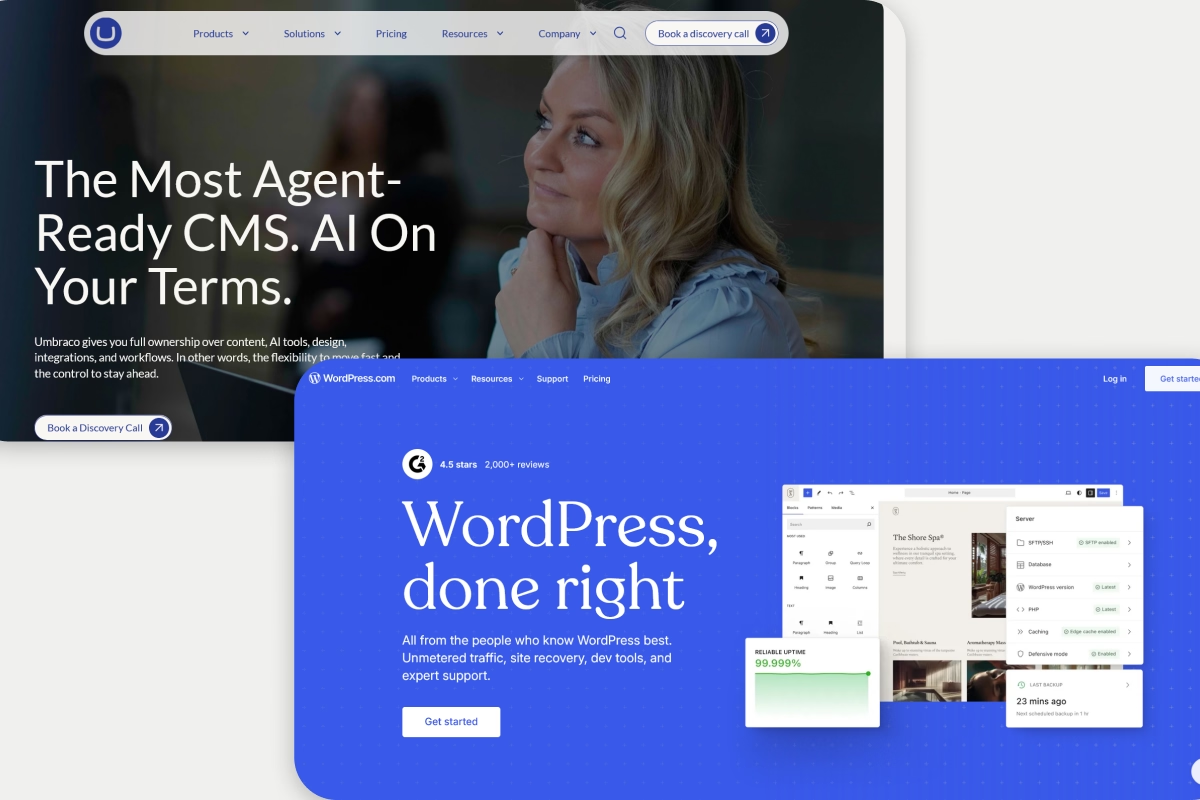
The choice between Umbraco and WordPress is rarely about features. Both are capable open-source CMS platforms. Both can power complex websites. Both have active development communities and long track records. The decision almost always comes down to one question: what technology stack does your organisation run on?
If your development team works in .NET and C#, and your infrastructure runs on Microsoft Azure, Umbraco fits naturally. Everything from the development workflow to the hosting to the Active Directory integration aligns with what your team already knows. WordPress in that environment is a PHP island in a .NET ocean, and it creates friction at every layer.
If your team works in PHP, or if you have no strong stack preference and need maximum speed-to-market with the widest available talent pool, WordPress is almost certainly the right answer.
Everything else in this comparison refines that core decision.
What You Are Choosing Between
WordPress is an open-source CMS built on PHP and MySQL. According to W3Techs data from mid-2026, it powers around 43% of all websites on the internet. The Gutenberg block editor makes content management accessible to non-technical teams. The plugin ecosystem has over 59,000 extensions. WordPress developers are the most widely available CMS specialists in every market.
Umbraco is an open-source CMS built on ASP.NET Core and C#. It is MIT licensed. The current stable version, Umbraco 13 LTS, runs on .NET 8. The platform is developer-centric: the content modelling, configuration, and back-office customisation are done in C# code rather than through a visual interface. Umbraco Cloud provides managed hosting. The developer community is active but significantly smaller than WordPress's.
The technology difference is the foundation of everything that follows.
Head-To-Head Comparison
Technology Stack And Architecture
WordPress runs on PHP and MySQL. It is compatible with Apache, Nginx, and most shared hosting environments. Any PHP developer can contribute to a WordPress project. Deployment is straightforward. The infrastructure choices are wide.
Umbraco runs on ASP.NET Core and requires .NET hosting: IIS on Windows Server, or Linux with .NET runtime, typically on Azure. C# developers are required. The development workflow uses Visual Studio or Rider. For organisations already on the Microsoft stack, this is natural. For organisations not on the Microsoft stack, it introduces infrastructure and tooling overhead that WordPress avoids.
The architecture decision also affects long-term upgrade paths. WordPress upgrades are typically managed through the admin interface. Umbraco major version upgrades require C# development work to migrate custom code. For organisations planning five-year platform timelines, the upgrade overhead is a real operational consideration.
Ease Of Use And Editor Experience
WordPress's Gutenberg block editor is accessible to non-technical content teams. Editors build pages with blocks, manage content in a clean admin interface, and publish without developer involvement. Training a content team on WordPress takes days. For organisations where editorial independence is a priority, WordPress's editor experience is a meaningful advantage.
Umbraco's back-office interface is well-designed by CMS standards and more accessible to non-technical editors than many developer-centric platforms. Document types (Umbraco's equivalent of content types) define the editing interface, and developers can build clean, structured editing experiences for content teams. The interface is not as immediately intuitive as WordPress's Gutenberg, but it is functional and manageable with appropriate training.
For organisations where the content team is non-technical and needs to work independently, WordPress's editor has the edge. For organisations where developers build the content model and editors work within it, Umbraco's back-office is adequate.
Content Modelling And Structured Content
Umbraco's content modelling is one of its genuine strengths. Document types, data types, and compositions give developers precise control over the content structure. Strongly typed models generated from document types mean the front-end code is clean and type-safe. For organisations with complex, structured content requirements, Umbraco's modelling system is more rigorous than WordPress's.
WordPress's content modelling is based on posts, pages, and custom post types. For most website use cases, this is sufficient. For complex relational content structures or highly structured data, WordPress requires plugins (Advanced Custom Fields, Meta Box) that add capability but also add maintenance overhead. Umbraco's native content modelling handles these requirements more cleanly without plugin dependency.
Security And Compliance
Umbraco has a smaller attack surface than WordPress. The smaller market share means fewer automated attacks targeting Umbraco specifically. The smaller extension ecosystem means fewer third-party code vulnerabilities to manage. For organisations where security audit requirements are strict, Umbraco's baseline security profile is easier to document and defend.
WordPress's security profile depends heavily on plugin discipline. A well-maintained WordPress site on managed hosting with disciplined updates is secure. A site with outdated plugins is a risk. The security challenge for WordPress is not the core software. It is maintaining the discipline required across a large plugin ecosystem over time.
For regulated sectors where security posture is a formal compliance requirement, both platforms can be made compliant. Umbraco's smaller attack surface makes the compliance conversation simpler. The best healthcare website design examples and best banking website design examples both reflect how organisations in regulated industries weigh platform security decisions, and the CMS choice sits at the foundation of that.
Performance And Scalability
WordPress performance at scale requires caching, CDN, and good hosting configuration. WordPress VIP hosts high-traffic editorial sites at enterprise scale. Core Web Vitals performance on WordPress depends on theme quality and plugin overhead. A well-built WordPress site on quality hosting performs well.
Umbraco's performance on ASP.NET Core is strong. The compiled .NET runtime typically performs faster than PHP for computationally intensive operations. For organisations on Azure, Umbraco integrates naturally with Azure's caching, CDN, and scaling infrastructure. For high-traffic enterprise deployments on the Microsoft stack, Umbraco's performance ceiling is high.
The web development trends toward performance-first development and Core Web Vitals compliance as standard apply to both platforms. Platform choice influences performance but does not determine it. Implementation quality determines it.
Developer Experience And Talent Availability
WordPress has the largest developer talent pool of any CMS. Finding WordPress agencies, freelancers, or in-house developers is straightforward in most markets. PHP developers are widely available. WordPress-specific knowledge is common. Day rates for WordPress development are lower than for specialist .NET development.
Umbraco developers are C# specialists with Umbraco-specific knowledge. The talent pool is smaller, and day rates reflect that. In the UK (where Umbraco has strong market presence), the talent pool is more accessible than in other markets. Finding a good Umbraco agency is manageable. Finding a good in-house Umbraco developer is harder than finding a WordPress equivalent.
Total Cost Of Ownership
Figures are indicative ranges based on mid-2026 market rates. Costs vary significantly by complexity and market.
For most projects, WordPress has a lower total cost of ownership than Umbraco due to wider developer availability and lower rates. The gap narrows for organisations with existing .NET teams where the incremental cost of Umbraco development is lower, and for complex content architectures where Umbraco's native capability reduces the custom development required.
Microsoft Ecosystem Integration
This is Umbraco's clearest differentiation. For organisations running on Microsoft infrastructure, Umbraco's integration story is substantially stronger than WordPress's.
Azure Active Directory (Entra ID) authentication for the back-office is native. Azure hosting, Azure Blob Storage for media, and Azure CDN integrate cleanly. Microsoft Dynamics 365 and SharePoint integrations are well-supported in the Umbraco ecosystem. For organisations where the rest of the stack is Microsoft, Umbraco fits without friction.
WordPress on Azure works. WordPress with Azure AD authentication works, via plugins. But it is a PHP application in a Microsoft environment, and the integration requires more effort than a native .NET application.
Pros And Cons
WordPress
Strengths: Largest developer talent pool and ecosystem. Accessible Gutenberg editor for non-technical teams. Wide plugin coverage for most requirements. Fast to launch. Lower TCO for most projects. Strong SEO tooling. WordPress VIP for enterprise managed hosting. Global developer community.
Weaknesses: Security depends on plugin maintenance discipline. Complex content modelling requires plugins. PHP ecosystem in a Microsoft-centric organisation creates friction. Technical debt accumulates with poorly managed plugin stacks.
Umbraco
Strengths: Native .NET/C# architecture fits Microsoft-stack organisations. MIT license with no commercial restrictions. Strong structured content modelling with strongly typed models. Smaller attack surface and better security baseline. Native Azure and Microsoft ecosystem integration. Umbraco Cloud for managed hosting.
Weaknesses: Smaller developer talent pool at higher rates. Longer build timelines for most projects. Higher TCO for most use cases. Less accessible to non-technical teams without developer configuration. Major version upgrades require C# development work.
Who Should Choose What
Choose WordPress If:
- Your team works in PHP or has no strong stack preference
- Editorial independence for non-technical teams is a priority
- Speed to launch matters and budget is constrained
- Your plugin requirements are covered by the WordPress ecosystem
- You need the widest possible developer talent pool for ongoing work
- You are building a marketing site, blog, or standard business website
Choose Umbraco If:
- Your organisation runs on .NET, C#, and Microsoft Azure
- Microsoft ecosystem integration (Azure AD, Dynamics 365, SharePoint) is a requirement
- Complex, structured content modelling is a core requirement
- Security audit requirements benefit from a smaller attack surface and simpler compliance documentation
- You have in-house .NET development capability or work with a Umbraco-specialist agency
- You are in the public sector or regulated industry where Microsoft stack alignment is a procurement requirement
Migration Considerations
Moving from Umbraco to WordPress or vice versa requires rebuilding the content model and remapping content to the new structure. Neither platform exports content in a format the other natively imports. A migration is closer to a rebuild of the content layer than a data transfer, and should be scoped accordingly.
For organisations moving the marketing site layer to Webflow rather than rebuilding in either platform, our Webflow development and design capability covers what that looks like for B2B organisations. For teams evaluating a platform move, Webflow migration covers what the transition involves from a scoping and SEO perspective.
Comparison Tables
Feature Matrix
Use-Case Fit Matrix
FAQs
What Are The Main Differences Between Umbraco And WordPress?
WordPress is PHP-based, has the largest CMS ecosystem on the internet, and is most accessible to non-technical teams. Umbraco is .NET/C#-based, fits naturally in Microsoft-stack organisations, and has stronger native content modelling and security baseline. The core differentiator is technology stack alignment.
Is Umbraco More Secure Than WordPress?
Umbraco has a smaller attack surface because it has a smaller market share and a smaller extension ecosystem. WordPress security depends heavily on plugin discipline. Both can be made secure, but Umbraco's baseline is easier to document for formal security audits.
Which Is Easier For Non-Technical Content Editors?
WordPress. The Gutenberg block editor is more immediately accessible than Umbraco's back-office for non-technical users. Umbraco's editor experience is functional, but requires more developer configuration to match WordPress's out-of-the-box accessibility.
Which Is Better For Microsoft Organisations?
Umbraco, clearly. ASP.NET Core, Azure hosting, Azure AD authentication, and Dynamics 365 integration all fit naturally in a Microsoft environment. WordPress in a Microsoft-stack organisation requires more integration work.
How Do Costs Compare?
WordPress is typically cheaper for most projects due to wider developer availability and lower rates. A comparable build on Umbraco costs more because .NET/Umbraco specialist developers charge higher rates and are less abundant. The gap narrows for organisations with existing .NET teams.
Which Has Better SEO Capabilities?
Both platforms support strong SEO. WordPress has a more accessible SEO tooling ecosystem (Yoast, Rank Math). Umbraco's SEO modules are capable but require more configuration. Platform choice has less impact on SEO outcomes than implementation quality.
To see how we approach CMS and platform decisions on real B2B builds, our work shows the reasoning behind each recommendation.
A Note On Sources
WordPress market share figure (43%) is sourced from W3Techs web technology surveys as of mid-2026. Check w3techs.com for current data.
Cost ranges are indicative figures based on mid-2026 market rates and vary significantly by agency, project complexity, and market. Verify with agencies and hosting providers for your specific requirements.
Platform capability descriptions reflect WordPress 6.x and Umbraco 13 LTS as of June 2026. Both platforms update regularly. Verify current features at wordpress.org and umbraco.com.
Umbraco Cloud pricing is published at umbraco.com/umbraco-cloud and subject to change.
.png)
.png)
